Productivity · AI Productivity Tools
Wudpecker - Your AI Meeting Assistant
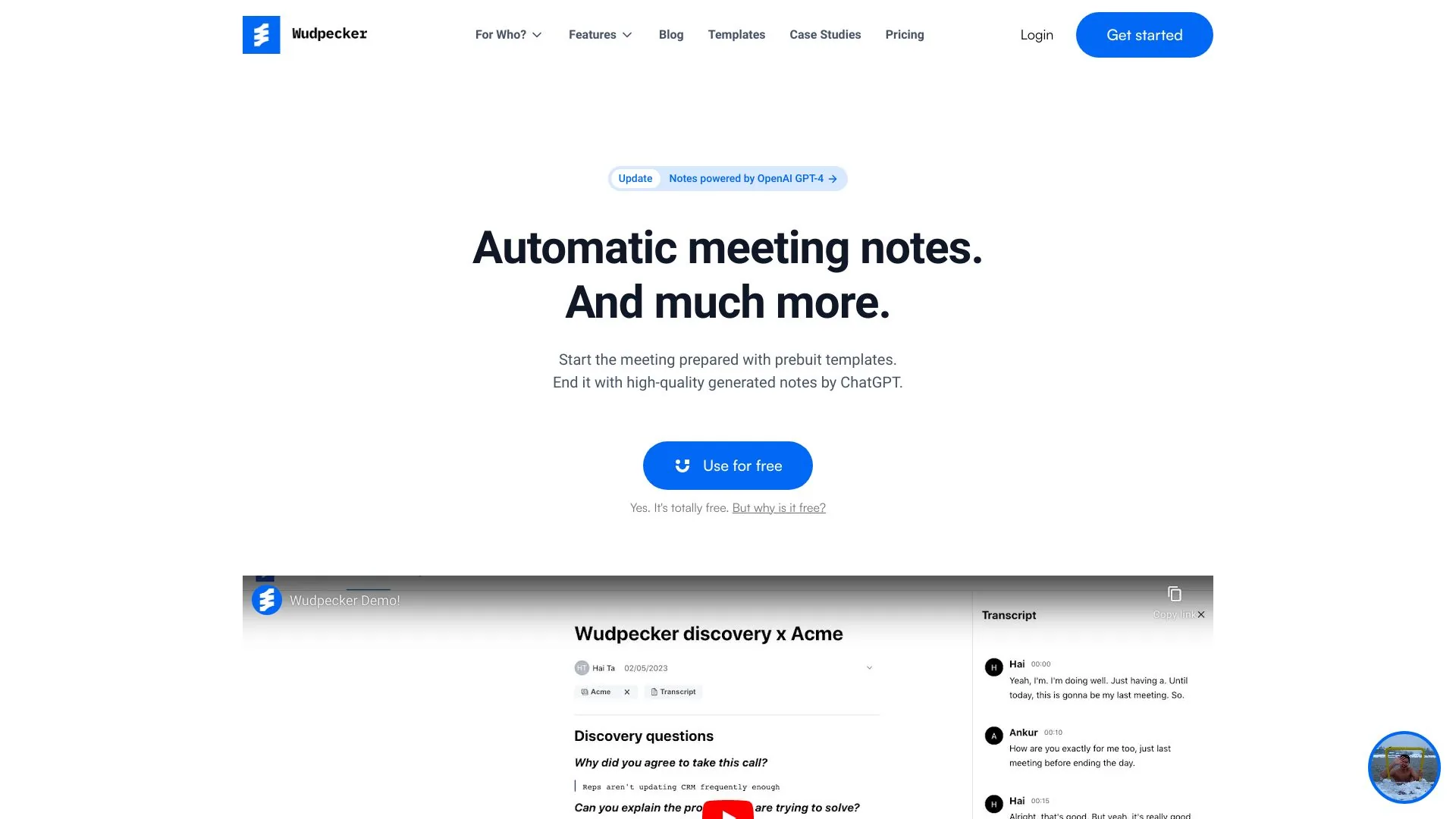
Record, transcribe and summarize meetings with Wudpecker.
Paid
- Website
- wudpecker.io
- Category
- Productivity › AI Productivity Tools
- Pricing
- Paid
- Platforms
- website
About Wudpecker - Your AI Meeting Assistant
Start the meeting prepared. End the meeting with perfect notes. Share it to every stakeholder. All in a seamless experience with Wudpecker. Join 18,000+ teams & product managers who understand their users much better When you’re at risk of going over your call limits, Wudpecker will send you an email notification with options for how to proceed. But if you have crossed the limit, then Wudpecker stops recording your meetings. Note : You can always start recording on the desktop or phone apps without any limit. You can upgrade at https://app.wudpecker.io/upgrade. Inside the app, click on the widget that is showing the number of calls you have had this month. It is at the bottom left of the platform. Once you are in this view, click "Manage plan". This should take you to the Stripe portal, where you can do various actions, such as: 1. Update plan 2. Update payment method 3. Update billing information