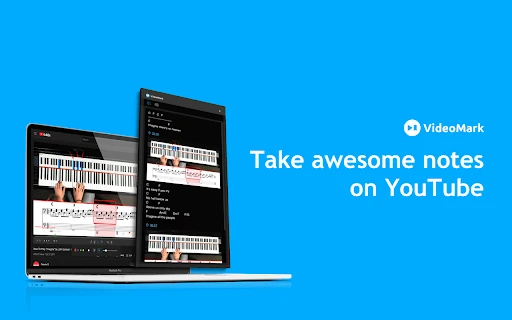
VideoMark screenshot

Productivity · AI PDF

VideoMark

Easily annotate videos

Website
chromewebstore.google.com
Category
Productivity › AI PDF
Platforms
browserExtension

About Productivity tools

Productivity tools help you accomplish a range of AI-powered tasks. VideoMark is one option in this category.

About VideoMark

VideoMark is a simple tool that can help you take notes on YouTube, Coursera, Udemy.

Getting started

  • Visit VideoMark's website to create an account or start using it
  • Available on: browserExtension
  • Check the pricing page for the plan that fits

Screenshots

Screenshots
Grammarly: AI Writing Assistant and Grammar Checker App
Faircado - Second hand shopping
Pebble - Digital Carbon Emissions Calculator
Clearya
Clearya
Quillbot: AI Writing Assistant with Humanizer, Paraphraser & AI Detector

Related tools

Browse library
ModelsLab screenshot

ModelsLab

The best AI suite for all your generative needs.

Open sourcemodelslab.com
Cartoon Yourself screenshot

Cartoon Yourself

Easily turn your photos into cartoons.

Paidcartoonize.net
Qquest.io screenshot

Qquest.io

Revolutionizing data interaction with AI technology.

Paidchromewebstore.google.com
Glasp screenshot

Glasp

Efficiently highlight and save web content

chromewebstore.google.com
Cleft screenshot

Cleft

An AI-based tool that turns voice memos into organized markdown notes.

Paidcleftnotes.com
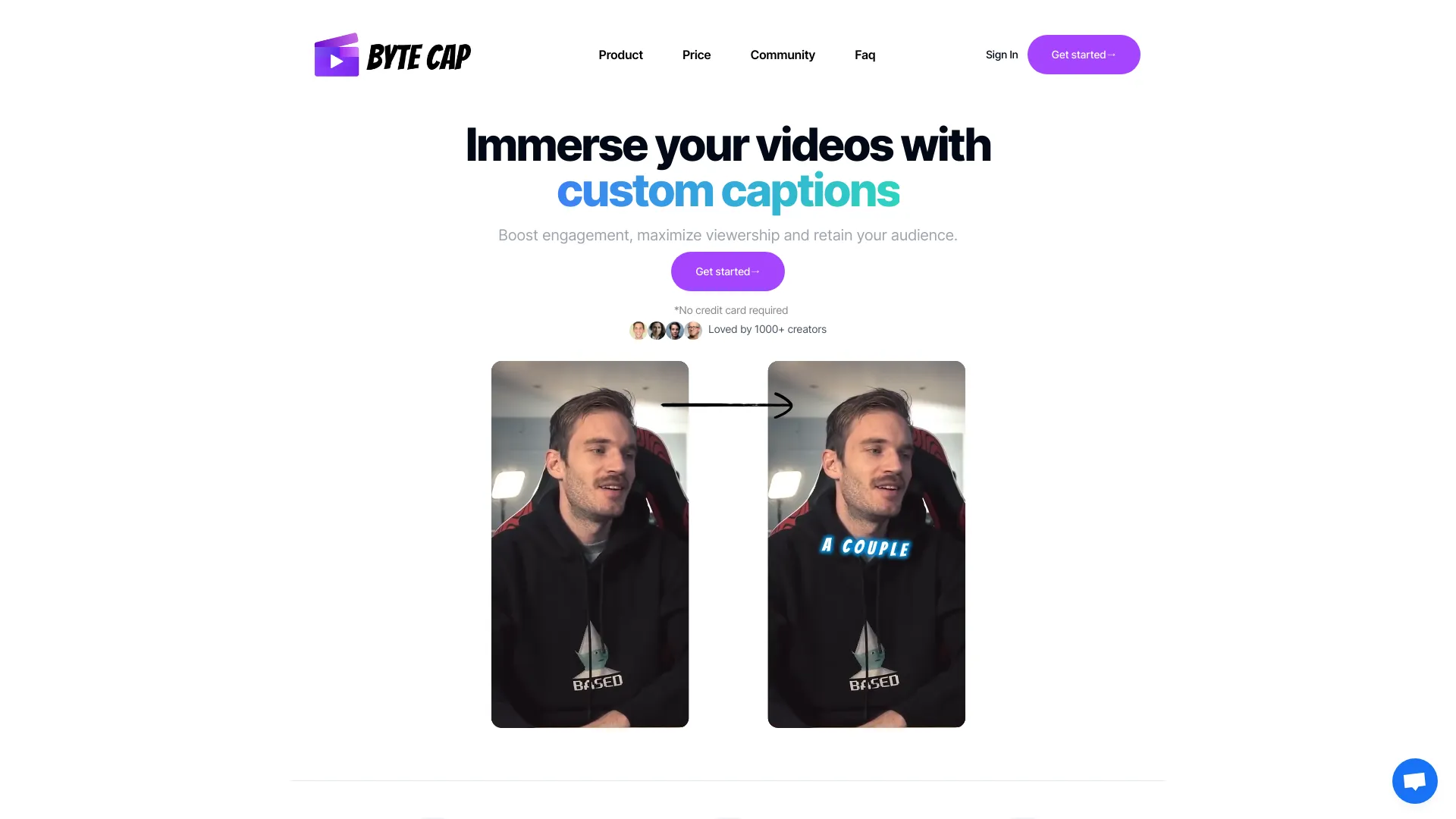
ByteCap screenshot

ByteCap

Effortlessly generate video subtitles.

Paidbytecap.io

Compare VideoMark with other Productivity tools such as ModelsLab, Cartoon Yourself before you pick one.