
Productivity · AI Mind Mapping
TreeMind
AI mind mapping software for visualizing thoughts and ideas.
Free
- Website
- shutu.cn
- Category
- Productivity › AI Mind Mapping
- Pricing
- Free
- Platforms
- website
About Productivity tools
Productivity tools help you accomplish a range of AI-powered tasks. TreeMind is a free option in this category.
About TreeMind
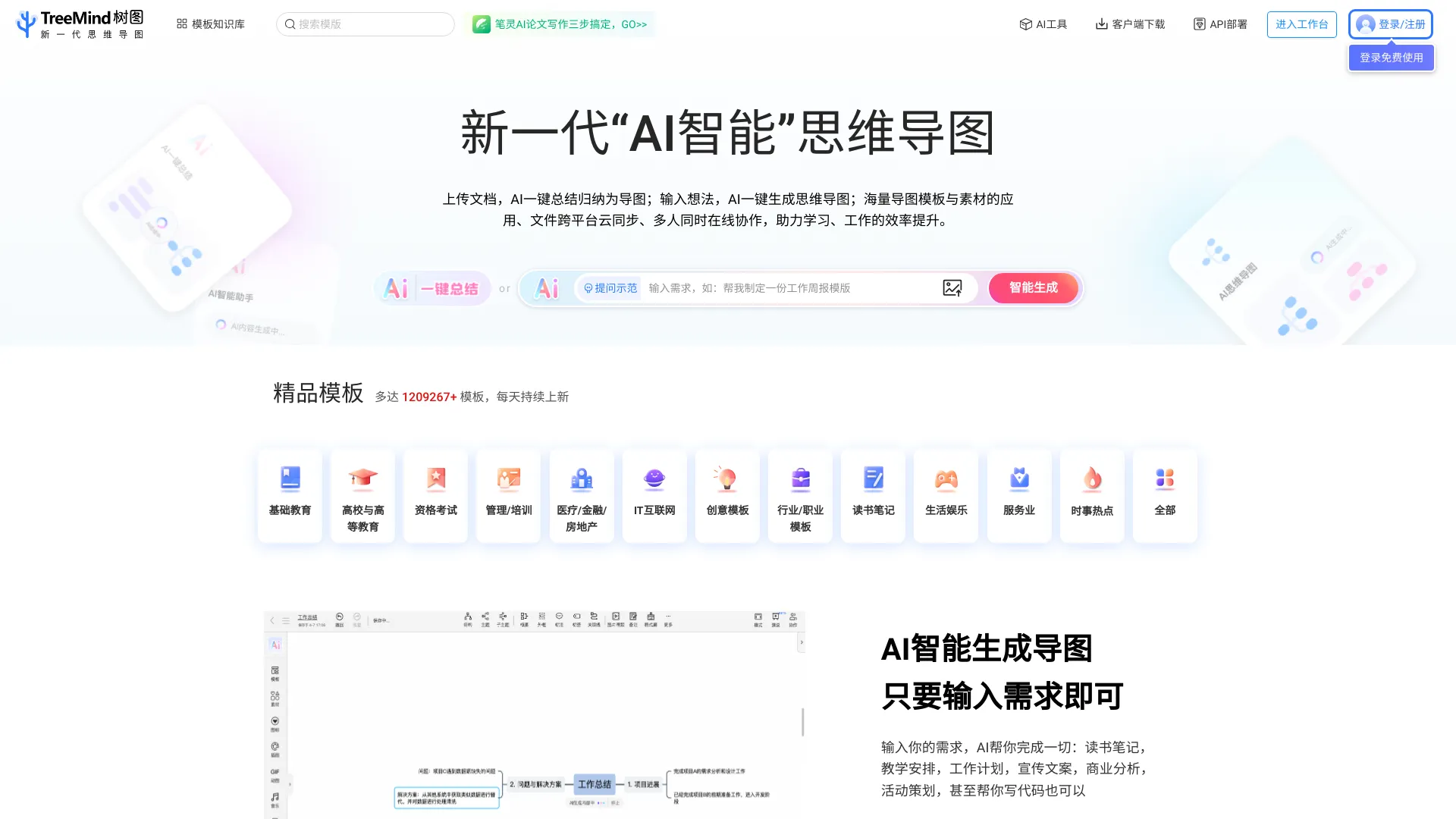
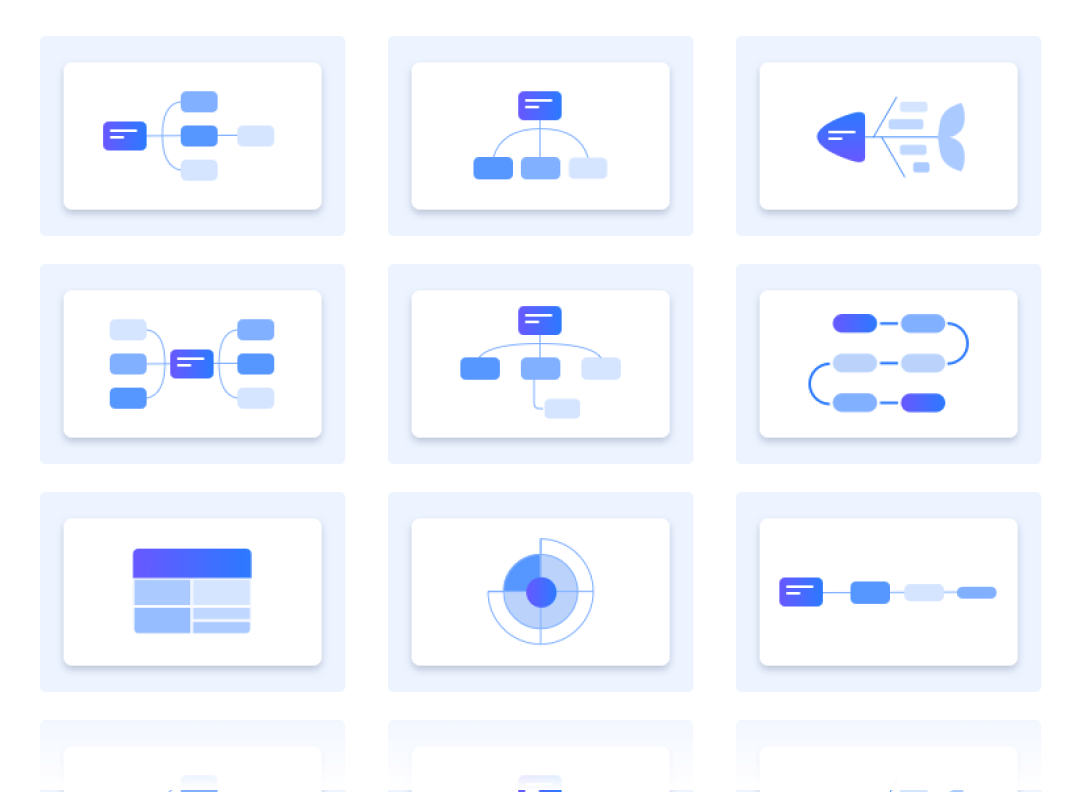
The Tremind Trees Network (shututu.cn) provides the original A.I. Think-mapping Tool and a free online brain-mapping template. It supports a variety of professional formats, such as brain charts, logical maps, tree maps, fish bones, tissue charts, time axes, etc., which are suited to brain storms and creative planning, and helps you to innovate. One screen enables you to read information while doing thinking-mapping, without having to switch windows, and supports the uploading, storage, learning, etc., of multiple formats. Through the demonstration function, colleagues are invited to review the chart, and they can play games, comment, and vote. Enter your needs, AI helps you with everything: reading notes, teaching arrangements, work plans, publicity programmes, business analysis, and activity planning. By building a team space, managing processes that are appropriate to scenarios such as knowledge sedimentation, job delivery, etc., your team is made more efficient. 30+ structures, with common structures such as brain maps, logical maps, tree maps, fish bone maps, tissue charts, time axes, and time lines, provide a variety of visualized layouts for different use scenarios, while supporting the integration of structures and sub-themes. 18 colour themes, 200+ colour templates. Fitting lines, clicks are used, supporting single-branch adjustments, and 50+ free colours. Supports the export of a variety of pictures, PDFs, Words, etc., as well as the printing of direct one-keys, and the client also supports free page breaks, a tight one, and a self-defined scaling print.
Features
Separate screen maps while working on reading and writing: One screen can make a mind map while reading information, without the need to switch windows back and forth, to support the uploading, storage and learning of information in multiple formats!
Enter a sentence to generate it: Enter your needs, AI helps you do everything: read notes, teach, work plans, promote essays, business analysis, activity planning.
Use cases
Use case 1: Separate screen maps while working on reading and writing: One screen can make a mind map while reading information, without the need to switch windows back and forth, to support the uploading, storage and learning of information in multiple formats!
Use this capability in a real workflow, not only as a demo.
Use case 2: Enter a sentence to generate it: Enter your needs, AI helps you do everything: read notes, teach, work plans, promote essays, business analysis, activity planning.
Use this capability in a real workflow, not only as a demo.
Getting started
- Visit TreeMind's website to create an account or start using it
- Available on: website
- No payment is required to start
Screenshots


Related tools
Compare TreeMind with other Productivity tools such as AIPodNav, Mapify before you pick one.