Snippai
AI-enhanced clipping experience
- Website
- snip.js.org
- Category
- Image › Photo & Image Editor
- Platforms
- website
About Snippai
This page summarizes Snippai capabilities in English and Chinese. æ¬é¡µç¨ä¸è±æä»ç» Snippai ç主è¦è½åã OCR Text Extraction | OCR ææ¬æå â Extract text from screenshots and copy it directly into your editor or notes. ä»æªå¾ä¸æåææ¬ï¼å¹¶å¯ç´æ¥å¤å¶å°ç¼è¾å¨æç¬è®°ä¸ã Recognize mathematical formulas from images and export clean LaTeX expressions. è¯å«å¾åä¸çæ°å¦å ¬å¼å¹¶å¯¼åºè§èç LaTeX 表达å¼ã Table to Markdown | è¡¨æ ¼è½¬ Markdown â Detect table structures and convert them to Markdown for docs and wikis. æ£æµè¡¨æ ¼ç»æ并转æ¢ä¸º Markdownï¼éç¨äºææ¡£å Wikiã
Features
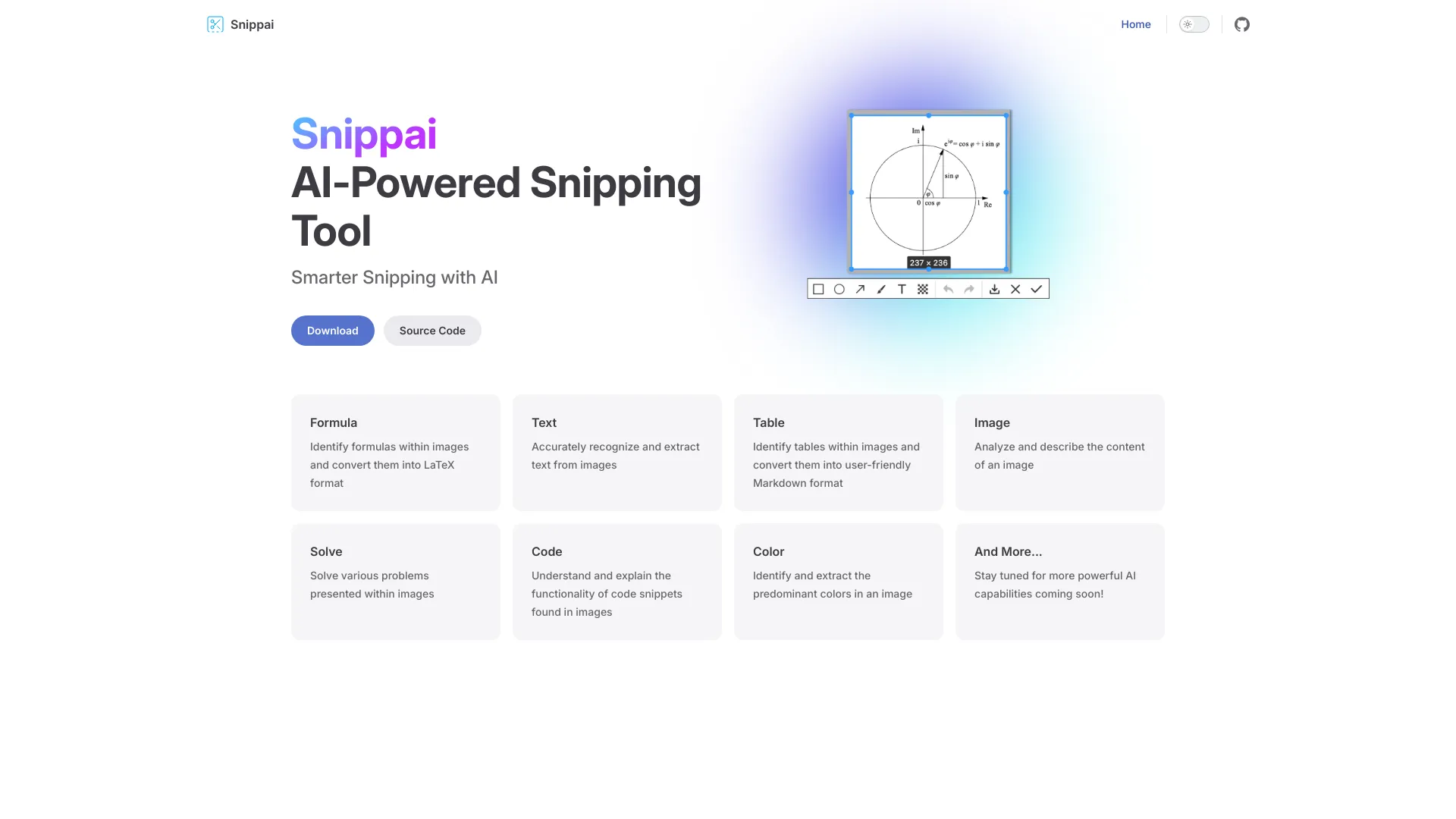
Formula: Identify formulas within images and convert them into LaTeX format
Text: Accurately recognize and extract text from images
Table: Identify tables within images and convert them into user-friendly Markdown format
Image: Analyze and describe the content of an image
Solve: Solve various problems presented within images
Code: Understand and explain the functionality of code snippets found in images
Color: Identify and extract the predominant colors in an image
Keep captures focused for better OCR and formula recognition. æªå¾å°½éèç¦ç®æ åºåï¼å¯æå OCR åå ¬å¼è¯å«ææã