
Productivity · AI Productivity Tools
Reflect Notes
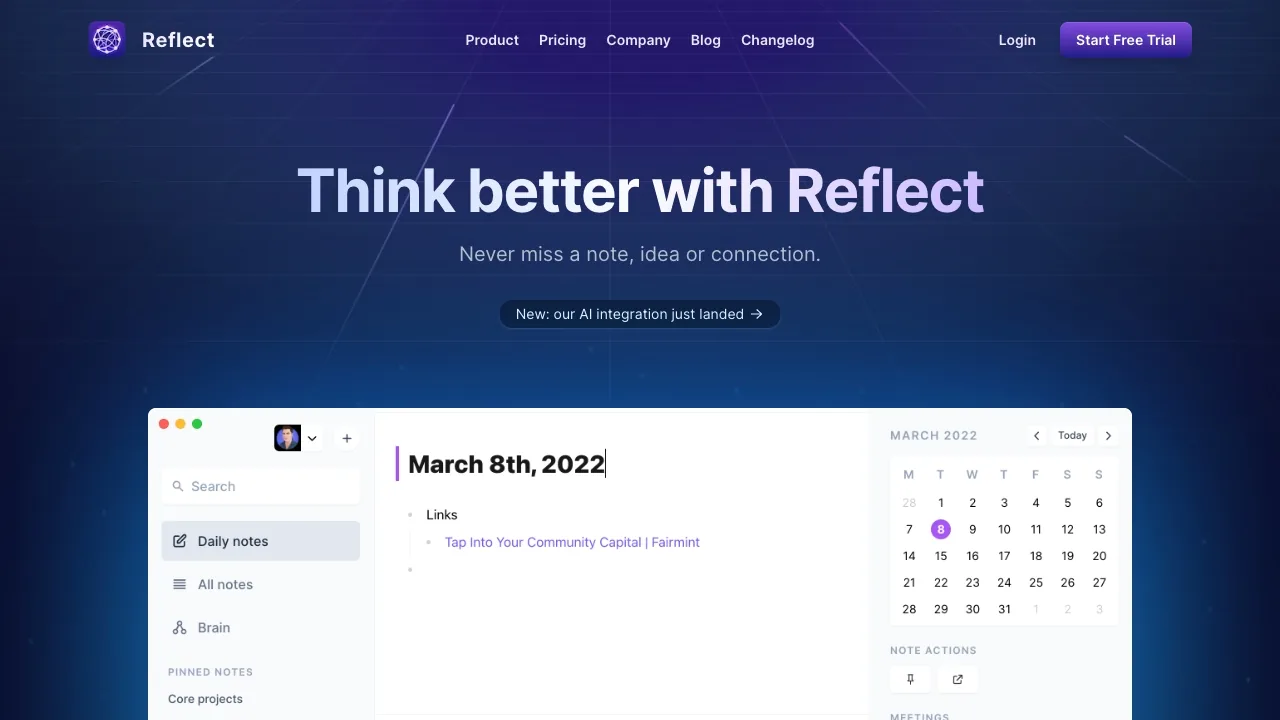
A minimalist note-taking app that seamlessly mirrors the way you think.
Open source
- Website
- reflect.app
- Category
- Productivity › AI Productivity Tools
- Pricing
- Open source
- Platforms
- website
Mac Free No subscription required. Download for Mac iPhone & iPad Paid subscription See local pricing on the App Store. View on the App Store | Mac Free No subscription required. Download for Mac | Free No subscription required. | No subscription required. | iPhone & iPad Paid subscription See local pricing on the App Store. View on the App Store | iPhone & iPad | Paid subscription See local pricing on the App Store. | Paid subscription
About Productivity tools
Productivity tools help you accomplish a range of AI-powered tasks. Reflect Notes is one option in this category.
About Reflect Notes
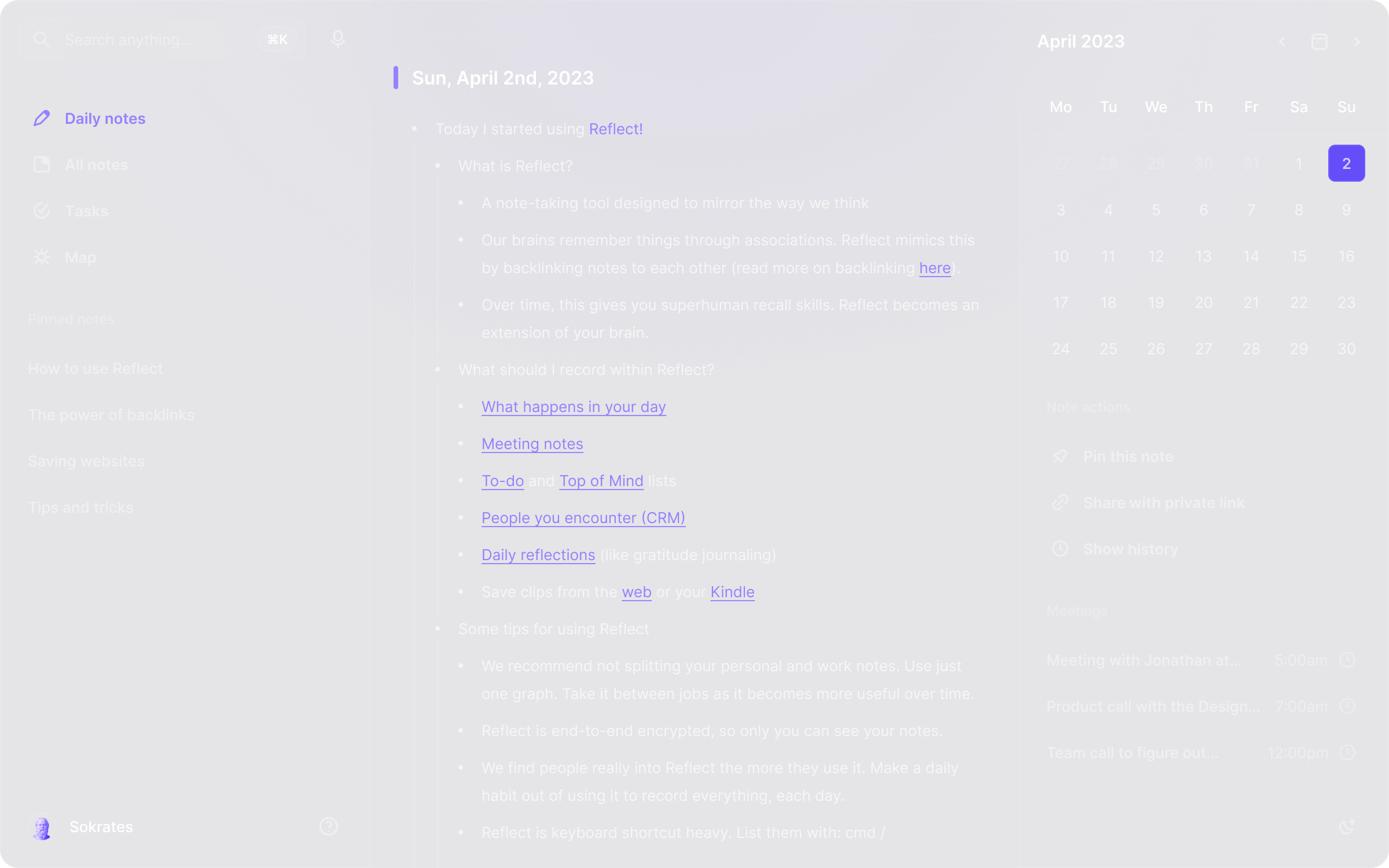
Capture ideas, connect notes, and keep your files in Markdown. Reflect Open is open source and free on Mac, with paid apps for iPhone and iPad. Think better with Reflect Think better with Reflect An open-source note-taking app with daily notes, backlinks, and local Markdown files. Free on Mac. Paid subscription on iPhone and iPad. Notes with an AI assistant Notes with an AI assistant Find answers with links to your notes, summarize text, and improve your writing. Connect your own API key to get started. Requests go directly to your provider. AI usage is billed separately by your provider. What can you do with Reflect AI? What can you do with Reflect AI?
Features
Your choice of sync Use iCloud Drive or Git.
Your choice of sync
Use iCloud Drive or Git.
Networked notes Form a graph of ideas with backlinked notes
Networked notes
Form a graph of ideas with backlinked notes
iOS app Capture ideas on the go, online or offline
Capture ideas on the go, online or offline
Use cases
Use case 1: Your choice of sync Use iCloud Drive or Git.
Use this capability in a real workflow, not only as a demo.
Use case 2: Your choice of sync
Use this capability in a real workflow, not only as a demo.
Use case 3: Use iCloud Drive or Git.
Use this capability in a real workflow, not only as a demo.
Getting started
- Visit Reflect Notes's website to create an account or start using it
- Available on: website
- Check the pricing page for the plan that fits
Screenshots
Reviews
“Sean Rose @ seanrose Really, really liking @reflectnotes so far. It's just the right amount of simple/fast for a personal note taking app and does most of the hard work of organizing in the background.”
“Really, really liking @reflectnotes so far. It's just the right amount of simple/fast for a personal note taking app and does most of the hard work of organizing in the background.”
“Ryan Delk @ delk Don’t take it from me: @reflectnotes is magic.”
“Don’t take it from me: @reflectnotes is magic.”
“Demetria Giles @ drosewritings Playing around with @reflectnotes . I’m back logging key thoughts, details and soundbites from episodes, books, meetings, articles, etc from the past week. So far, it’s a knowledge worker’s dream come true.”
Related tools

Compare Reflect Notes with other Productivity tools such as ChatGPT Cross-Platform App, Claap before you pick one.