Productivity · AI Productivity Tools
Receiptor AI
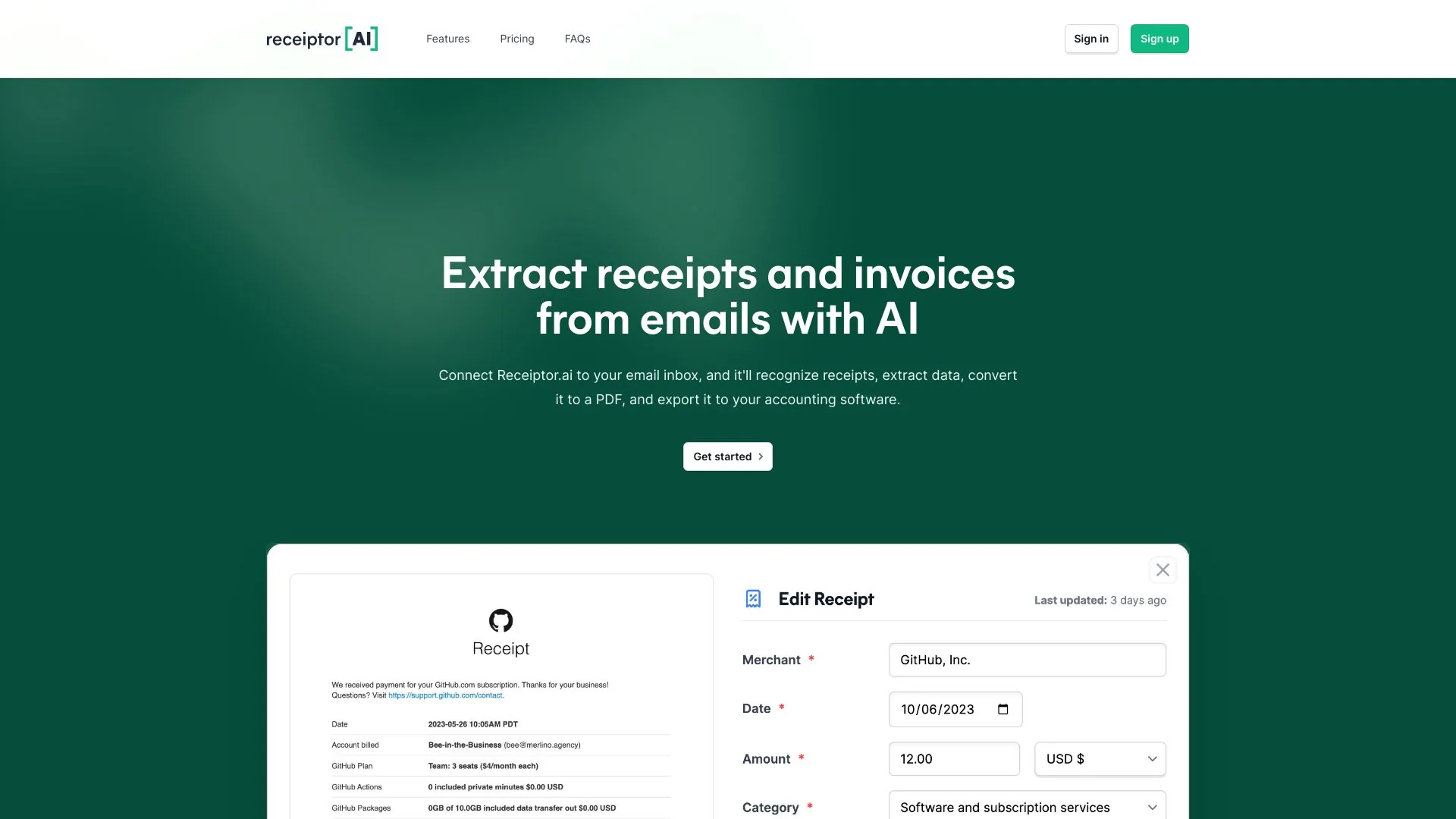
Receiptor AI automates receipt extraction, expense tracking and simplifies tax preparation.
Freemium
- Website
- receiptor.ai
- Category
- Productivity › AI Productivity Tools
- Pricing
- Freemium
- Platforms
- website
No. Subscriptions process new emails from the moment you sign up. To scan past emails (your backlog), you'll need a separate one-time Retroactive Scan, priced per email. Get a free quote. | Do I need both? Most customers buy both: a one-time Retroactive Scan to clean up their backlog, then a subscription to stay caught up going forward. You can also buy just one if that fits your needs. | Most customers buy both: a one-time Retroactive Scan to clean up their backlog, then a subscription to stay caught up going forward. You can also buy just one if that fits your needs. | How much will a…
About Receiptor AI
Compare ongoing receipt collection and one-time historical email scans. Choose the Receiptor AI plan that fits your bookkeeping workflow. Automate new receipts, recover past ones, or use both for complete coverage. Capture every new receipt from today forward and stay caught up automatically. Find receipts already sitting in your inbox without adding a subscription. Run one Retroactive Scan to clear the backlog, then keep Ongoing Automation on for new receipts. Monthly Subscription — for new emails going forward Use this after signup to monitor new receipts automatically across email, WhatsApp forwarding, and bulk uploads.
Features
Deliver to the system that already runs your books
Auto-discovery, not another forwarding inbox
Categorization grounded in your business
The right entity, before the workflow runs
Automations that continue the work
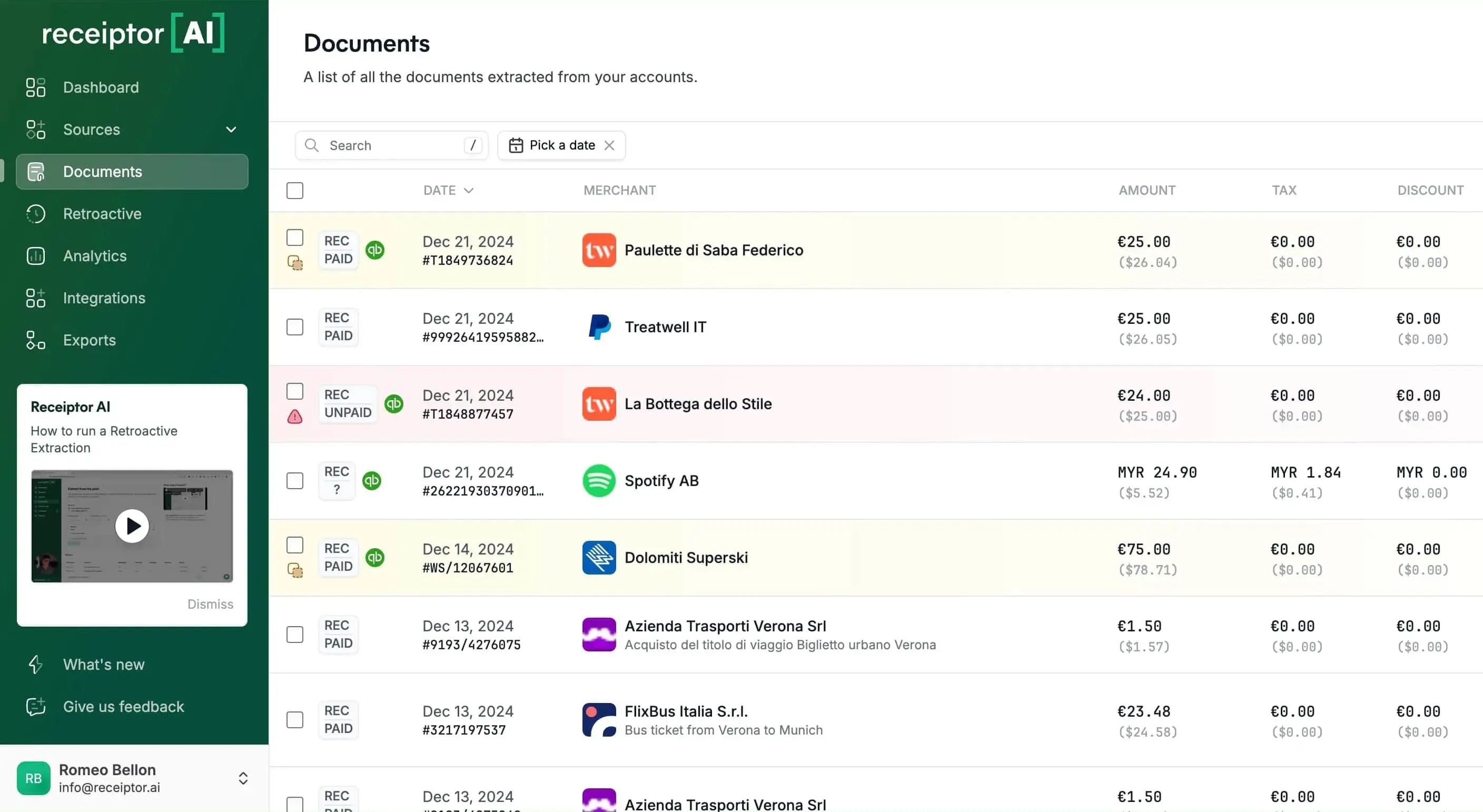
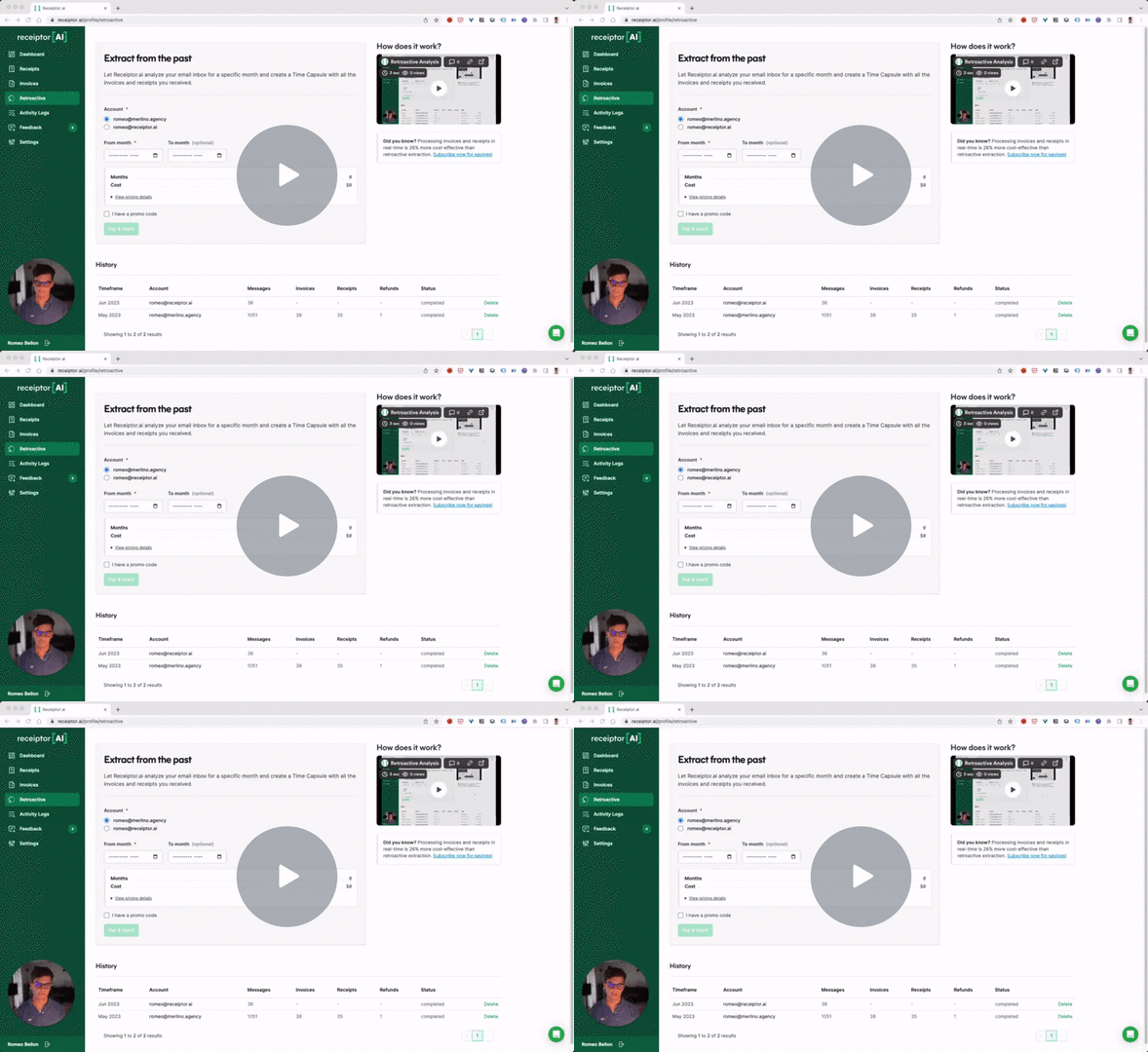
Screenshots

Reviews
“" Took me 15 minutes to scan my inbox and backfill a whole year of missing receipts for my accounting team. "”
“" Link your email and that's it. It just extracts right from your inbox and integrates with popular accounting software to match transactions to the receipts. Saves me 3-4 hours a week. "”
“" Best automation for Xero on the market. Set and forget and the magic happens. Saved me many hours a week as well as a reduction in accountant fees. "”