

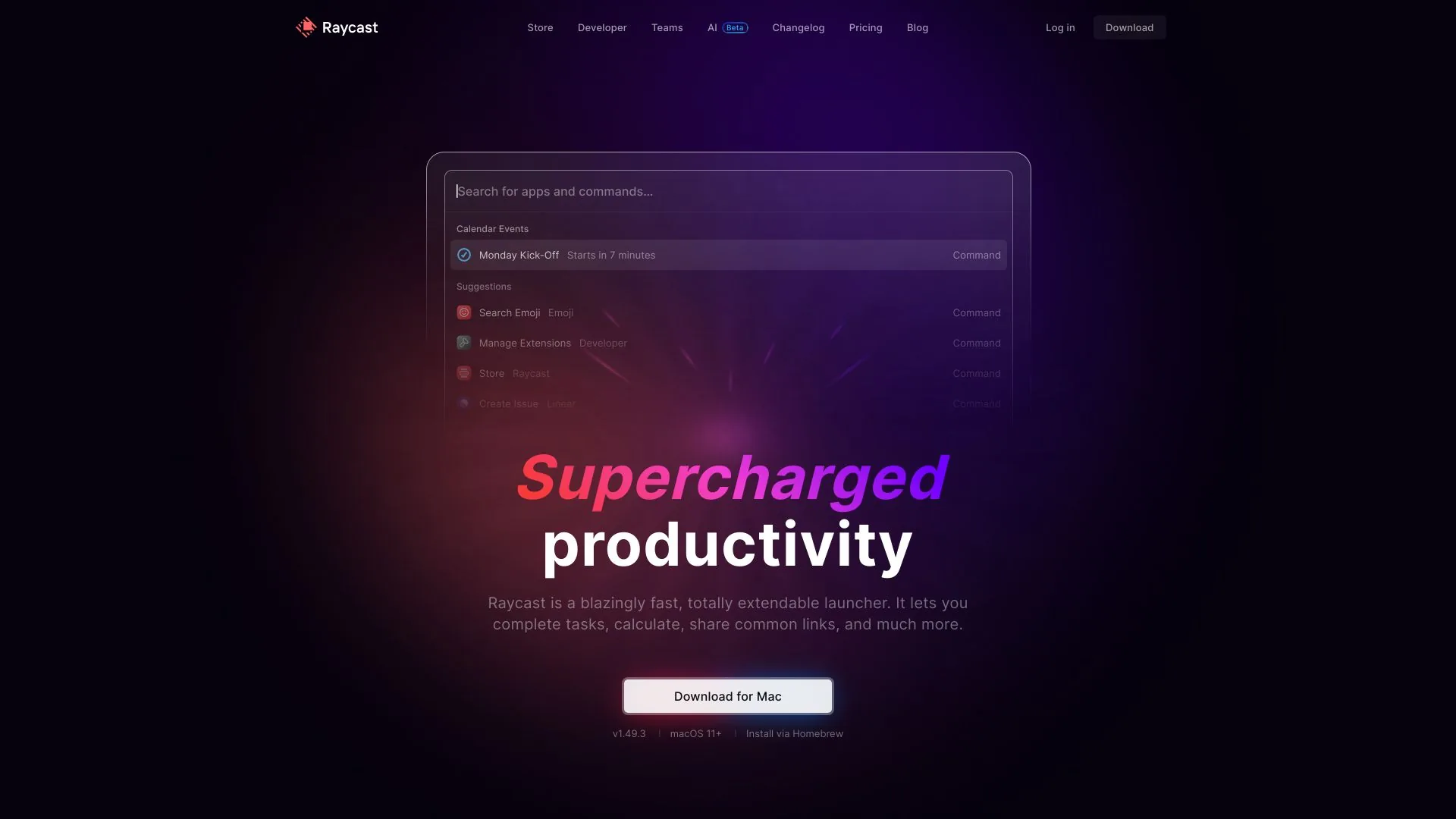
Raycast
A fast, customizable launcher that helps you stay focused by efficiently controlling your tools.
Paid
- Website
- raycast.com
- Category
- Code & IT › AI Code Assistant
- Pricing
- Paid
- Platforms
- website
Is the Raycast Free and Team plans available for organizational use? | Is it possible to get the Pro plan without AI? No, we only offer Pro plans that include AI. However, you can choose to turn off AI completely in Settings, which will disable all AI features. | Is it possible to get the Pro plan without AI? | No, we only offer Pro plans that include AI. However, you can choose to turn off AI completely in Settings, which will disable all AI features. | What is free and paid in Raycast AI? | Raycast AI is included in paid Pro plans. Eligible new accounts can start a free Pro trial with…
About Code & IT tools
Code & IT tools help you accomplish a range of AI-powered tasks. Raycast is one option in this category.
About Raycast
A collection of powerful productivity tools all within an extendable launcher. It’s about feeling like you’re never wasting it. Use your favorite tools without even opening them. Create, search and modify your issues without leaving your keyboard. Use Google Translate to effortlessly translate into multiple languages Search for music and podcasts, browse your library, and control playback. Navigate your open tabs or search through your browser history. Compress the selected images in Finder with TinyPNG. Easily grab any password or credential from your 1Password vaults. Manage your JIRA issues and sprints without leaving your keyboard.
Features
What else can Raycast do?
It can take notes .
Track your flights .
Convert anything .
Search files .
Run scripts .
Manage your windows .
Plan your day .
Use cases
Use case 1: What else can Raycast do?
Use this capability in a real workflow, not only as a demo.
Use case 2: It can take notes .
Use this capability in a real workflow, not only as a demo.
Use case 3: Track your flights .
Use this capability in a real workflow, not only as a demo.
Getting started
- Visit Raycast's website to create an account or start using it
- Available on: website
- Check the pricing page for the plan that fits
Screenshots



Reviews
“Favorite Feature : AI Chat Realtime knowledge, anywhere in your OS. Top Extension : Notion Search I forked the Notion Search extension so I can easily paste "tokenized" doc links into Slack. Raycast is incrementally turning my Mac into an AI-native operating system and I’m so here for it.”
Related tools
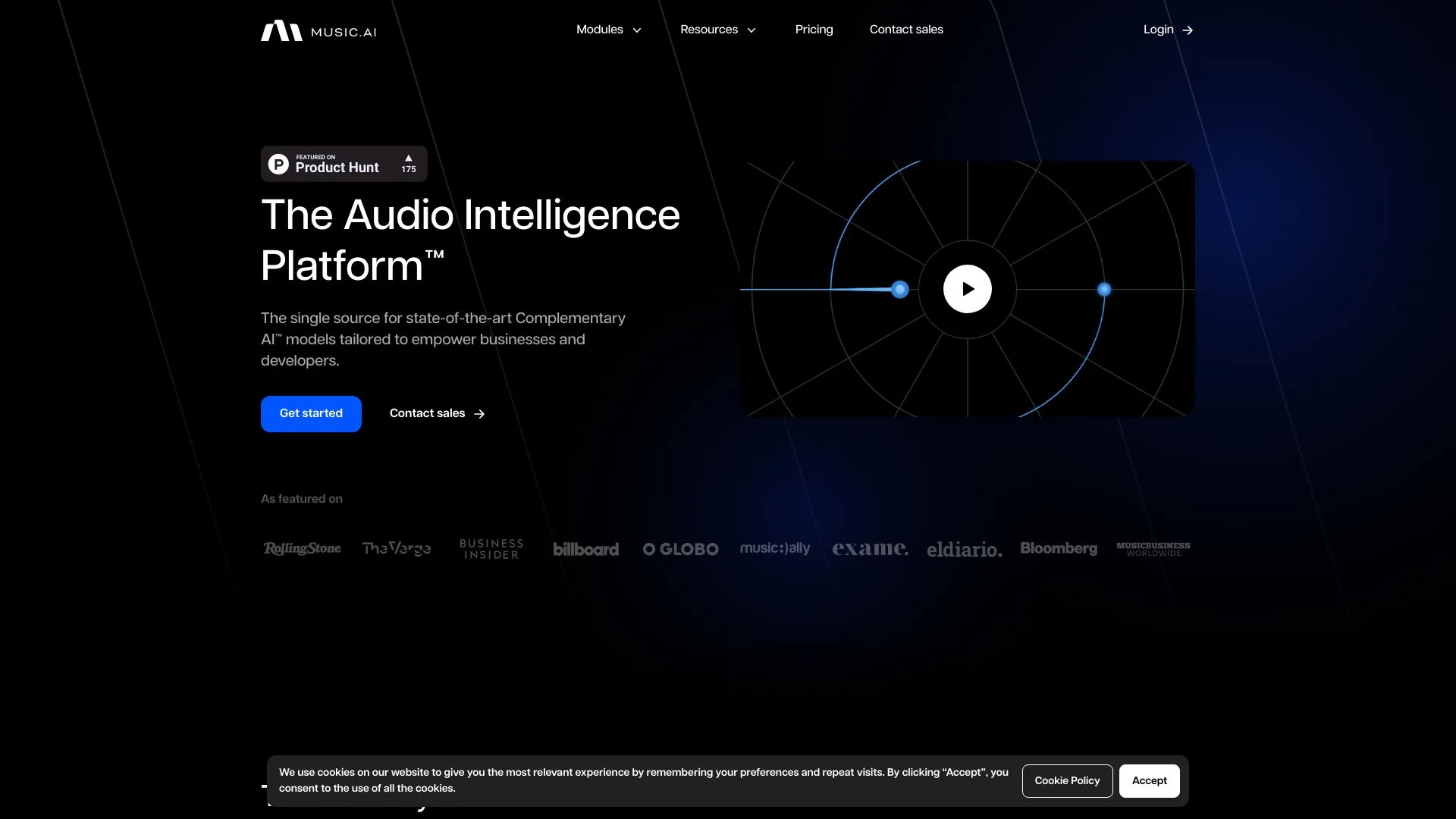
Compare Raycast with other Code & IT tools such as ModelsLab, Music.AI before you pick one.