

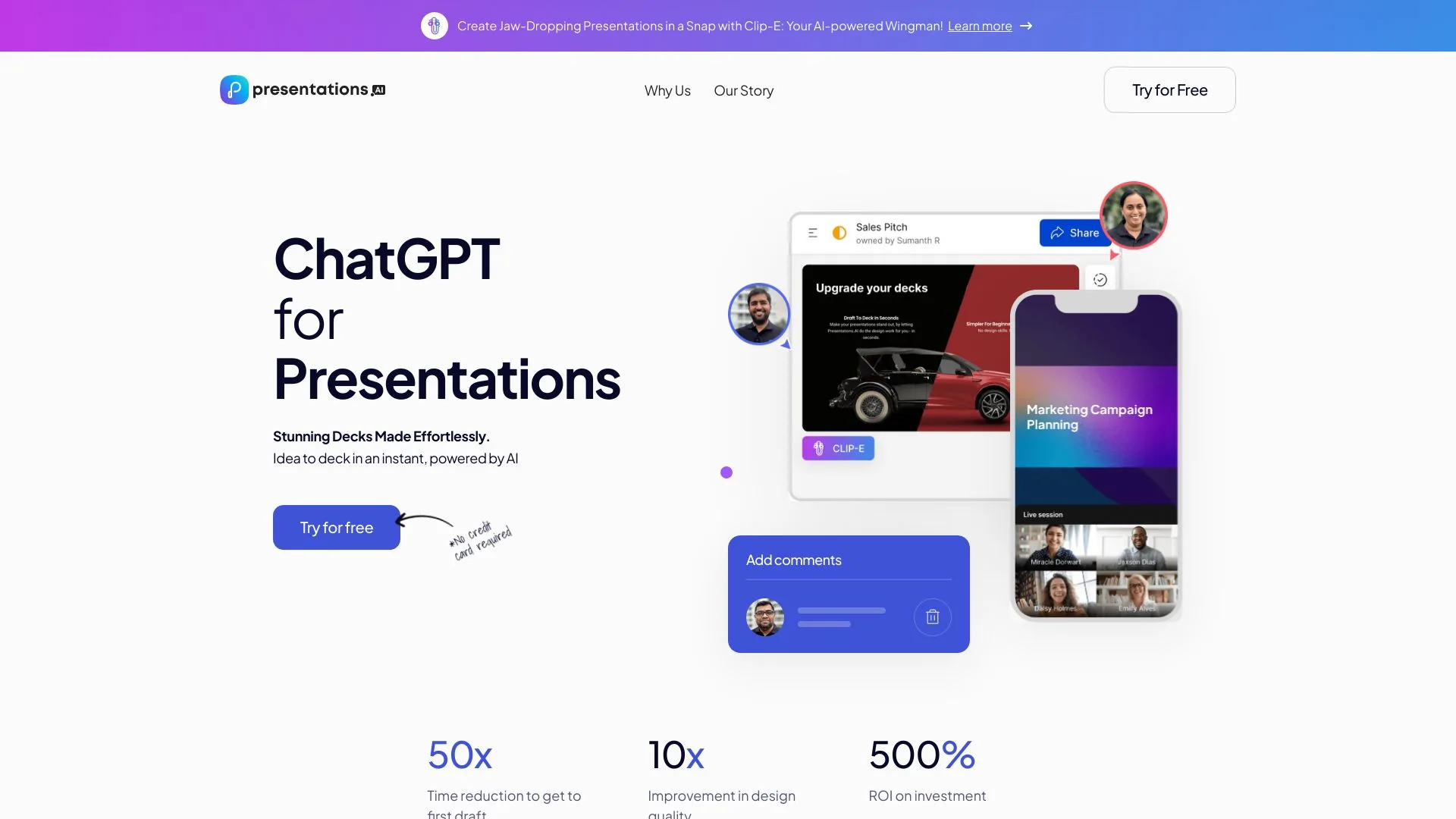
Design & Art · AI Design Generator
Presentations.AI
Presentations.AI is an AI-powered app that helps users easily create stunning presentations.
Paid
- Website
- presentations.ai
- Category
- Design & Art › AI Design Generator
- Pricing
- Paid
- Platforms
- website
The only presentation software that delivers stunning returns. The prices shown below are for the US. Your actual price might vary depending on your country to adjust for purchasing power parity. | Starter For those who want to make simple decks occasionally $0 Sign Up 100 credits Starter AI model and agent Up to 20 Slides | Starter For those who want to make simple decks occasionally $0 Sign Up | Starter For those who want to make simple decks occasionally $0 | Starter For those who want to make simple decks occasionally | For those who want to make simple decks occasionally | 100 credits…
Tags
#by AI-Powered App#Presentations Manuscripts App#PPT Presentations Manuscripts#Easy Create#Personalization Design#Brand Consistency#Seamless Sharing#Analytics#Responsive Design#Multi- Device Compatibility#Real-time Collaboration#Professional Presentations Manuscripts#to Attract the Audience#Time Saving#Team Collaboration#Sales Team#Ideation
About Design & Art tools
Design & Art tools help you accomplish a range of AI-powered tasks. Presentations.AI is one option in this category.
About Presentations.AI
See every Presentations.AI feature: prompt to deck, Brand Sync, editable PowerPoint export, live data slides, and team collaboration. Explore the platform. Presentations.AI Features: Everything You Need to Know From AI-powered creation to enterprise automation, Presentations.AI includes everything required to build, manage, and deploy presentations at scale. Lorem ipsum dolor sit amet, consectetur adipiscing elit. Suspendisse varius enim in eros elementum tristique. Duis cursus, mi quis viverra ornare, eros dolor interdum nulla, ut commodo diam libero vitae erat. Aenean faucibus nibh et justo cursus id rutrum lorem imperdiet. Nunc ut sem vitae risus tristique posuere.
Features
Create Refresh Build
Turn a topic, notes, or a link into a structured, ready-to-use presentation with our AI presentation maker .
Try for Free
Text, PDFs, Word docs, URLs, Google Docs, and Excel files. If you have content, there's nothing to prepare.
Structured For Your Objective
Instant Branding
Complete presentation structure
Professional slide designs
Use cases
Use case 1: Create Refresh Build
Use this capability in a real workflow, not only as a demo.
Use case 2: Turn a topic, notes, or a link into a structured, ready-to-use presentation with our AI presentation maker .
Use this capability in a real workflow, not only as a demo.
Use case 3: Try for Free
Use this capability in a real workflow, not only as a demo.
Getting started
- Visit Presentations.AI's website to create an account or start using it
- Available on: website
- Check the pricing page for the plan that fits
Screenshots

Reviews
“Manoj P Co-founder and Director of Strategy, The Triple Dart”
“Co-founder and Director of Strategy, The Triple Dart”
“I've tried four or five AI deck tools and this is the one I actually kept using. The slides look good straight away, I can edit anything I want, and it exports cleanly to PowerPoint so it drops right into how my team already works. Great-looking decks without losing control of them. Chaitanya Chokkareddy CTO, Ozonetel”
“I've tried four or five AI deck tools and this is the one I actually kept using. The slides look good straight away, I can edit anything I want, and it exports cleanly to PowerPoint so it drops right into how my team already works. Great-looking decks without losing control of them.”
Related tools

Compare Presentations.AI with other Design & Art tools such as ModelsLab, Simplified before you pick one.