

Design & Art · AI Art Generator
Pixelicious
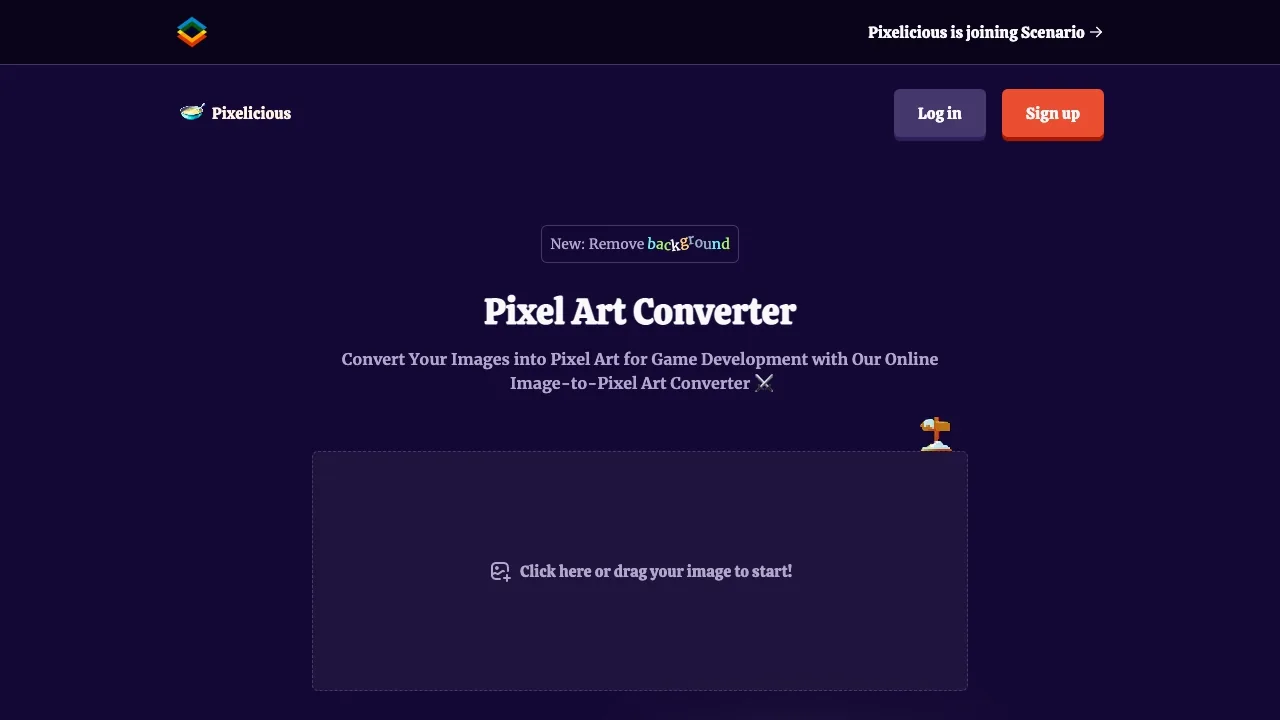
Use Pixelicious to convert images into retro-style pixel art masterpieces.
Paid
- Website
- pixelicious.xyz
- Category
- Design & Art › AI Art Generator
- Pricing
- Paid
- Platforms
- website
Tags
About Design & Art tools
Design & Art tools help you accomplish a range of AI-powered tasks. Pixelicious is one option in this category.
About Pixelicious
Convert any image to pixel art instantly with adjustable grids and custom color palettes. Create retro sprites, game assets, and stylized designs. Try it free. Instant pixel art conversion Convert photos or illustrations into pixel art for games, posters or avatars Convert photos or illustrations into pixel art for games, posters or avatars Customizable resolution Choose grid sizes from 16 px to 256 px to control blockiness and detail, from classic 8-bit sprites to high-resolution pixel styles Choose grid sizes from 16 px to 256 px to control blockiness and detail, from classic 8-bit sprites to high-resolution pixel styles
Features
Instant pixel art conversion Convert photos or illustrations into pixel art for games, posters or avatars
Customizable resolution Choose grid sizes from 16 px to 256 px to control blockiness and detail, from classic 8-bit sprites to high-resolution pixel styles
Consistent retro aesthetic Save and reuse custom palettes and settings to keep a cohesive look across multiple images or animation frames
Use cases
Use case 1: Instant pixel art conversion Convert photos or illustrations into pixel art for games, posters or avatars
Use this capability in a real workflow, not only as a demo.
Use case 2: Customizable resolution Choose grid sizes from 16 px to 256 px to control blockiness and detail, from classic 8-bit sprites to high-resolution pixel styles
Use this capability in a real workflow, not only as a demo.
Use case 3: Consistent retro aesthetic Save and reuse custom palettes and settings to keep a cohesive look across multiple images or animation frames
Use this capability in a real workflow, not only as a demo.
Getting started
- Visit Pixelicious's website to create an account or start using it
- Available on: website
- Check the pricing page for the plan that fits
Screenshots
Related tools

Compare Pixelicious with other Design & Art tools such as ModelsLab, Simplified before you pick one.