Productivity · AI Team Collaboration
PinMy
Precise collaborative image annotation
Free
- Website
- pinmy.co
- Category
- Productivity › AI Team Collaboration
- Pricing
- Free
- Platforms
- website
€0 No credit card details needed! | No credit card details needed! | — Store and manage 6 files | Store and manage 6 files | — Formats: JPEG, PNG, PDF, GIF, SVG, AI, IFC | Formats: JPEG, PNG, PDF, GIF, SVG, AI, IFC | — Pins on plans, photos, maps and 3D IFC models | Pins on plans, photos, maps and 3D IFC models
Tags
#Mobile App#Sound Comment#Text Comments#Image Annotation#Picture Sharing#Team Partnership#Cross-platform Applications#Visual Collaboration#Real-Time Feedback#Project Management#Annotation & Sharing#Team Use#Collaboration Editing#Annotation Image#iOS Application#Android App#Multilingual Support#Email Notifications
About PinMy
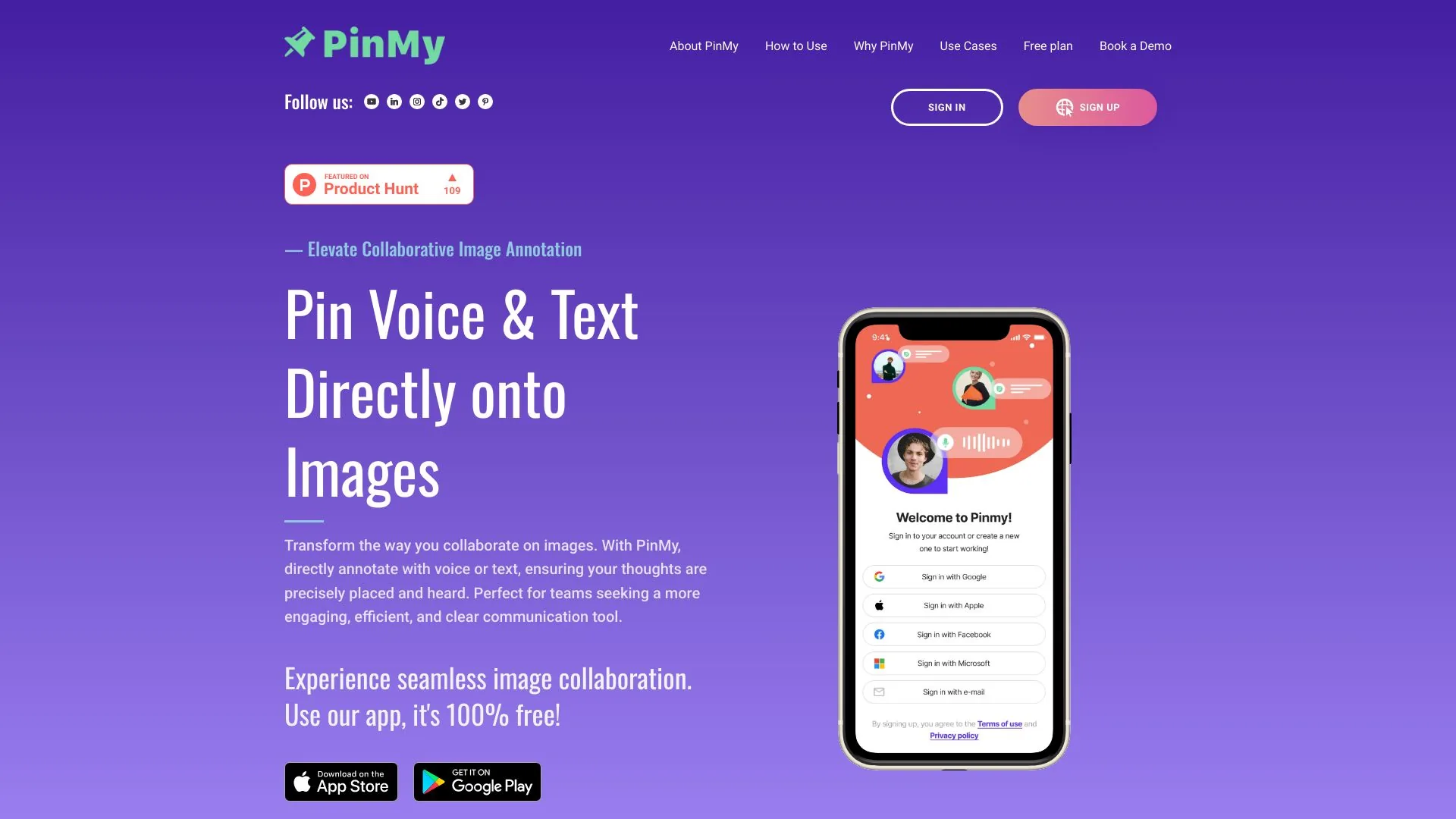
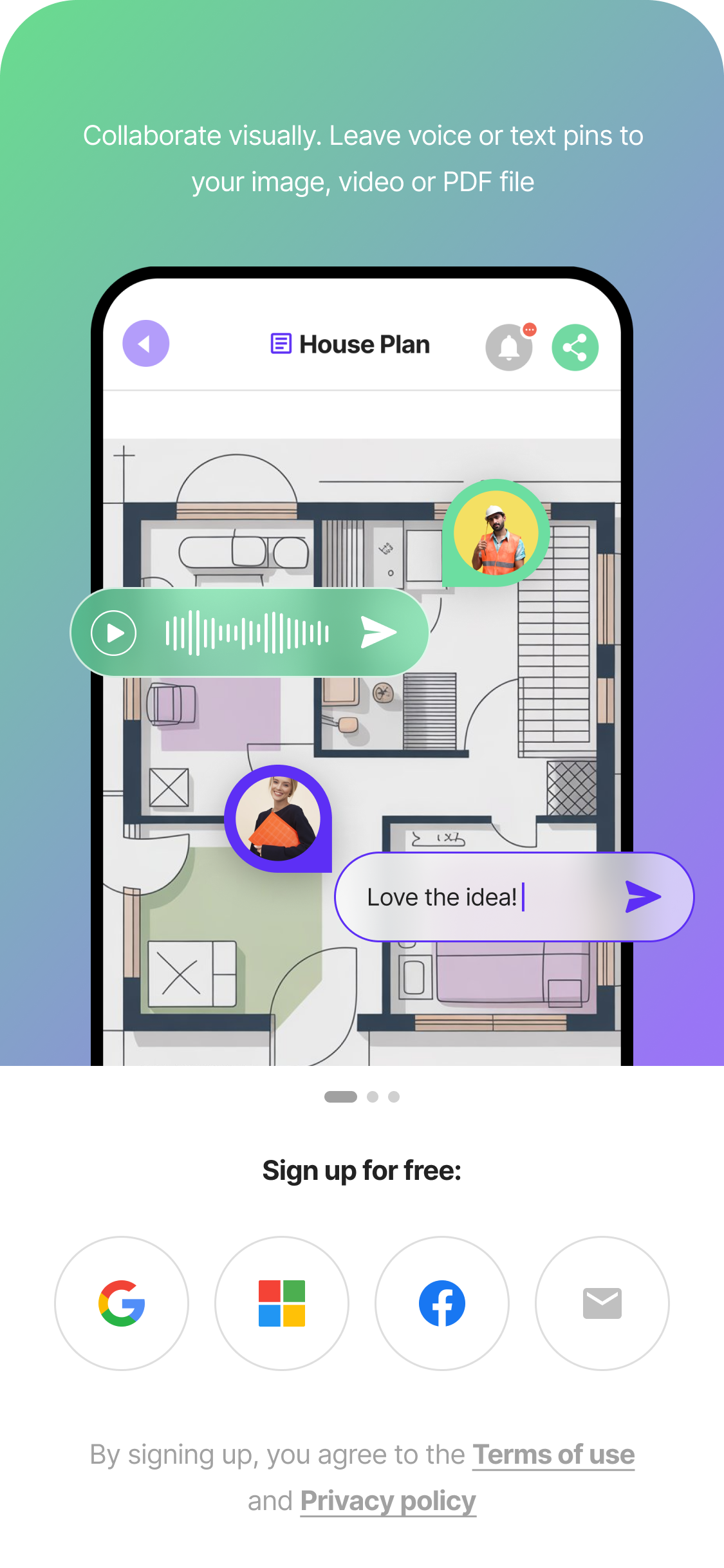
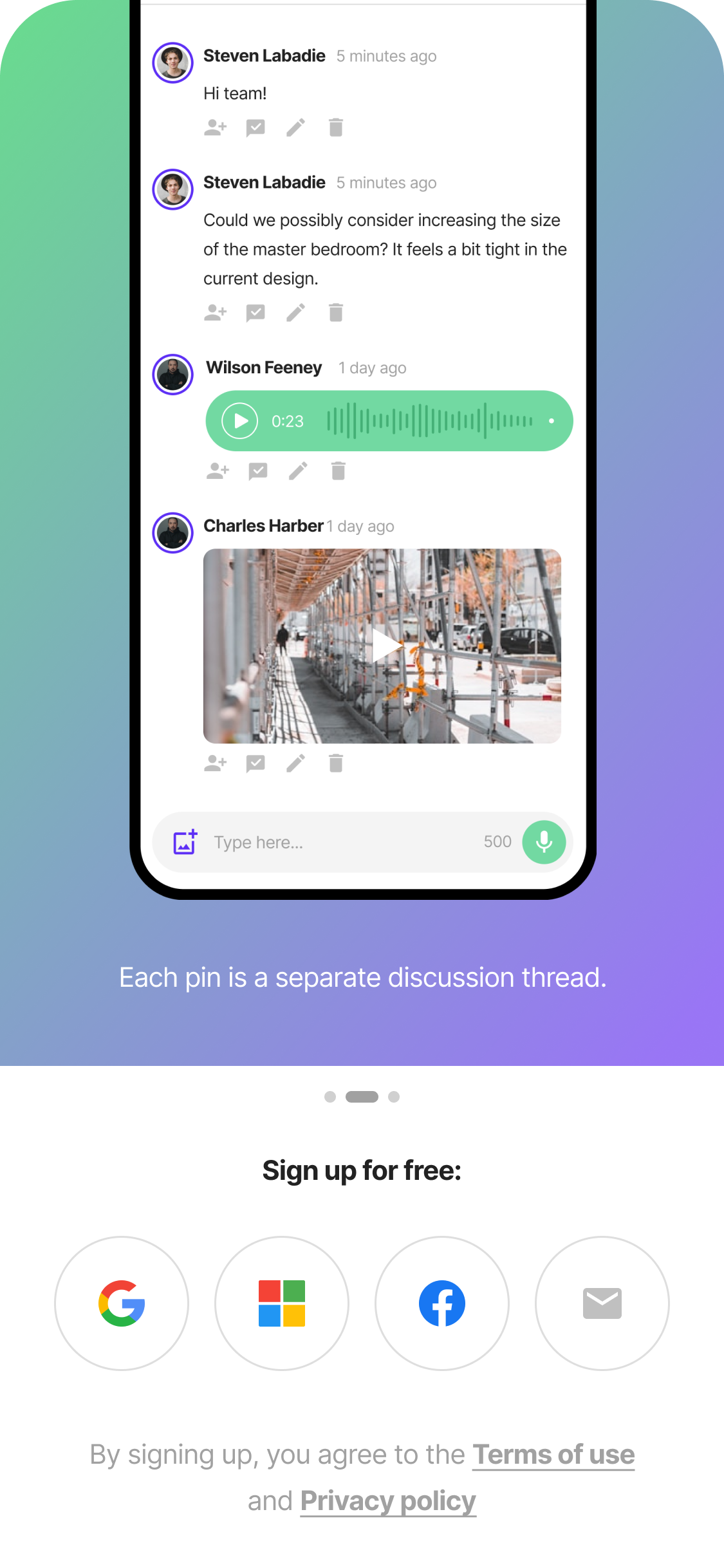
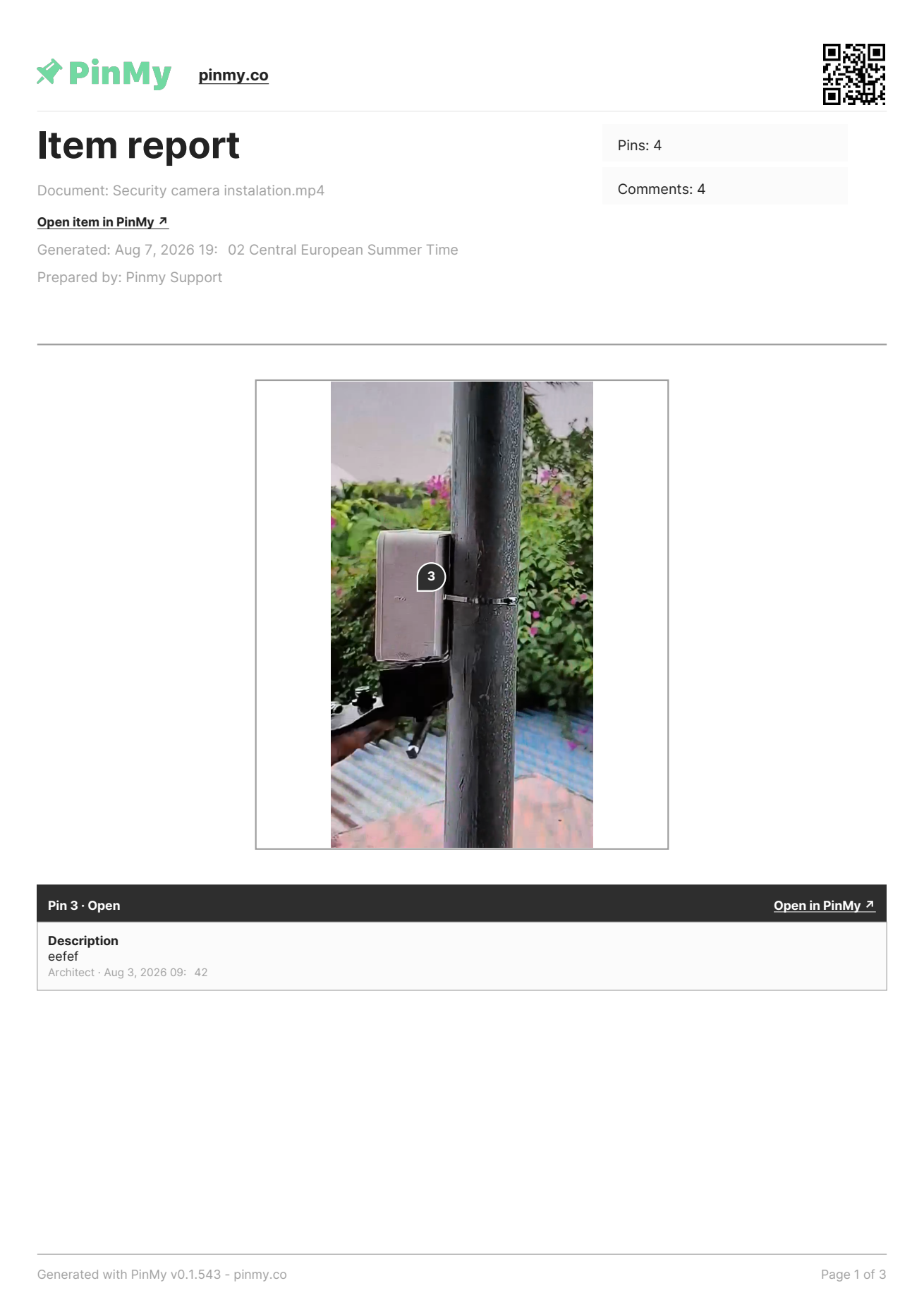
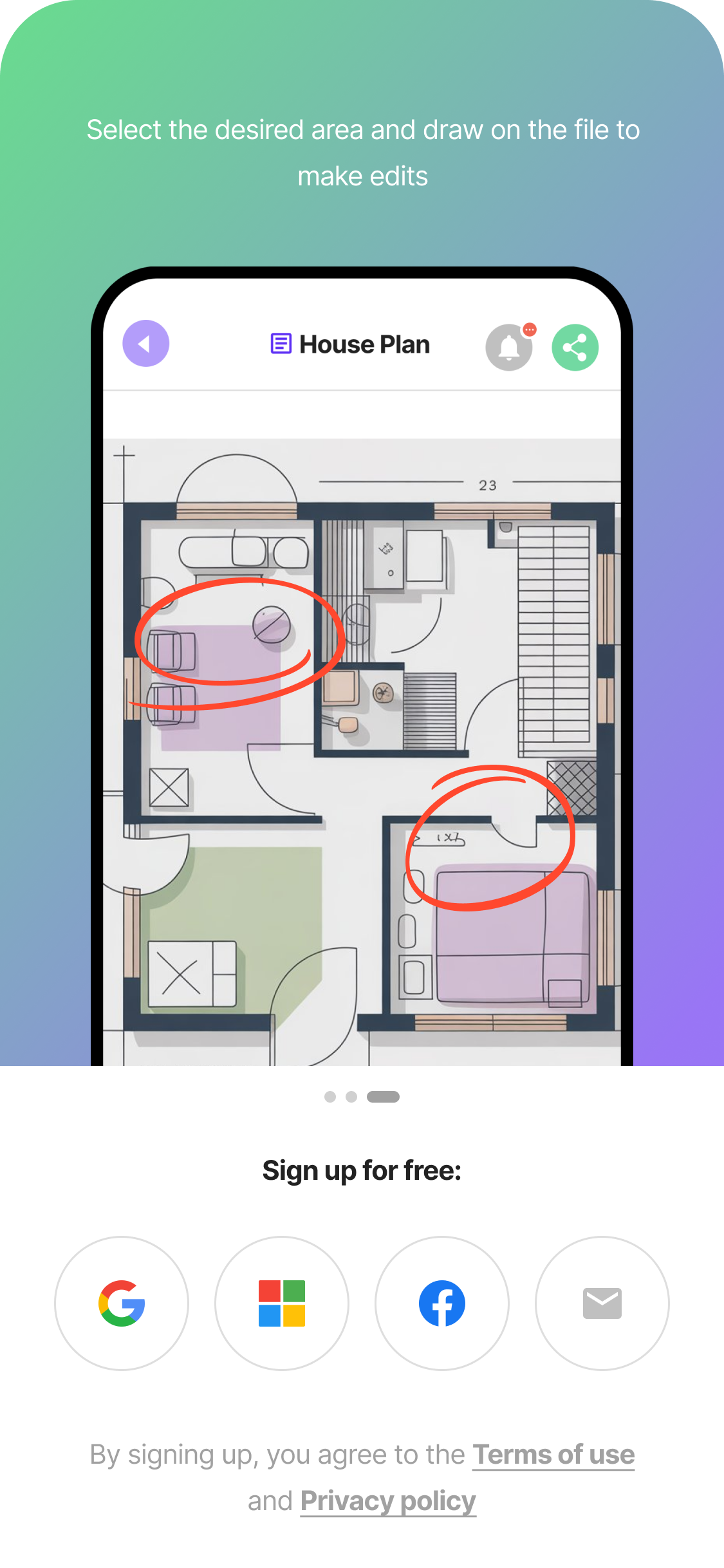
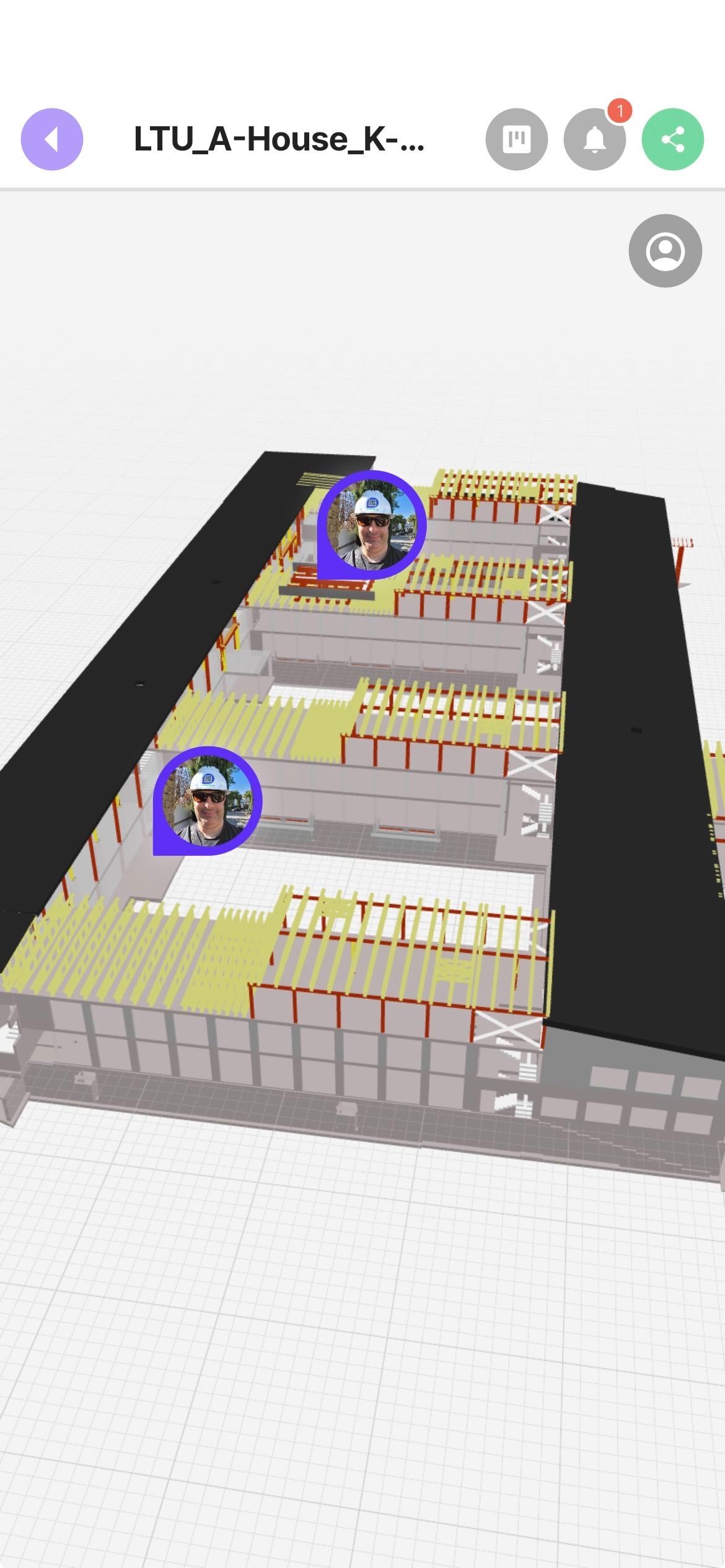
Pin defects on PDF plans, site photos and 3D IFC models, with voice notes transcribed automatically. Export every pin and comment as a PDF report, straight from the file. Two hours writing the report. Or two taps before you leave site. Pin the defect, speak the note, photograph it — on a PDF plan, a site photo, a walkthrough video or a 3D IFC model. Then export every pin and every comment as a PDF report, straight from the file, with no task setup first. Used by site supervisors, snagging leads and BIM coordinators in Spain, Canada and Ukraine. You already do this, but the system is the problem. You take a photo on site. You send it to WhatsApp. You write a note in your notebook. By 7 pm, half the context is gone. Construction teams lose more than 14 hours a week — about a third of their time — to chasing information, resolving conflicts and redoing work that started as a missed detail in the field (FMI/PlanGrid, 2018).
Screenshots
Reviews
“"PinMy has revolutionized the way my team collaborates on projects. As a BIM consultant, clear communication and seamless document sharing are essential. We annotate plans, share feedback in real-time, and stay organized across devices — all while promoting paperless workflows."”
“"Working in advertising and marketing for many years we faced one main issue with our clients — feedback efficiency. When I stumbled on PinMy I couldn't believe my eyes. Finally a platform that makes any feedback as clear as something a 10-year-old can understand."”
“"PinMy has streamlined my pre-listing communications and subcontractor coordination. As a Realtor, working with stagers, painters, and handymen is much easier with visual updates and shared notes."”
“"As a professional photographer, I appreciate PinMy's simplicity and effectiveness. It streamlines my photo management without unnecessary complexity, enhancing both my iPhone and iPad workflow."”
“"For years we'd been searching for a tool to handle communication before, during, and after a construction project, and with PinMy our search is finally over. Planning, execution, and project history all solved with a single app that's simple, intuitive, and constantly evolving."”