

Image · AI Photo & Image Generator
PhotoAI
Turn ordinary photos into stunning AI images.
- Website
- app.photoai.me
- Category
- Image › AI Photo & Image Generator
- Platforms
- website
About Image tools
Image tools help you accomplish a range of AI-powered tasks. PhotoAI is one option in this category.
About PhotoAI
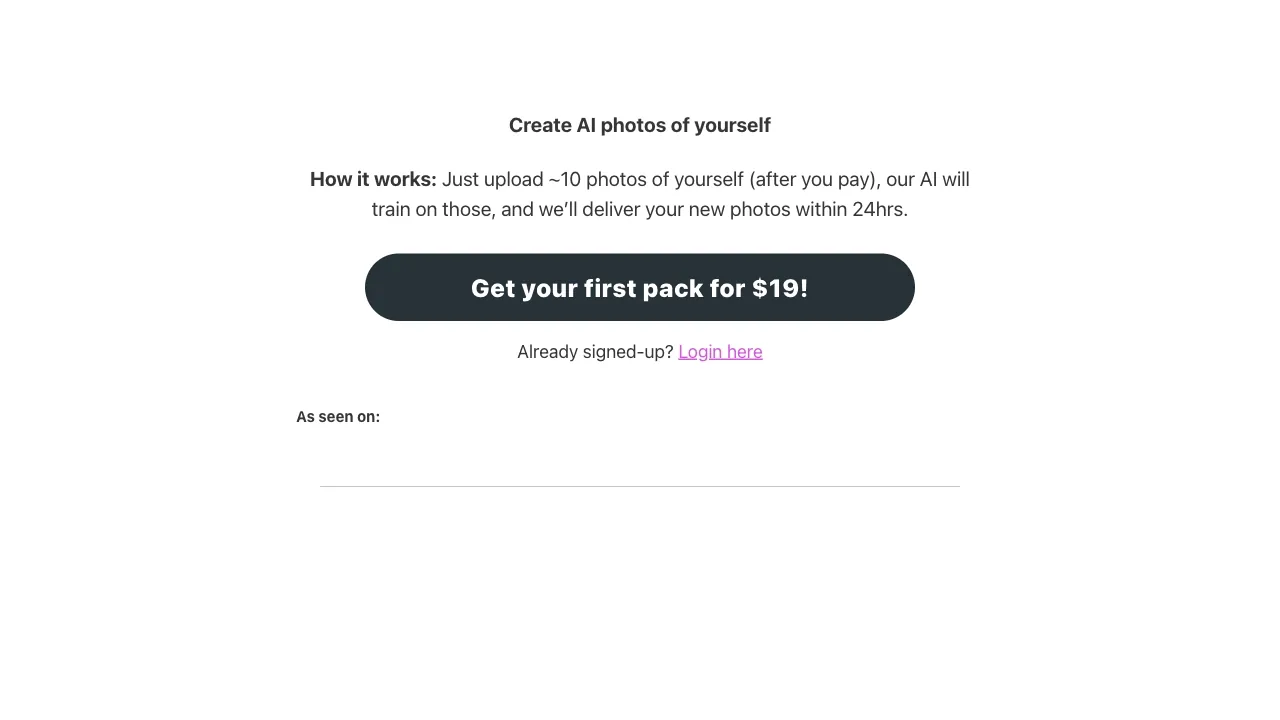
Create AI photos and AI videos online with PhotoAI. Explore AI photo effects, image transformations and video effects from one easy creative platform. Photo AI Generator for AI Photos & Videos 1000+ AI photo and video effects · Memes · Viral trends How to Create AI Photos and Videos with PhotoAI 1. Choose an AI Photo or Video Effect Browse PhotoAI’s AI photo and AI video effects and select the transformation that matches the result you want to create. 2. Upload a Clear Photo Choose a clear image with the subject easy to recognize. A strong source image gives the AI better visual information for faces, hair, clothing, proportions and background details.
Features
Create AI photos and AI videos from one platform instead of switching between separate editing tools.
Explore dozens of ready-made AI photo styles and video effects designed for fast visual experimentation.
Create multiple results so you can compare styles, framing and visual consistency before choosing your favorite.
Create an art-inspired scene without arranging a real gallery location or production setup.
Use the effect for creative profiles, editorial posts, art-themed content and visual storytelling.
Generate several versions to compare composition, architecture, lighting and subject placement.
Transform one photo into a more conceptual video while keeping the workflow simple.
Use cases
Use case 1: Create AI photos and AI videos from one platform instead of switching between separate editing tools.
Use this capability in a real workflow, not only as a demo.
Use case 2: Explore dozens of ready-made AI photo styles and video effects designed for fast visual experimentation.
Use this capability in a real workflow, not only as a demo.
Use case 3: Create multiple results so you can compare styles, framing and visual consistency before choosing your favorite.
Use this capability in a real workflow, not only as a demo.
Getting started
- Visit PhotoAI's website to create an account or start using it
- Available on: website
- Check the pricing page for the plan that fits
Screenshots


Reviews
“Super easy and convenient to use. Definitely one of the best platforms I’ve found for creating AI photos. Alex A.”
“I definitely recommend PhotoAI. I originally came here to try one trending photo style, but ended up finding dozens of other cool trends to experiment with. May L.”
“The results were honestly better than I expected. I didn’t think PhotoAI could create images that look this realistic — some of them look almost like real photos. Anna R.”
“The museum setting gives a portrait a much more editorial feeling. Creator”
“I liked comparing different versions because the architecture and lighting changed the whole mood. PhotoAI User”
Related tools

Compare PhotoAI with other Image tools such as ModelsLab, Simplified before you pick one.