

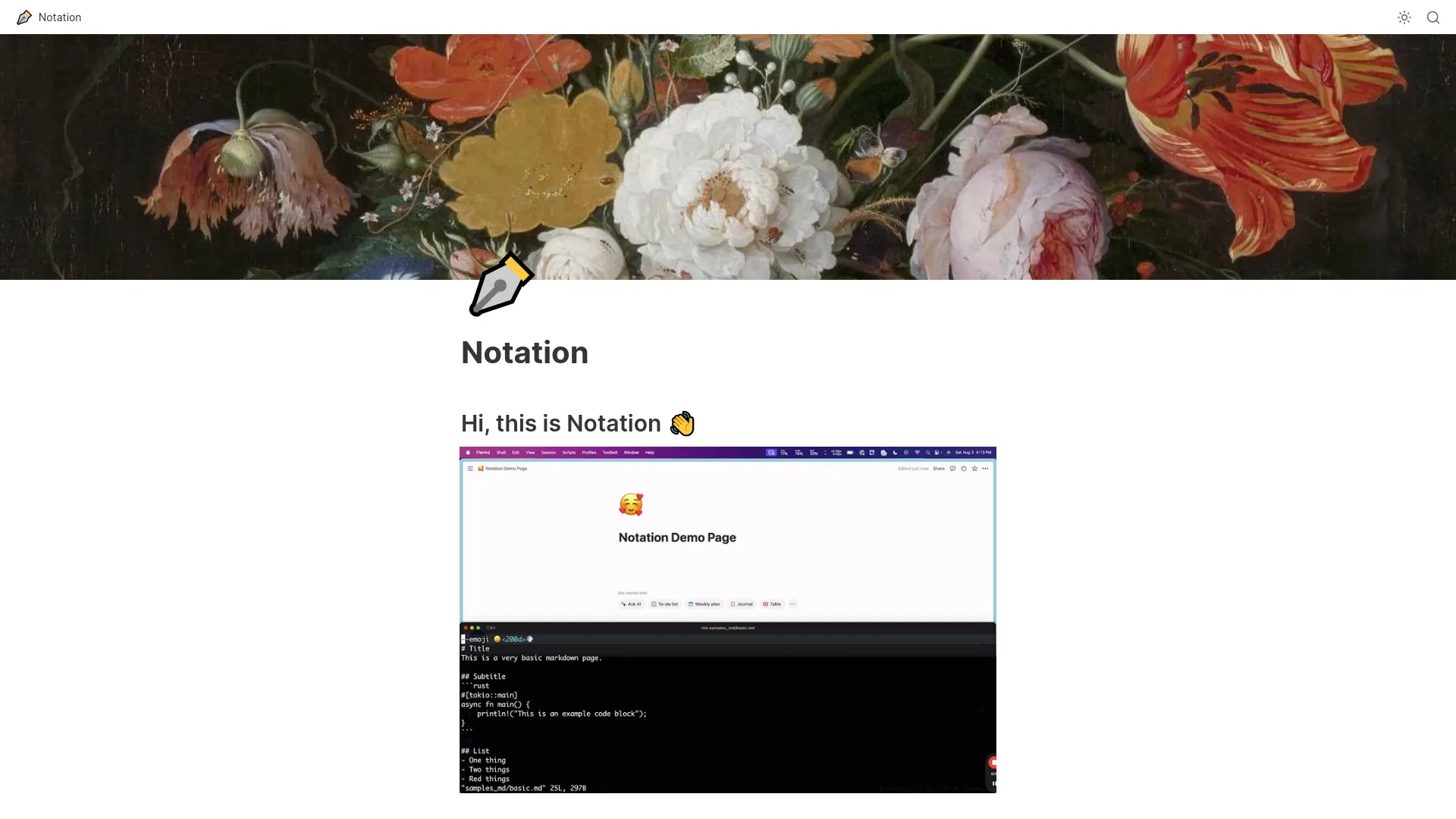
Notation
A tool for writing Markdown docs and publishing them to Notion.
- Website
- notation.so
- Category
- Education › AI Knowledge Base
- Platforms
- website
About Education tools
Education tools help you accomplish a range of AI-powered tasks. Notation is one option in this category.
About Notation
Once the binary is there, you can edit the config at ~/.notation/Notation.toml (more detail below). 1 — Documentation should not be managed separately from the repo. Documentation describes code. It should live with the code, have dinner with the code, go to bed with the code, and get up in the morning with the code. 2 — I should not have to login to some separate service to update docs after I merge and deploy code. That's hard to keep track of. Engineers cannot be trusted to workout outside the repo. Online documentation tools give me JIRA vibes. No thank youuu. 3 — The only frontend framework I want to think about is Markdown.
Features
lists (ordered, unordered)
images (although not local, you need to host yourself and put the link)
relative page links (to other pages in the same repo, which will turn into Notion page links)
arbitrary directory structure (will turn into subpages, subsubpages, etc.)
Use cases
Use case 1: lists (ordered, unordered)
Use this capability in a real workflow, not only as a demo.
Use case 2: images (although not local, you need to host yourself and put the link)
Use this capability in a real workflow, not only as a demo.
Use case 3: relative page links (to other pages in the same repo, which will turn into Notion page links)
Use this capability in a real workflow, not only as a demo.
Getting started
- Visit Notation's website to create an account or start using it
- Available on: website
- Check the pricing page for the plan that fits
Screenshots


Related tools

Compare Notation with other Education tools such as ModelsLab, Cartoon Yourself before you pick one.