
Mobicip Parental Control App
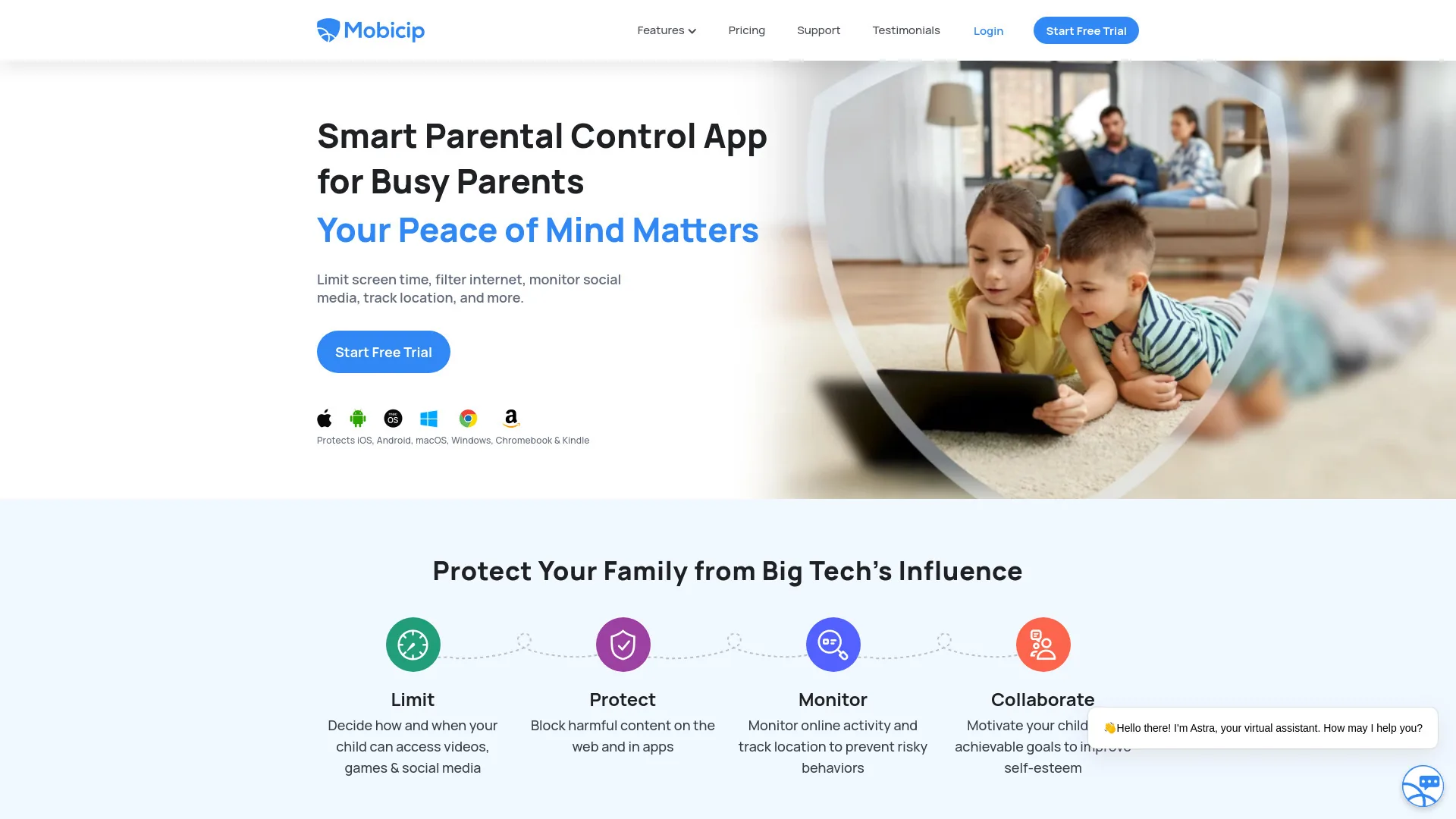
Parental control app for managing family digital activity
Freemium
- Website
- mobicip.com
- Category
- Life Assistant › Parenting
- Pricing
- Freemium
- Platforms
- website
The All-in-One Parental Control App Choose the plan that's right for your family Enjoy Premium features FREE for 7 days | FREE for 7 days | Best Value | $7.99 /month | Billed Annually | Start Free Trial | Manage up to 20 Devices | App Blocker
About Life Assistant tools
Life Assistant tools help you accomplish a range of AI-powered tasks. Mobicip Parental Control App is one option in this category.
About Mobicip Parental Control App
Mobicip (pronounced mo-be-sip) is named after mobile CIPA. CIPA stands for Children's Internet Protection Act, a regulation by the US government that mandates secure internet access when provided by public schools or libraries. In the dark days before smartphones and tablets, the founders had a vision that learning is going to be transformed by ubiquitous always-on mobile technology in the hands of K-12 students. And so Mobicip was born, with a mission to create and foster the safe use of technology for learning and enrichment. A few million downloads, ten years, and petabytes of usage later, we believe the vision has come full circle as the world as we know it, and not just education, has been transformed.
Features
Parental Features
Limit Decide how and when your child can access videos, games & social media
Decide how and when your child can access videos, games & social media
Protect Block harmful content on the web and in apps
Block harmful content on the web and in apps
Monitor Monitor online activity and track location to prevent risky behaviors
Monitor online activity and track location to prevent risky behaviors
Collaborate Motivate your child with achievable goals to improve self-esteem
Use cases
Use case 1: Parental Features
Use this capability in a real workflow, not only as a demo.
Use case 2: Limit Decide how and when your child can access videos, games & social media
Use this capability in a real workflow, not only as a demo.
Use case 3: Decide how and when your child can access videos, games & social media
Use this capability in a real workflow, not only as a demo.
Getting started
- Visit Mobicip Parental Control App's website to create an account or start using it
- Available on: website
- Check the pricing page for the plan that fits
Screenshots


Reviews
“Aggregate rating 4 from 2144 reviews (JSON-LD).”
“It's a great app for kids. It keeps track of everything the child does including the amount of time spent in different apps and when settings are changed. It's safe when I can mess around in the kitchen and still keep my kids safe from toxic things.”
“While Microsoft Family and Google Family Link work just fine, they are restricted to their own companies. Mobicip bridges the gap by applying the same settings per person on any device it has been installed on. Simple to setup, easy to use, and quite informative on your child's activities.”
“Mobicip is the best parental control app I've used. I tried multiple parental control apps and Mobicip was by far the best. Easy to install and provides a very easy to use dashboard that has a lot of good information. Total peace of mind!”
Related tools
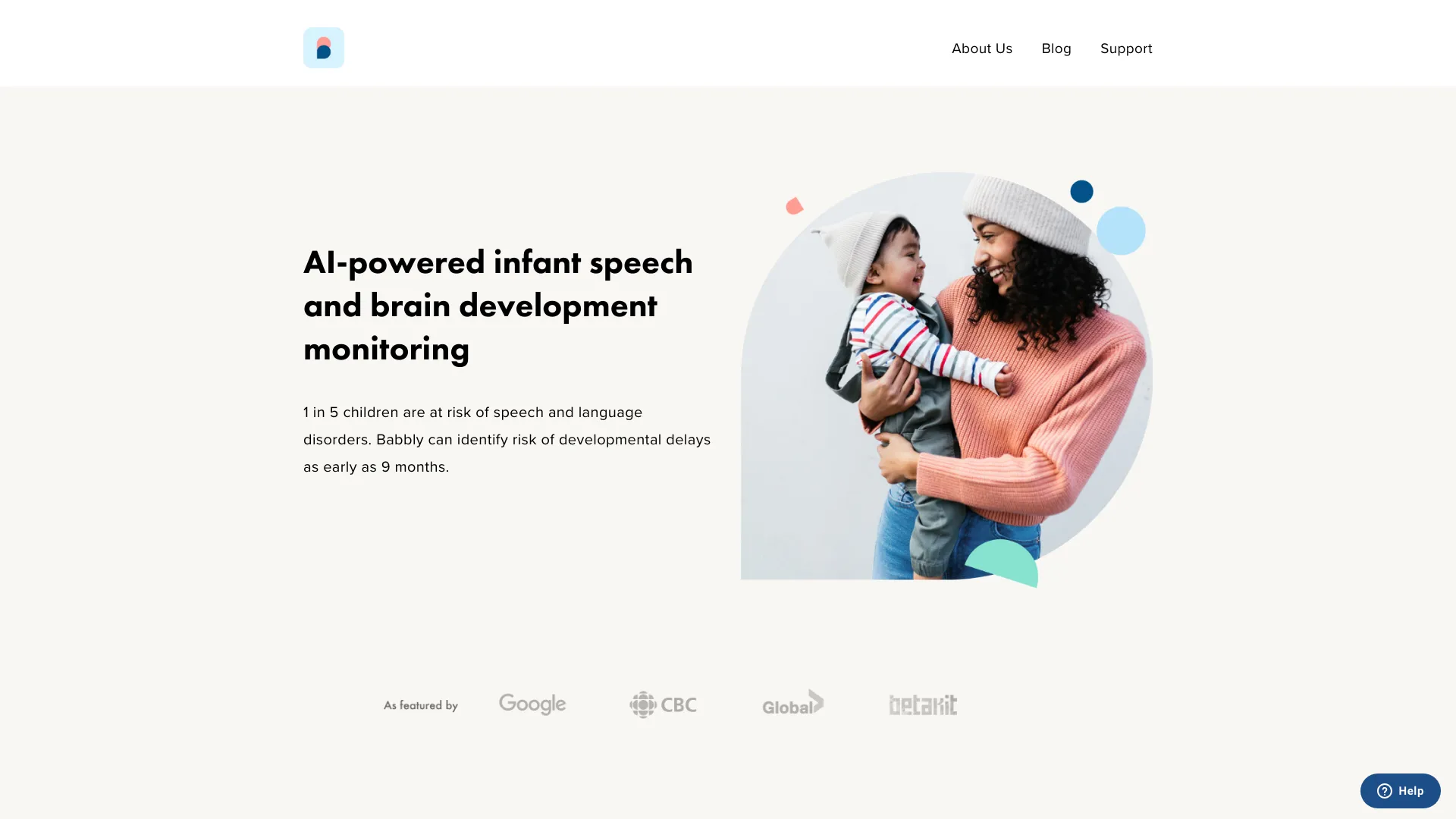
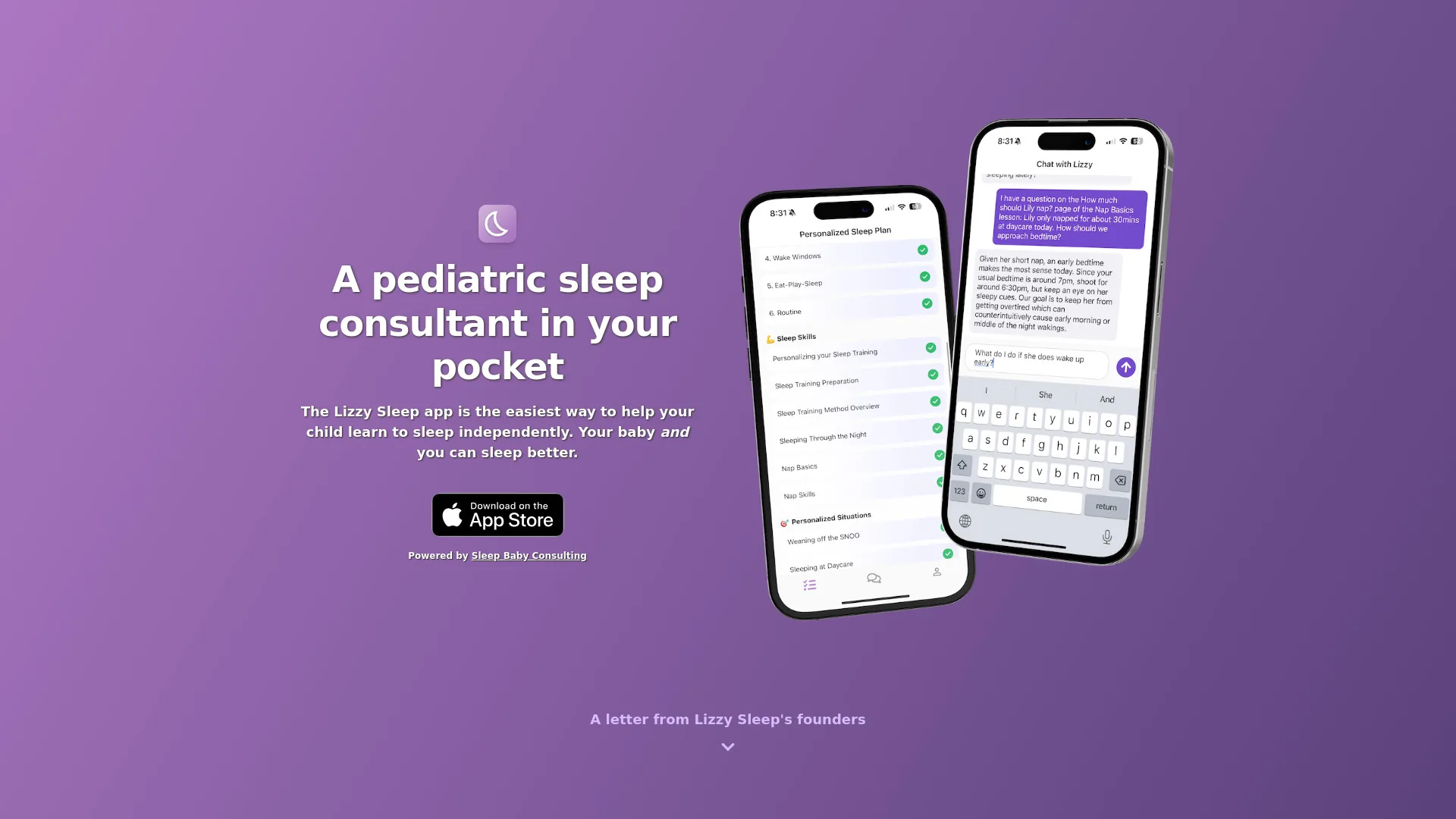
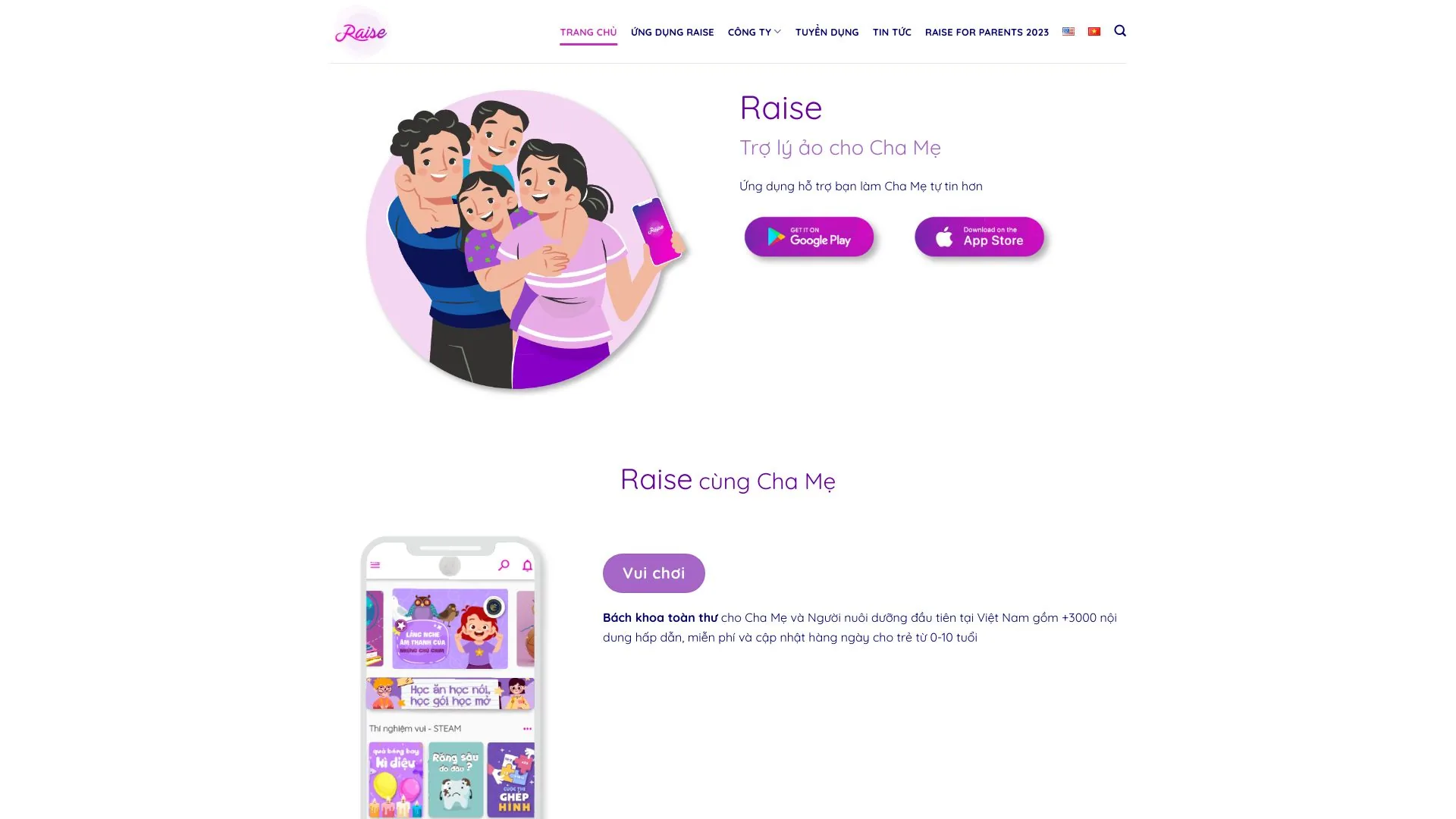
Compare Mobicip Parental Control App with other Life Assistant tools such as Raise | Trợ lý ảo cho cha mẹ, Babbly before you pick one.