

Design & Art · AI Art Generator
Meshy
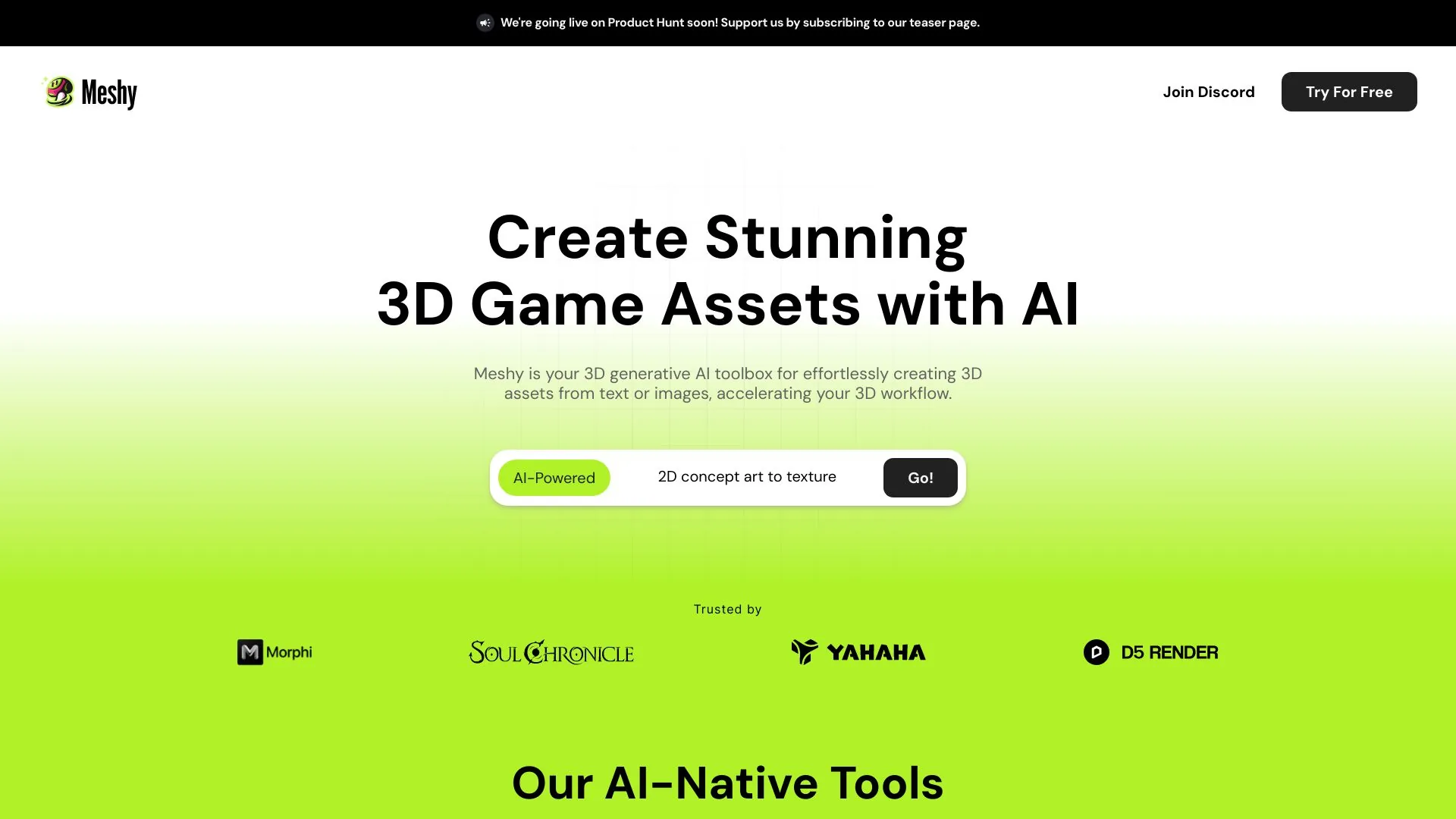
Easily turn text and images into engaging 3D assets.
Paid
- Website
- app.meshy.ai
- Category
- Design & Art › AI Art Generator
- Pricing
- Paid
- Platforms
- website
Start for free and scale with flexible Meshy plans designed for individual creators , growing teams , and enterprise workflows . | individual creators | growing teams | enterprise workflows | Compare Plans For Individuals For Teams Currency USD Monthly Yearly Most Savings For Individuals For Teams Monthly Yearly Most Savings Compare Plans Currency USD | Compare Plans For Individuals For Teams Currency USD | Compare Plans | For Individuals For Teams
About Design & Art tools
Design & Art tools help you accomplish a range of AI-powered tasks. Meshy is one option in this category.
About Meshy
Compare Meshy plans: Free, Pro, Studio & Enterprise for AI 3D model generation. Upgrade for more credits & faster speed. Start free. Start for free and scale with flexible Meshy plans designed for individual creators , growing teams , and enterprise workflows . Get an overview of what’s included in each plan and choose the one that suits you best. Get answers to frequently asked questions on Meshy. Meshy is a 3D generative AI toolbox for effortlessly creating 3D assets from text or images, accelerating your 3D workflow. Powered by the latest advances in AI, Meshy is built for 3D artists, game developers and 3D printing hobbyists. With Meshy, you can create high-quality 3D models and textures in minutes. The best part? You don't need any 3D modeling experience to get started, and it'll take you less than a minute to create your first 3D asset.
Features
Text to 3D Model
Image to 3D Model
AI Texturing
AI Image Generator
AI Auto Rigging
Inside Meshy — run Remesh on the existing asset. It rebuilds topology AND generates fresh UVs in one step. Fastest path.
Apply AI Texturing afterward — this re-projects materials onto the new UV layout, so you don't lose your visual style.
In Blender (manual) — Edit Mode → Select All → U → Smart UV Project (Angle Limit 66°, Island Margin 0.02). Takes 10 seconds, yields a clean automatic unwrap.
Use cases
Use case 1: Text to 3D Model
Use this capability in a real workflow, not only as a demo.
Use case 2: Image to 3D Model
Use this capability in a real workflow, not only as a demo.
Use case 3: AI Texturing
Use this capability in a real workflow, not only as a demo.
Getting started
- Visit Meshy's website to create an account or start using it
- Available on: website
- Check the pricing page for the plan that fits
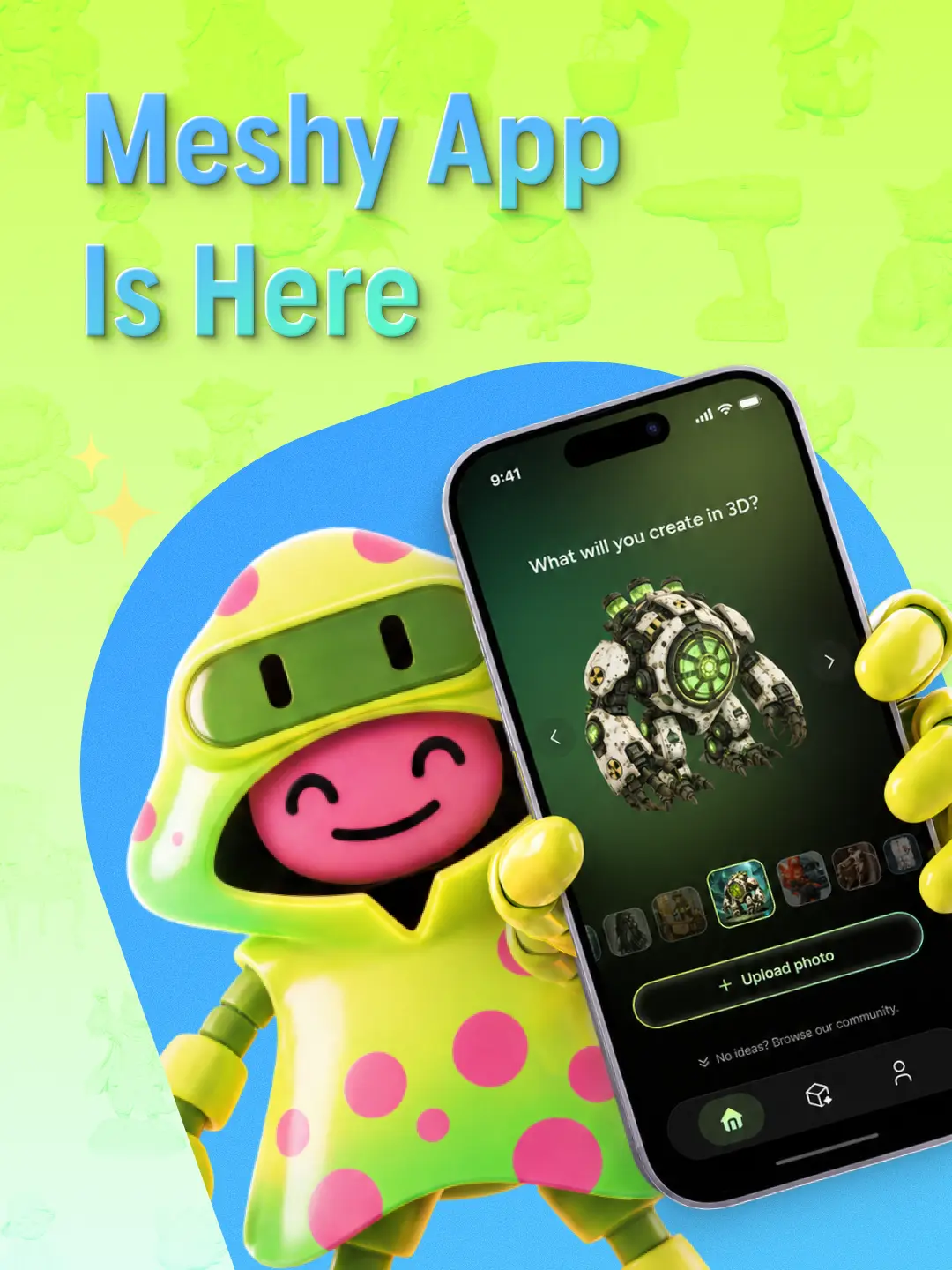
Screenshots



Reviews
“Aggregate rating 4.8 from 6000 reviews (JSON-LD).”
Related tools
Compare Meshy with other Design & Art tools such as ModelsLab, Mage before you pick one.