


Code & IT · AI Landing Page Builder
Lindo
Lindo is an AI-based business website building tool that makes it easy to build websites without coding skills.
Paid
- Website
- lindoai.com
- Category
- Code & IT › AI Landing Page Builder
- Pricing
- Paid
- Platforms
- website
Scale as you add clientsâstart free, then unlock more sites, billing, and white-label when you're ready. | Start for free Get access to: Core AI website builder 500+ templates to launch fast Publish on a Lindo subdomain Billing-ready client workspace basics Start building | Start for free Get access to: Core AI website builder 500+ templates to launch fast Publish on a Lindo subdomain Billing-ready client workspace basics | Get access to: | Core AI website builder | 500+ templates to launch fast | Publish on a Lindo subdomain | Billing-ready client workspace basics
About Code & IT tools
Code & IT tools help you accomplish a range of AI-powered tasks. Lindo is one option in this category.
About Lindo
Build editable client websites from a brief, URL or PDF. Lindo combines AI website creation, agency branding and multi-site management in one workspace. Lindo.ai helps agencies generate, deliver, bill, and grow client websites under their own brand. Wire Lindo into any AI agent â Claude, Hermes, and more Generate and import sites, deliver under your brand, and bill clients â all in one platform you can drive by chat or wire into any AI agent. Bring any client site onto Lindo â and make it better Migrate any WordPress, Webflow, or Wix site in minutes â then host, white-label, bill, and grow it with AI. Starting fresh? Generate one from a link instead.
Features
AI Website Builder
Multilingual Website Builder
White Label Builder
AI Assistant
Client Management
Client Billing
Website Management
Integrations
Use cases
Use case 1: AI Website Builder
Use this capability in a real workflow, not only as a demo.
Use case 2: Multilingual Website Builder
Use this capability in a real workflow, not only as a demo.
Use case 3: White Label Builder
Use this capability in a real workflow, not only as a demo.
Getting started
- Visit Lindo's website to create an account or start using it
- Available on: website
- Check the pricing page for the plan that fits
Screenshots


Related tools
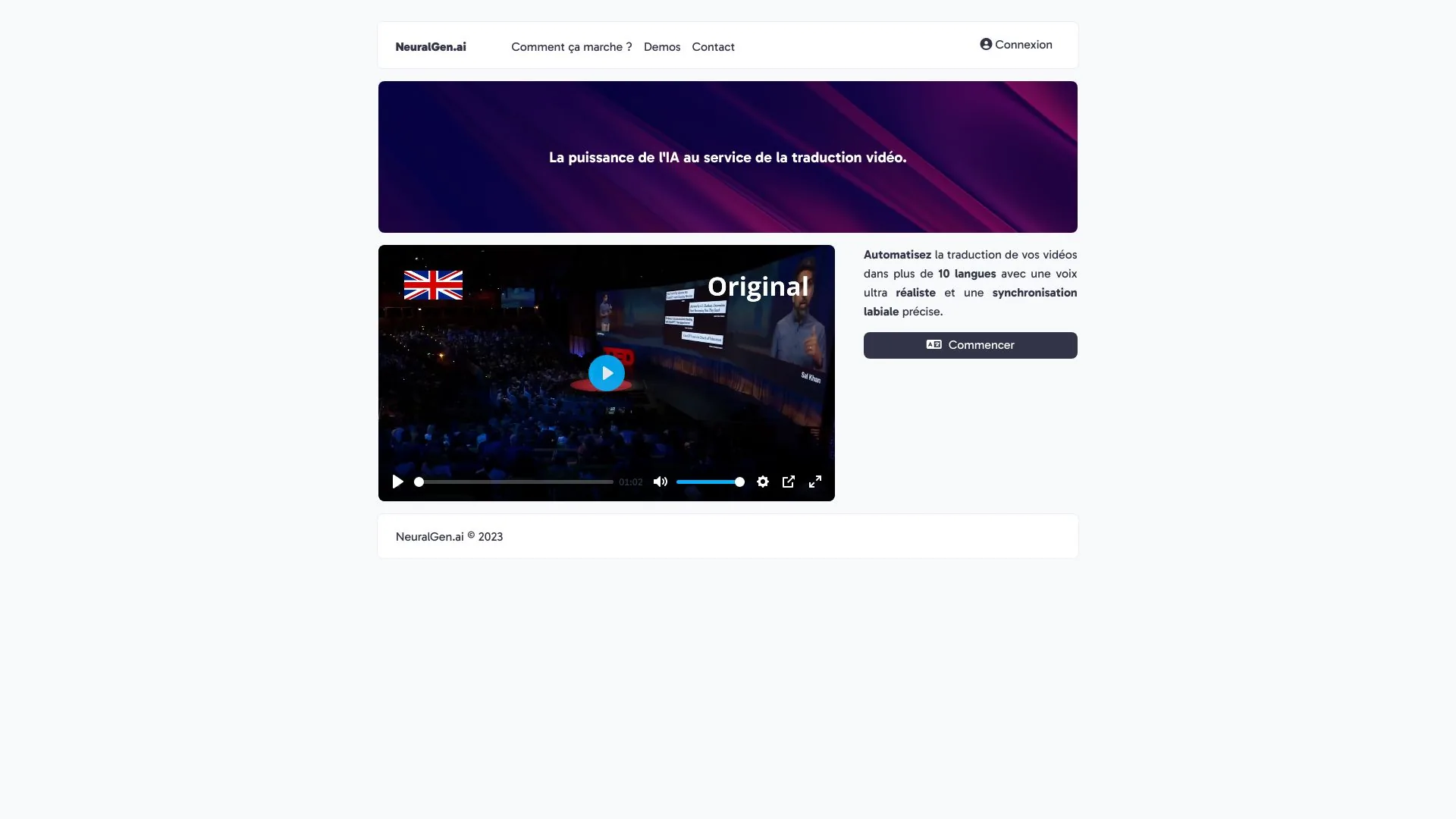


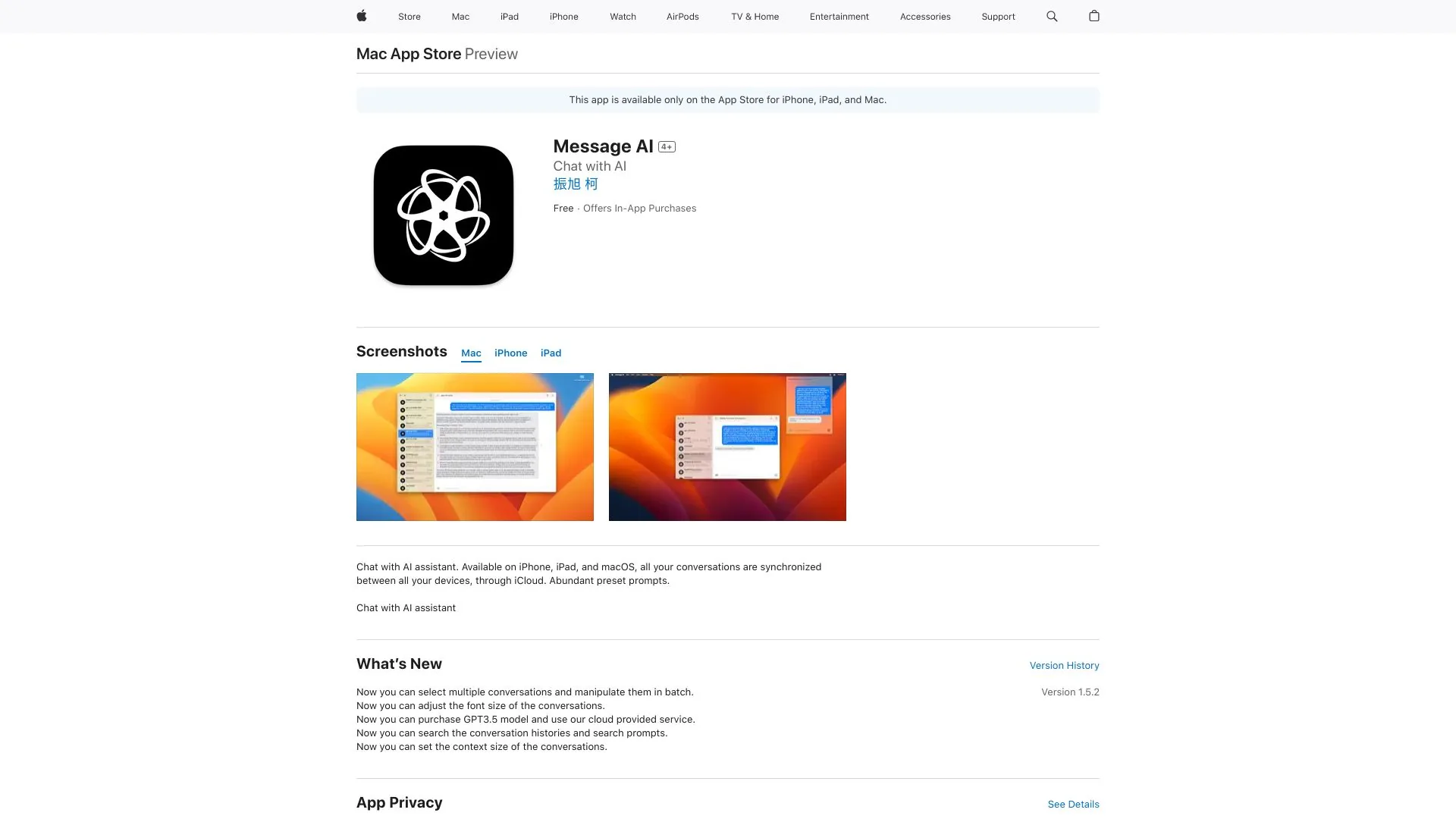
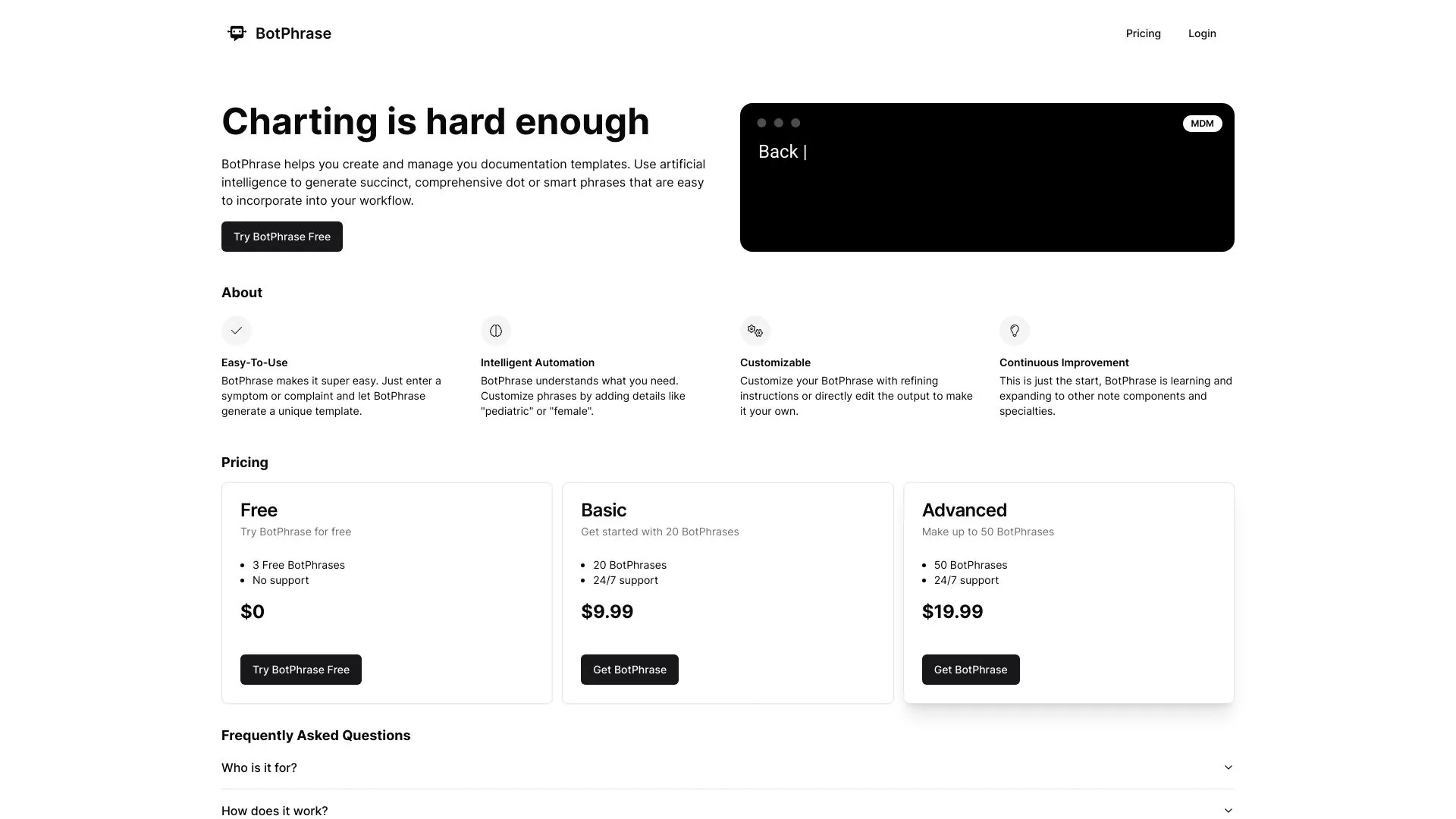
Compare Lindo with other Code & IT tools such as ModelsLab, NeuralGen.ai before you pick one.