


HitPaw Video Enhancer
AI-based video enhancer for improving resolution and quality.
- Website
- hitpaw.com
- Category
- Image › AI Image Enhancer
- Platforms
- website
About Image tools
Image tools help you accomplish a range of AI-powered tasks. HitPaw Video Enhancer is one option in this category.
About HitPaw Video Enhancer
This tutorial tells how to register HitPaw program on Windows and Mac after your purchase. After you have purchased a HitPaw product, you will receive an email enclosed with the order and registration information. (If you did not receive such email after purchasing, please check your SPAM folder.) This guide will instruct how to find the Register option in HitPaw product. You'll know how to activate HitPaw product on Windows and Mac after purchase. For any further question, you can always contact our support team. 1. If you are using the HitPaw products for the first time, you need to create an account first. Please click the Avatar icon on the upper right of the program you downloaded, and input your email address.
Features
Old family/wedding tapes (VHS restoration)
Grainy low-light & night scene videos
Blurry portraits and faces (using our Portrait Model)
Compressed social media or downloaded clips
Use cases
Improving video resolution
Restoring old or low-quality videos
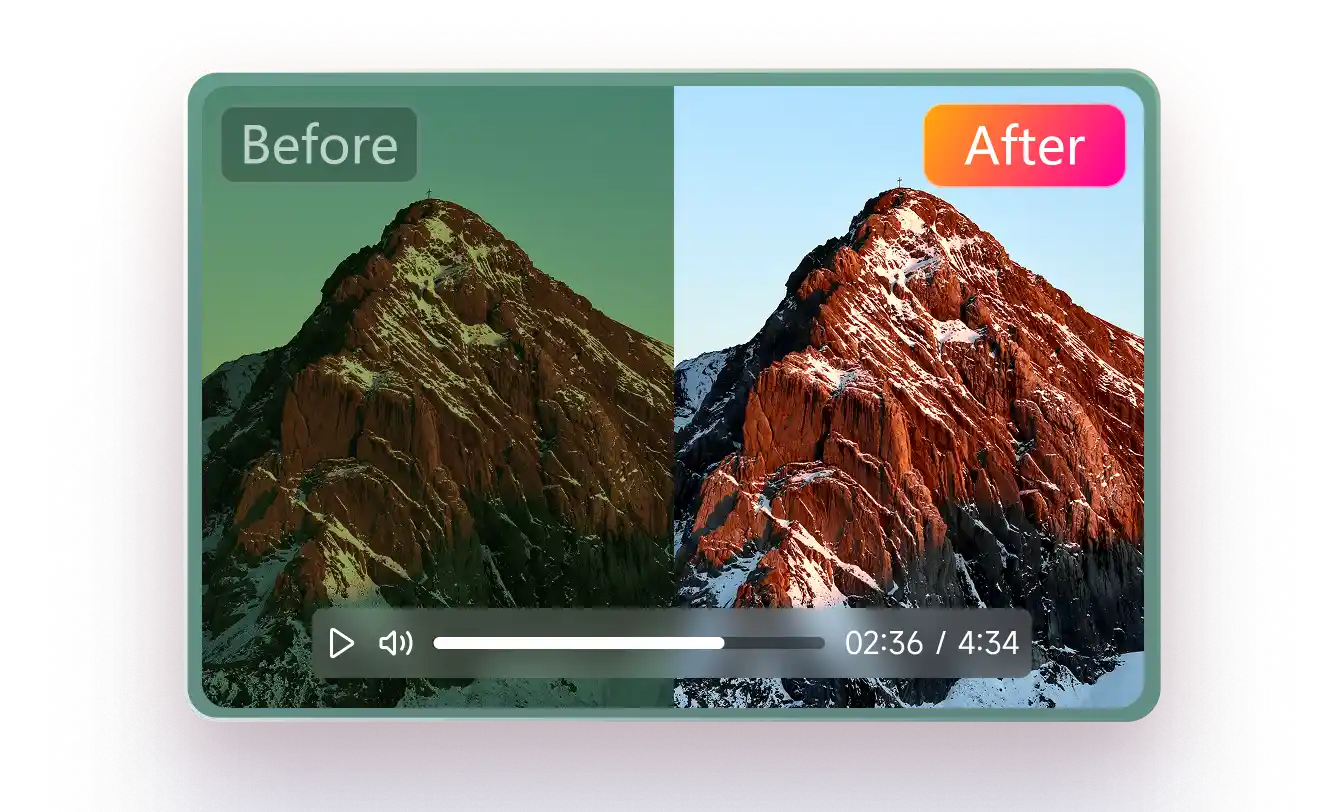
Reducing noise and colorizing videos
Getting started
- Visit HitPaw Video Enhancer's website to create an account or start using it
- Available on: website
- Check the pricing page for the plan that fits
Screenshots


FAQ
Related tools

Compare HitPaw Video Enhancer with other Image tools such as ModelsLab, Mage before you pick one.