Freed | AI medical scribe for clinicians
AI medical scribe for clinicians.
Paid
- Website
- getfreed.ai
- Category
- Audio › Speech to Text
- Pricing
- Paid
- Platforms
- website
Most popular | Starter $59 $39 /mo 1 Clinician Flexible AI scribe for limited patient volumes Try for free Up to 40 notes per month Best-in-class AI scribe Specialty-specific templates World-class live support | Starter $59 $39 /mo 1 Clinician Flexible AI scribe for limited patient volumes | Starter $59 $39 /mo 1 Clinician | Starter $59 $39 /mo | $59 $39 /mo | 1 Clinician
About Freed | AI medical scribe for clinicians
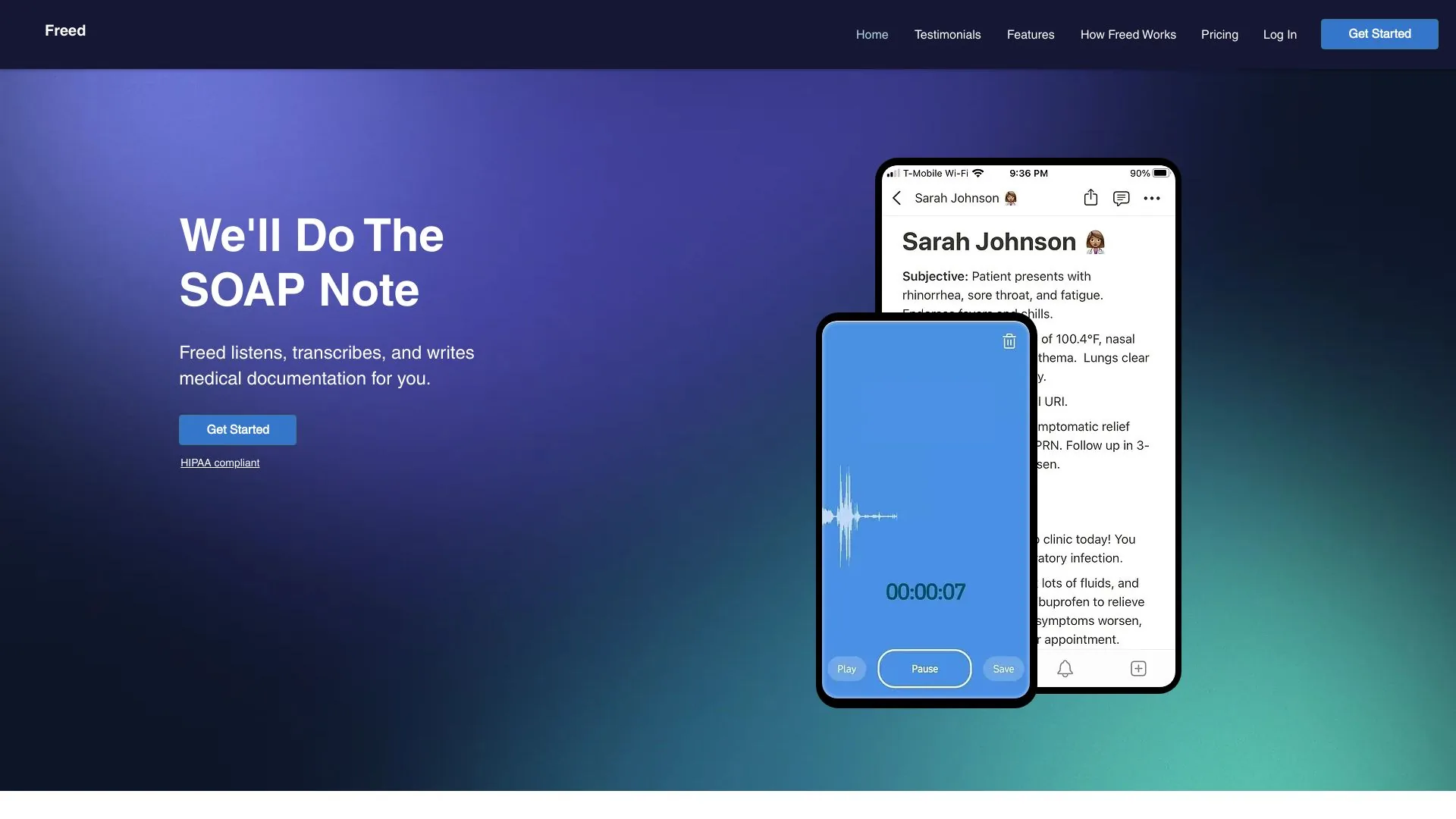
Ambient AI scribe and clinician assistant. Instant, accurate notes, codes, letters, and cited clinical evidence. Trusted by 26k+ clinicians. Improve care and reduce burnout. The AI scribe and Front Desk giving time back to independent clinics. Turn patient conversations into accurate and customized notes that can sync your EHR, and save you hours each week. Ask any clinical question. Get cited answers from 50+ trusted sources, sharpened to the patient in front of you. Reclaim revenue with ICD-10 and CPT coding suggestions, at the highest justified E/M level, embedded in your scribe workflow. Empower your team with an AI receptionist that answers calls when they can’t — during lunch, after-hours, or for overflow.
Features
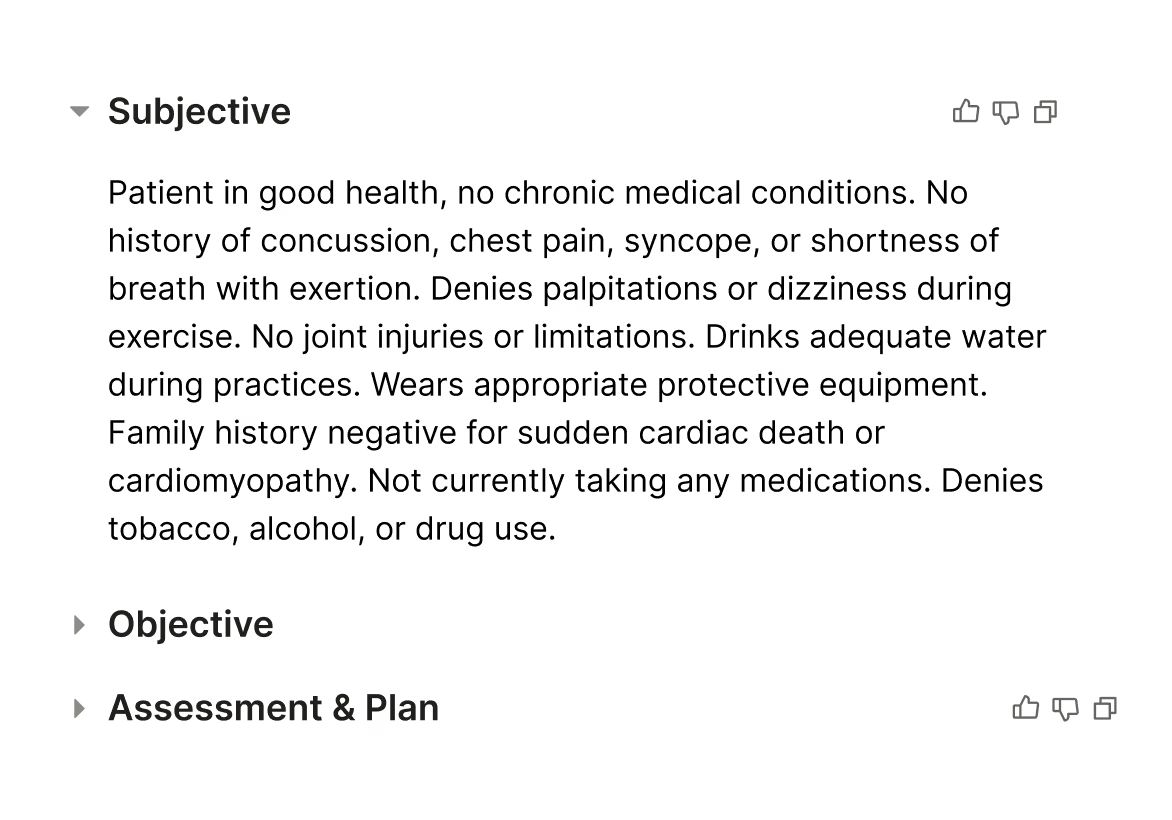
AI Scribe: Turn patient conversations into accurate and customized notes that can sync your EHR, and save you hours each week.
Turn patient conversations into accurate and customized notes that can sync your EHR, and save you hours each week. Learn more
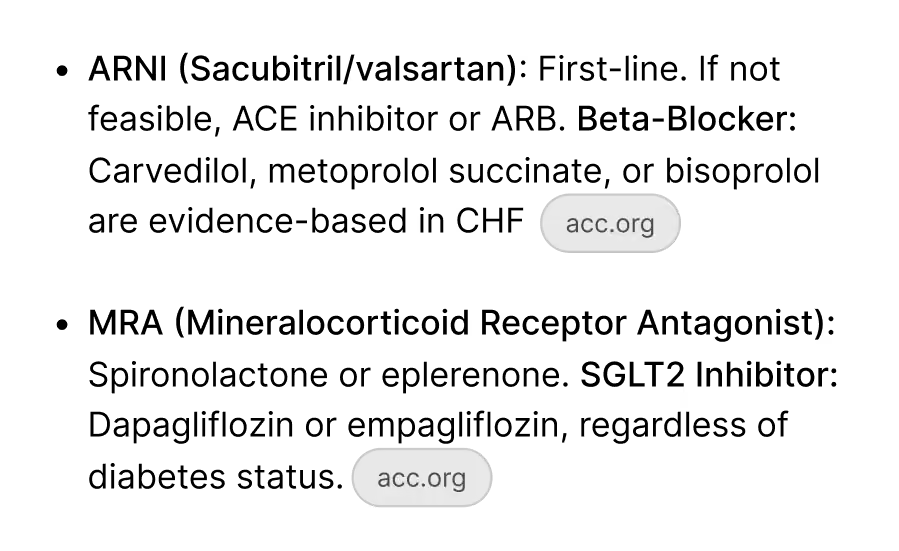
Clinical Evidence: Ask any clinical question. Get cited answers from 50+ trusted sources, sharpened to the patient in front of you.
Open the processed note, scroll to the bottom, and expand the Transcript Summary section.
Scroll down and toggle the Full Transcript button to reveal the complete transcript used to generate the SOAP note.
This feature helps you review notes and check specific details from the session. Learn more about how to view the full transcript from our Help Center.
Screenshots