

Marketing · AI Analytics Assistant
File Transcribe
Accurate automatic transcription service
Paid
- Website
- filetranscribe.com
- Category
- Marketing › AI Analytics Assistant
- Pricing
- Paid
- Platforms
- website
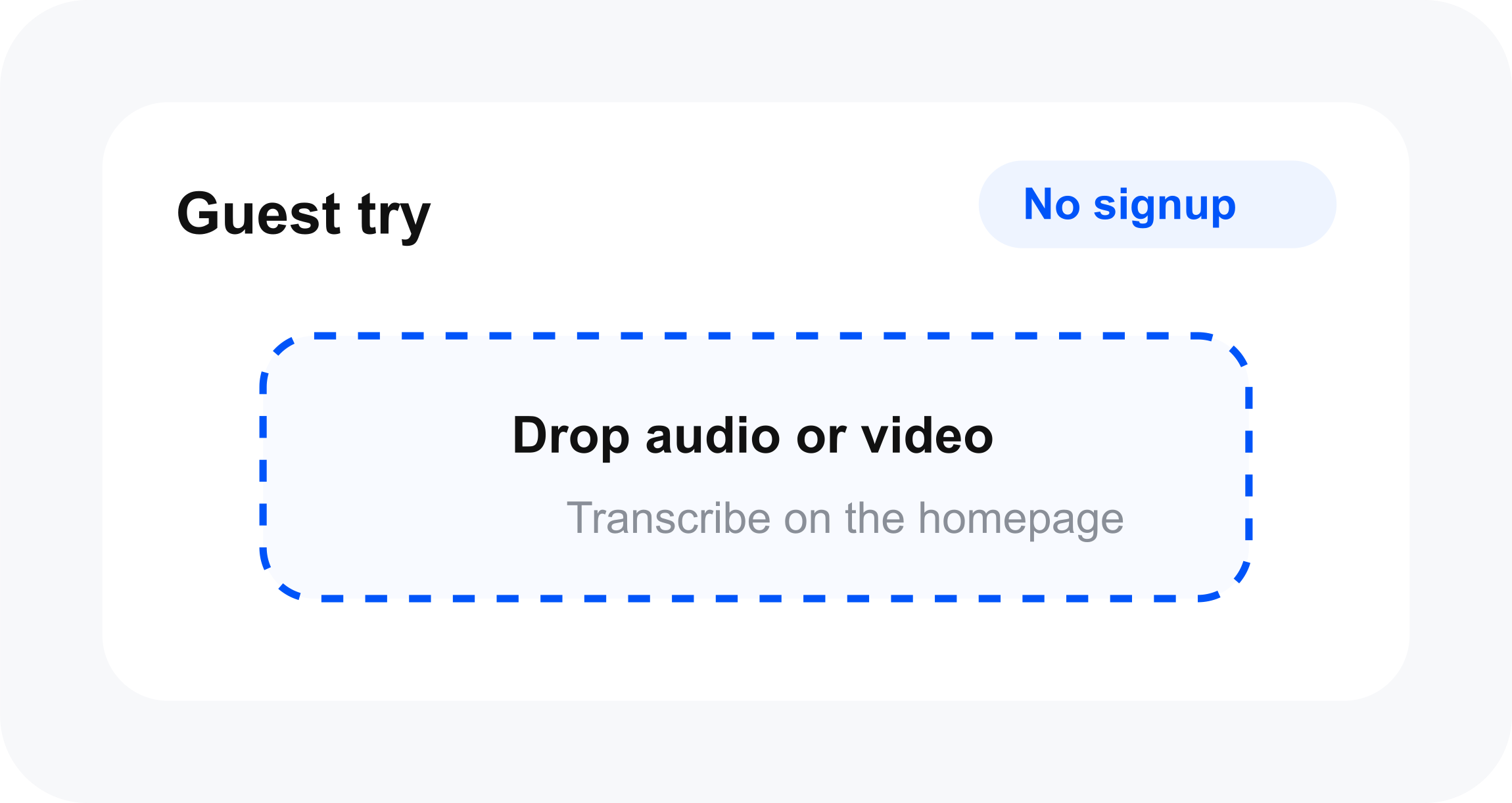
Start free. Upgrade when you need longer files, captions, AI tools, or higher daily limits. | Sign up free Compare plans | Guest try on the homepage. Free saves your library. Pro and Plus unlock captions and higher limits. | Annually Save 21% Monthly | Save 21% | Free /forever | /forever | Try multilingual AI transcription and save your transcripts
About Marketing tools
Marketing tools help you accomplish a range of AI-powered tasks. File Transcribe is one option in this category.
About File Transcribe
Free account with saved transcripts and caption exports. Upgrade to Pro or Plus for AI features, higher volume, and longer files. Start free. Upgrade when you need longer files, captions, AI tools, or higher daily limits. Guest try on the homepage. Free saves your library. Pro and Plus unlock captions and higher limits. Try multilingual AI transcription and save your transcripts For professionals and regular transcribers For teams and agencies with larger production needs Same limits and features as live File Transcribe, in the Catalis layout. Real workflows: interviews, lectures, podcasts, and client deliverables.
Features
Students: Turn lectures and study recordings into searchable notes you can skim and quote.
Creators: Repurpose podcast and video recordings into captions, blogs, and show notes.
Journalists: Transcribe interviews faster and pull accurate quotes without re-listening.
Healthcare: Convert clinical dictation into draft documentation you can review and export.
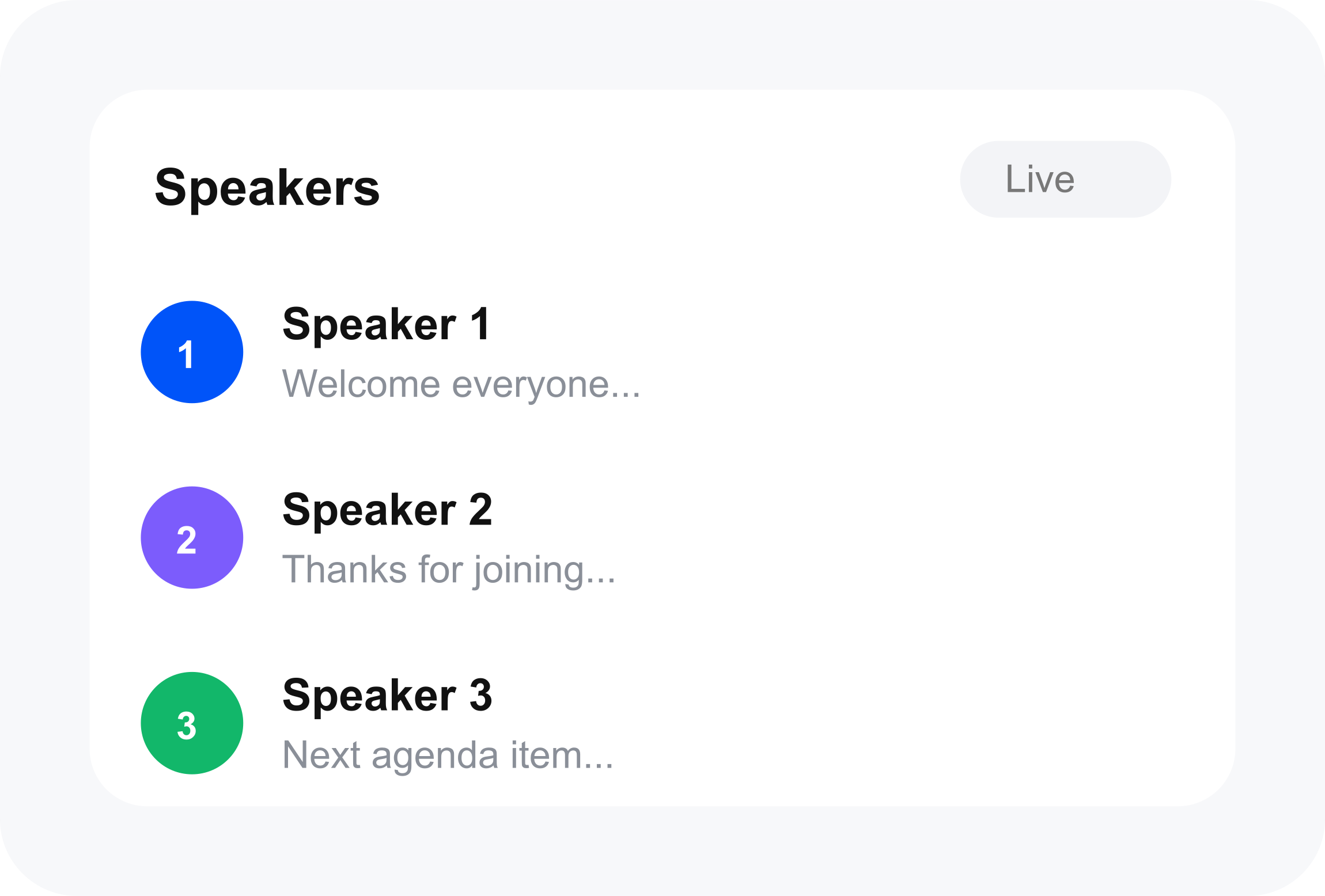
Speaker labels: See who said what, built for interviews, podcasts, and multi-voice recordings.
5 transcriptions per day 30 minutes per recording 250 MB max upload 3 days TXT / PDF export
Key features
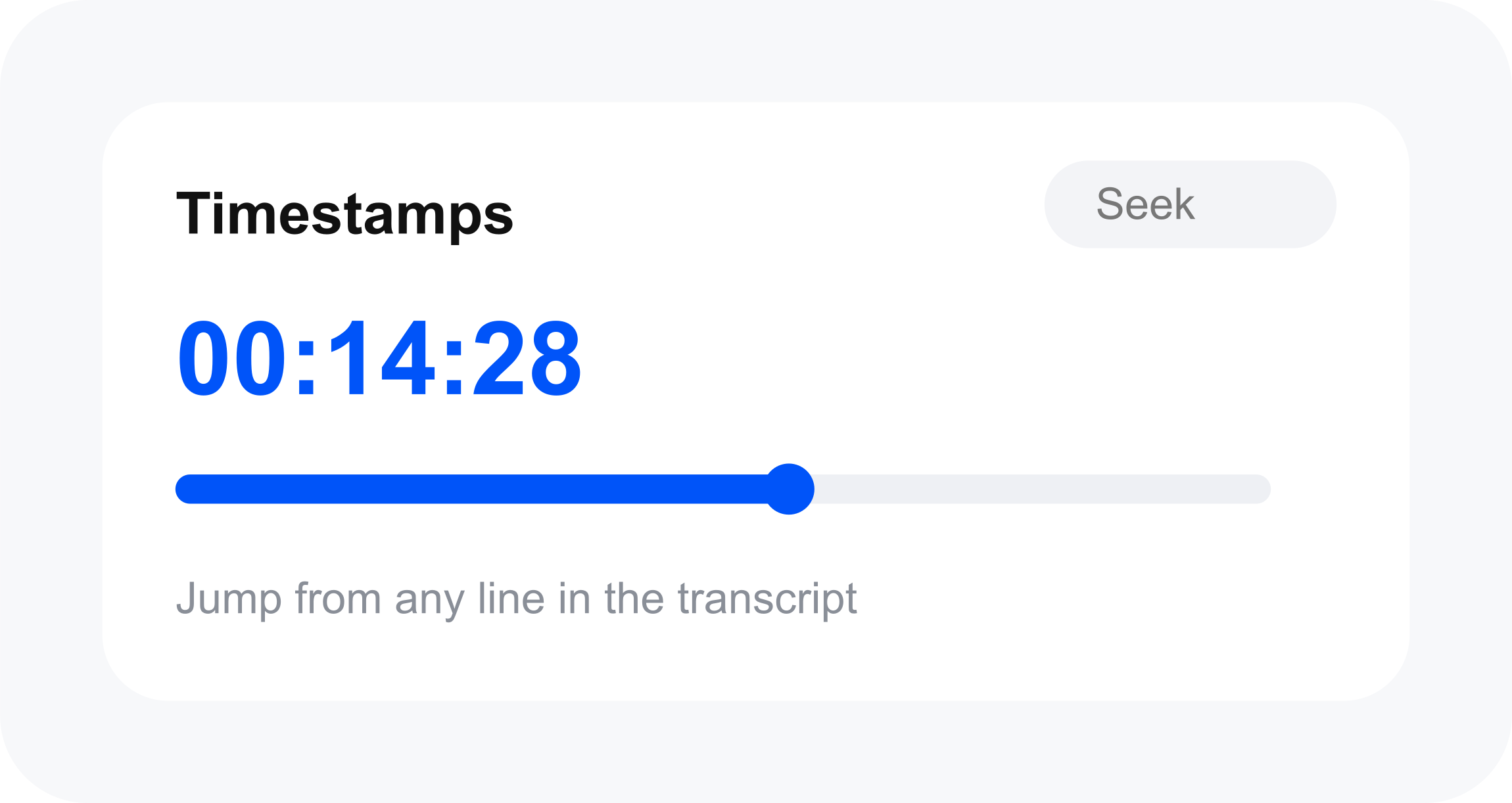
AI speech-to-text for 24+ languages Automatic speaker labels Timestamps & transcript editor Saved library & search Audio playback in editor
Use cases
Use case 1: Students: Turn lectures and study recordings into searchable notes you can skim and quote.
Use this capability in a real workflow, not only as a demo.
Use case 2: Creators: Repurpose podcast and video recordings into captions, blogs, and show notes.
Use this capability in a real workflow, not only as a demo.
Use case 3: Journalists: Transcribe interviews faster and pull accurate quotes without re-listening.
Use this capability in a real workflow, not only as a demo.
Getting started
- Visit File Transcribe's website to create an account or start using it
- Available on: website
- Check the pricing page for the plan that fits
Screenshots


Reviews
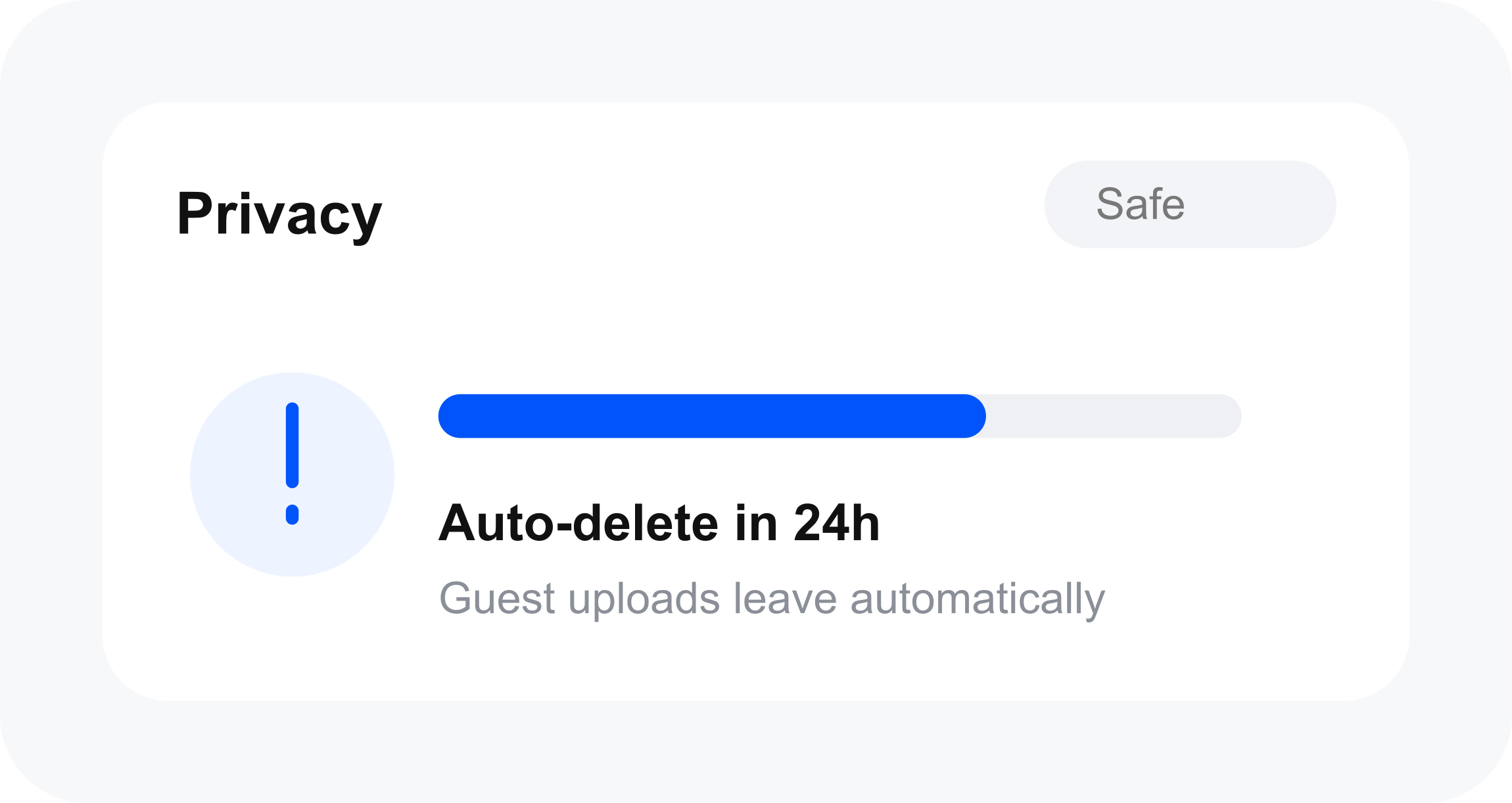
“From the field Trusted by creators & journalists Real workflows: interviews, lectures, podcasts, and client deliverables.”
“I used to scrub a two-hour interview just to pull three quotes. Now I upload the WAV, search the transcript, and I'm done before lunch. Nadia Brooks Independent podcast producer Nadia Brooks”
“Nadia Brooks Independent podcast producer”
“I record every lecture on my phone. Dropping those files here is the only reason I have notes I can actually study from. Jordan Hale Grad student, public health Jordan Hale”
“Field interviews are messy. Speaker labels + timestamps mean I can find the exact line without listening twice. Lena Ortiz Freelance reporter Lena Ortiz”
Related tools
Compare File Transcribe with other Marketing tools such as ModelsLab, NeuralGen.ai before you pick one.