
dojoclip
AI collaborative video editing
Freemium
- Website
- dojoclip.com
- Category
- Video › AI Video Editor
- Pricing
- Freemium
- Platforms
- website
Simple pricing | Clear credits for AI creation | Choose the billing option that fits your workflow. Each plan shows how credits are used for image, music, text to speech, subtitle, and video generation. | Credits are added after successful billing, and failed AI generation tasks are refunded automatically. | Free Free Get 30 trial credits to explore every feature, however you like $0 Spend your 30 credits on: AI music AI sound effects AI voiceovers AI images AI subtitles AI video No credit card required | Free Free | Get 30 trial credits to explore every feature, however you like | Spend your…
About dojoclip
Edit videos, animate characters, and generate AI music, sound effects, images, and music videos in one workflow. Videos, images, and music—all right here. Edit, generate, and repair footage. From bilingual subtitle videos to motion drafts before you ever shoot. Edit with the timeline or chat in one workspace. Add media, style captions, keep one edit history, and export video on your device. Timeline + chat · Styled captions · On-device export Sing what you're thinking, score your edit, and design the sounds your library doesn't have. Sing ideas with or without lyrics. Start from stunning styles, premade song types, birthday songs with names, or a song inspired by one image.
Features
Plus Monthly: For creators who use AI generation regularly
Plus Annual: Best value for long-term creators
How do credits work?
How are credits calculated?: Each AI feature uses a fixed credit rate per generation request. The current rates are listed above.
When are credits deducted?: Credits are deducted when a generation request is accepted for processing.
What happens if generation fails?: Failed generation tasks are refunded automatically.
What can I do on the free plan?
Use cases
Teams collaborating on video editing
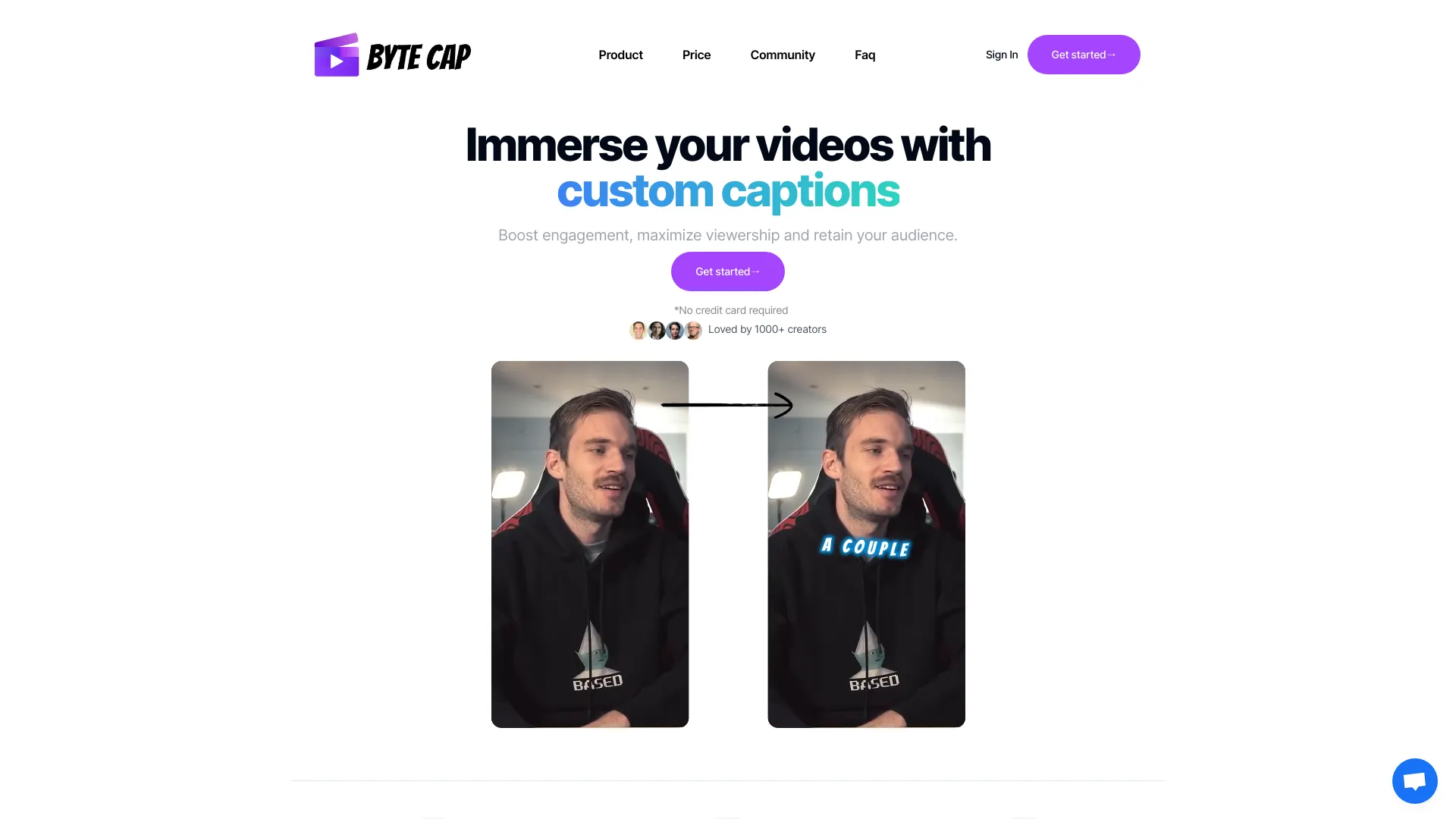
Adding captions to videos
Editing videos online
Screenshots




Reviews
““ I use the music generator to block out the mood before I edit. I can try a soft intro, a brighter hook, and a short ending cue, then keep the track that actually fits the video. ””
““ For ad concepts, the video generator gives us motion drafts fast enough to discuss in the same meeting. It is much easier than explaining the idea with a static storyboard. ””
““ The image tools are where I test product angles: clean a photo, try a campaign background, and turn the best version into a poster direction before asking design for polish. ””
““ I still use the browser tools for trims and audio snippets, but now I can also make intro music and simple visuals for a lesson without moving through five different apps. ””