Code & IT · AI Website Builder
Companion AI
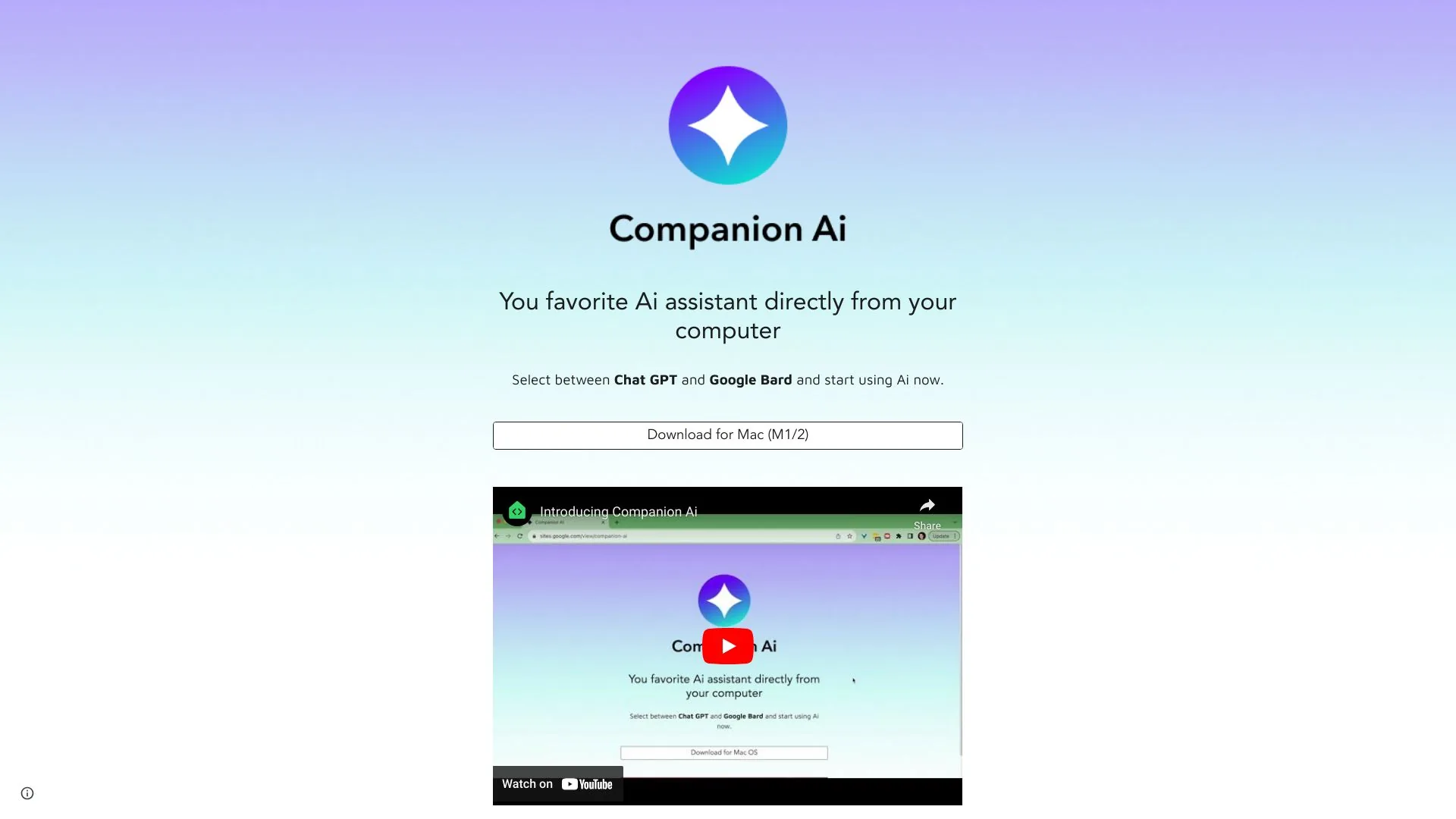
Your favorite AI assistant from your computer.
- Website
- companion-ai.app
- Category
- Code & IT › AI Website Builder
- Platforms
- website
About Companion AI
How do I select between the different companions? You favorite Ai assistants directly from your computer Right-click the " spark ✨ " icon on your tray bar to open the menu of options. Use the "Select companion" option to select which companion you would like to use, or use the "settings" option to select the companion from a list . How do I make Companion Ai start with my Mac? Click the "apple 🍎" menu at the top left corner of your screen, select "System Settings...", look for "General > Login Items". Click the ➕ button under the "Open at Login". Look for the location where you have Companion Ai installed (usually under the Applications folder). Select the "Companion-Ai" application. Done, next time you restart your computer Companion Ai will automatically be available to you.