
Design & Art · Design Assistant
Codia AI
Leverage cutting-edge technology to innovate and turn ideas into reality.
Paid
- Website
- codia.ai
- Category
- Design & Art › Design Assistant
- Pricing
- Paid
- Platforms
- website
Flexible pricing that adapts to your needs. Choose from multiple products with transparent, usage-based pricing. | Flexible Pricing Pay only for what you use with transparent, usage-based pricing | Pay only for what you use with transparent, usage-based pricing | Scale with Your Team From individual creators to enterprise teams, we grow with you | From individual creators to enterprise teams, we grow with you | No Hidden Fees Simple, straightforward pricing with no surprise charges | Simple, straightforward pricing with no surprise charges | Multiple product options to fit your workflow
About Codia AI
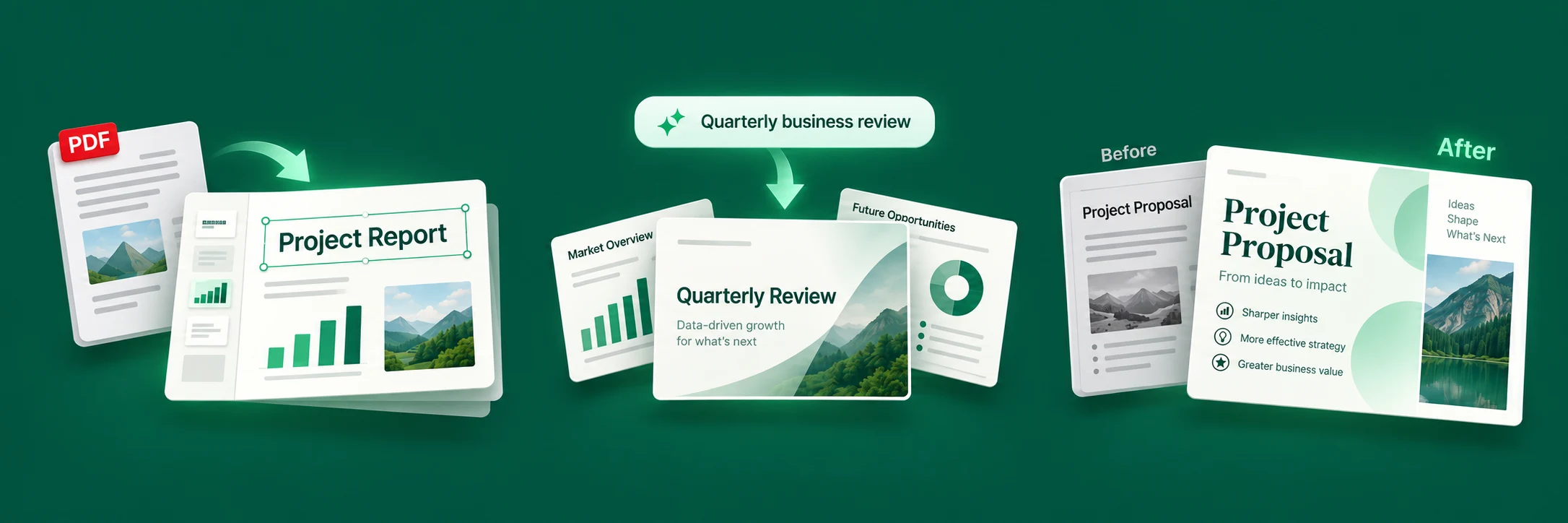
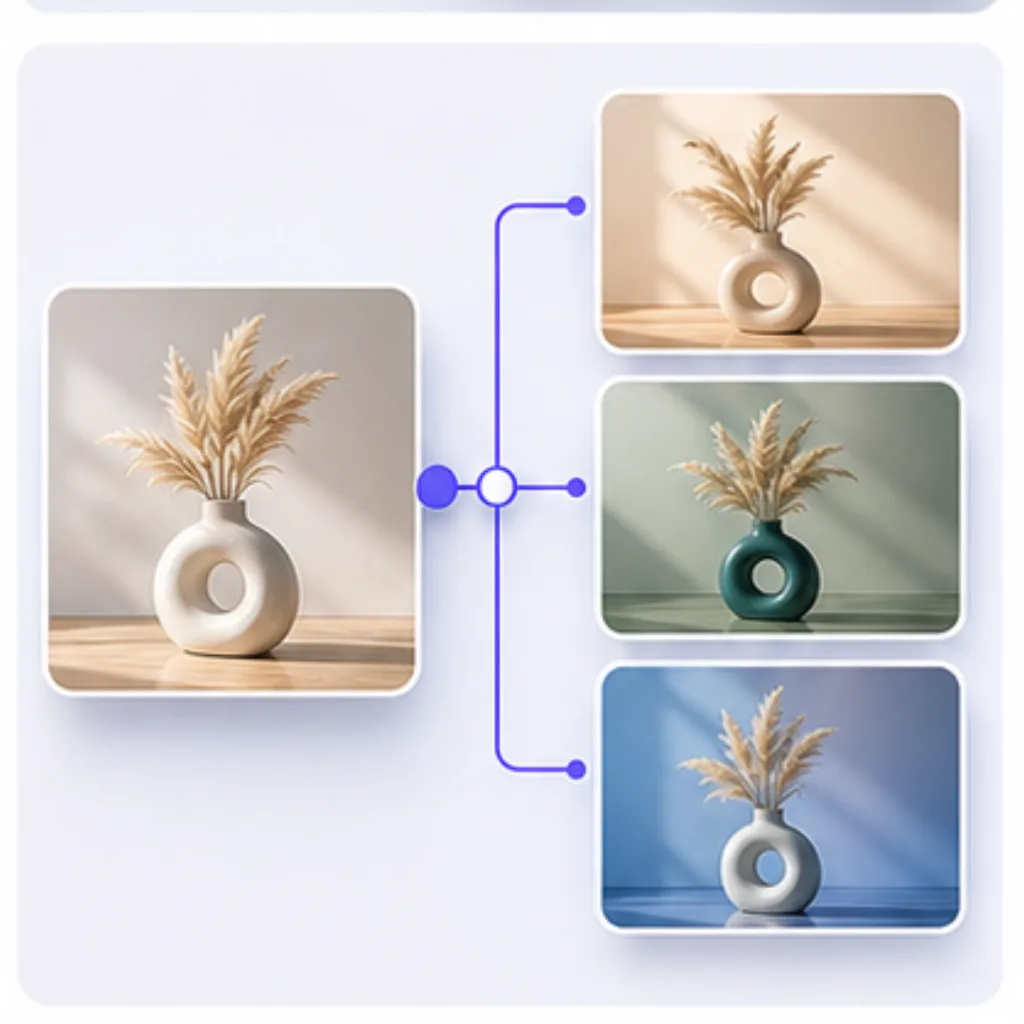
Codia - Transform your design and development workflow with AI-powered tools From slides to designs. Choose where to start. Rebuild PDFs and images as editable slides. Start with a topic. Let AI build your presentation. Refine layouts and visuals to make your ideas stand out. Turn your Figma designs into responsive, production-ready code. Clean, maintainable output powered by advanced AI models. From Static Visuals to Editable Workflows Most visual content is trapped in flat images, PDFs, screenshots, or locked design formats. Codia reconstructs them into editable text, shapes, layers, layouts, and design objects.
Screenshots




Reviews
“PDF Codia NoteSlide 100% 01 Turn NotebookLM Slides into Editable PowerPoint The bridge between AI-generated insights and professional presentation delivery. PDF Document NotebookLM Export Open PowerPoint/Keynote Window Codia AI NoteSlide 01 / 01 PowerPoint”