

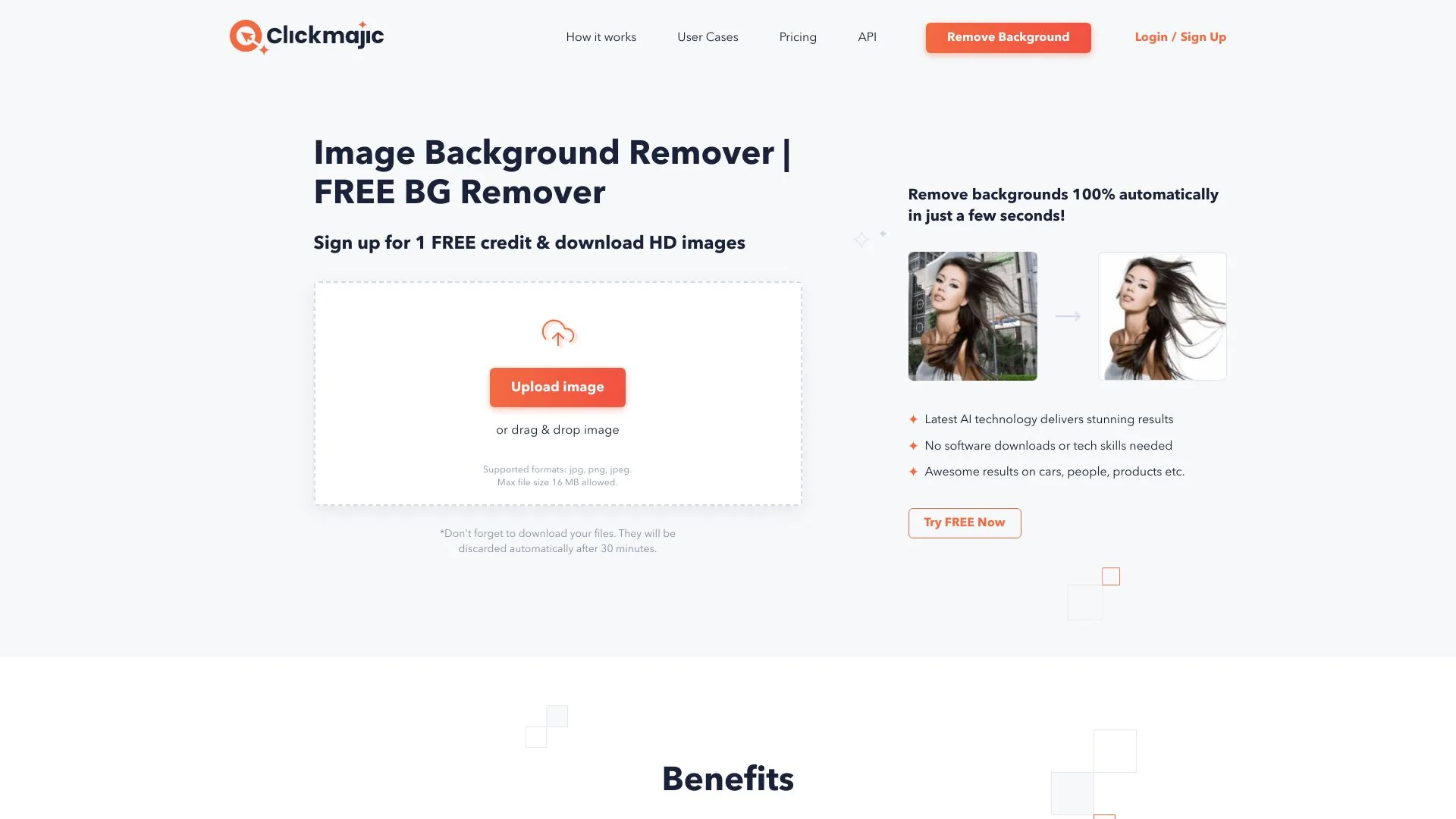
Clickmajic
Remove image backgrounds automatically with Clickmajic.
Paid
- Website
- clickmajic.com
- Category
- Image › AI Background Remover
- Pricing
- Paid
- Platforms
- website
For new users working on a PC or a Mac, the quickest way is to navigate to Clickmajic in your browser, then: | Click on Upload Image or simply drag and drop the image onto the page. | The browser will launch a new window and allow you to remove. | To fine-tune your image, go to Edit>Erase/Restore. | Clickmajic is photo background remover software that lets you easily remove backgrounds from photos. With Clickmajic, you can use it to do basic photo editing and remove backgrounds from images. | beginners and professionals. It is a useful program for removing and replacing the background. |…
About Image tools
Image tools help you accomplish a range of AI-powered tasks. Clickmajic is one option in this category.
About Clickmajic
Automatically remove the background on images with Clickmajic. Download your new transparent background image, change the background, or create stunning graphics with Clickmajic image background removal. Image Background Remover | FREE BG Remover Sign up for 1 FREE credit & download HD images Supported formats: jpg, png, jpeg. Max file size 16 MB allowed. *Don't forget to download your files. They will be discarded automatically after 30 minutes. Latest AI technology delivers stunning results No software downloads or tech skills needed Awesome results on cars, people, products etc. BG Removal - Fast Background Removal Tool with AI and Removal Background API
Features
Benefits: Try it now!
Use cases
Use case 1: Benefits: Try it now!
Use this capability in a real workflow, not only as a demo.
Getting started
- Visit Clickmajic's website to create an account or start using it
- Available on: website
- Check the pricing page for the plan that fits
Related tools


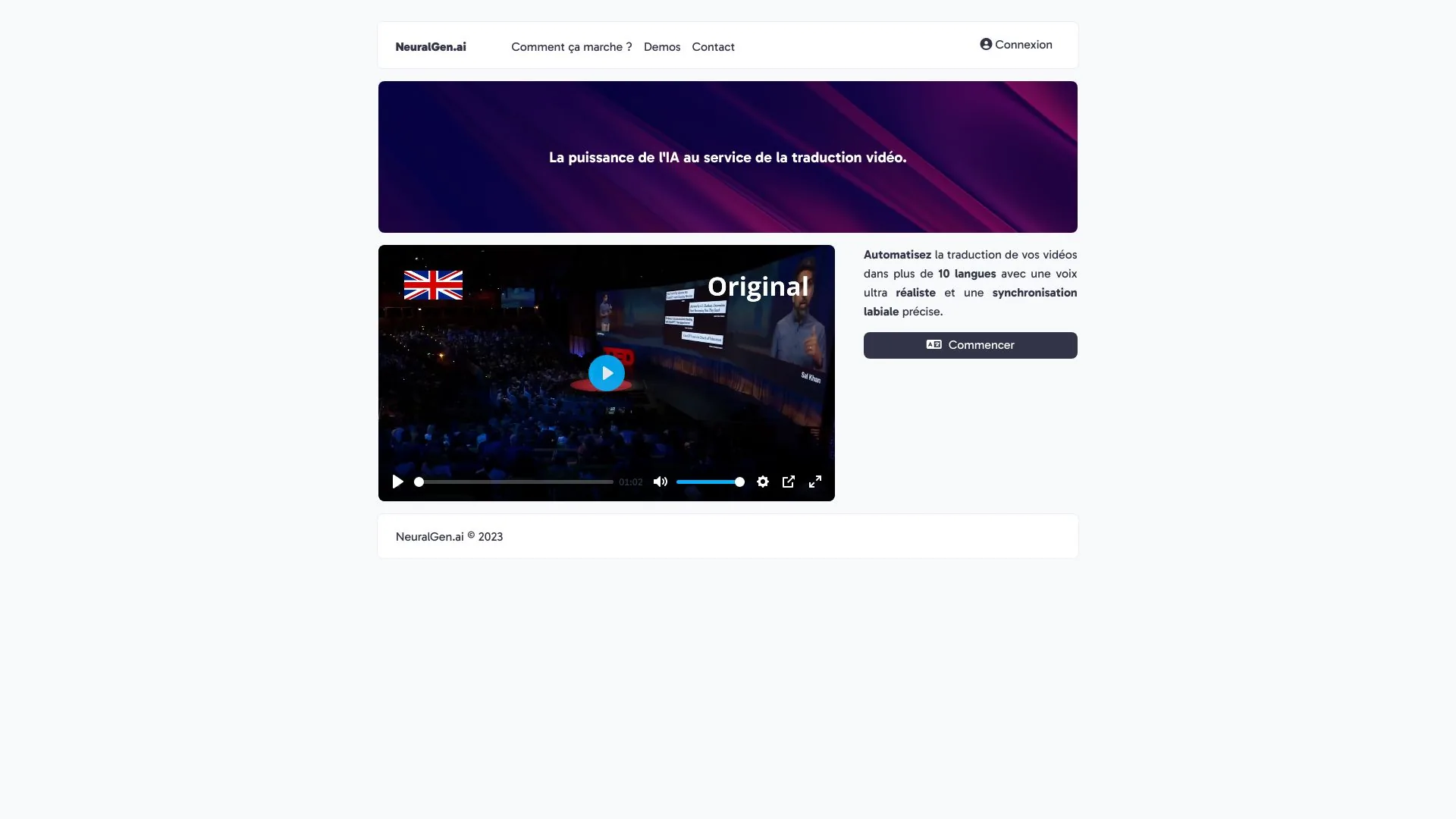
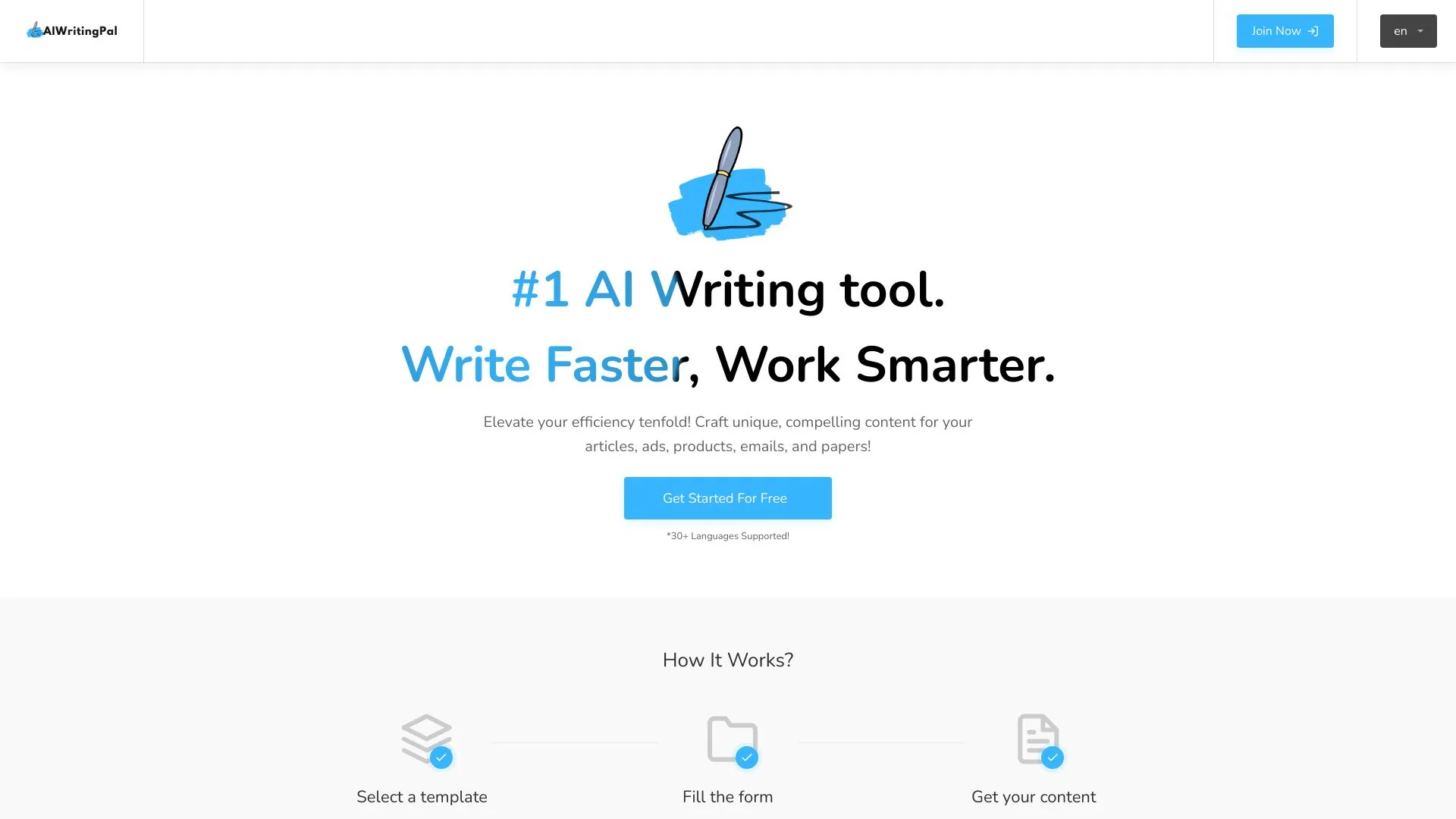
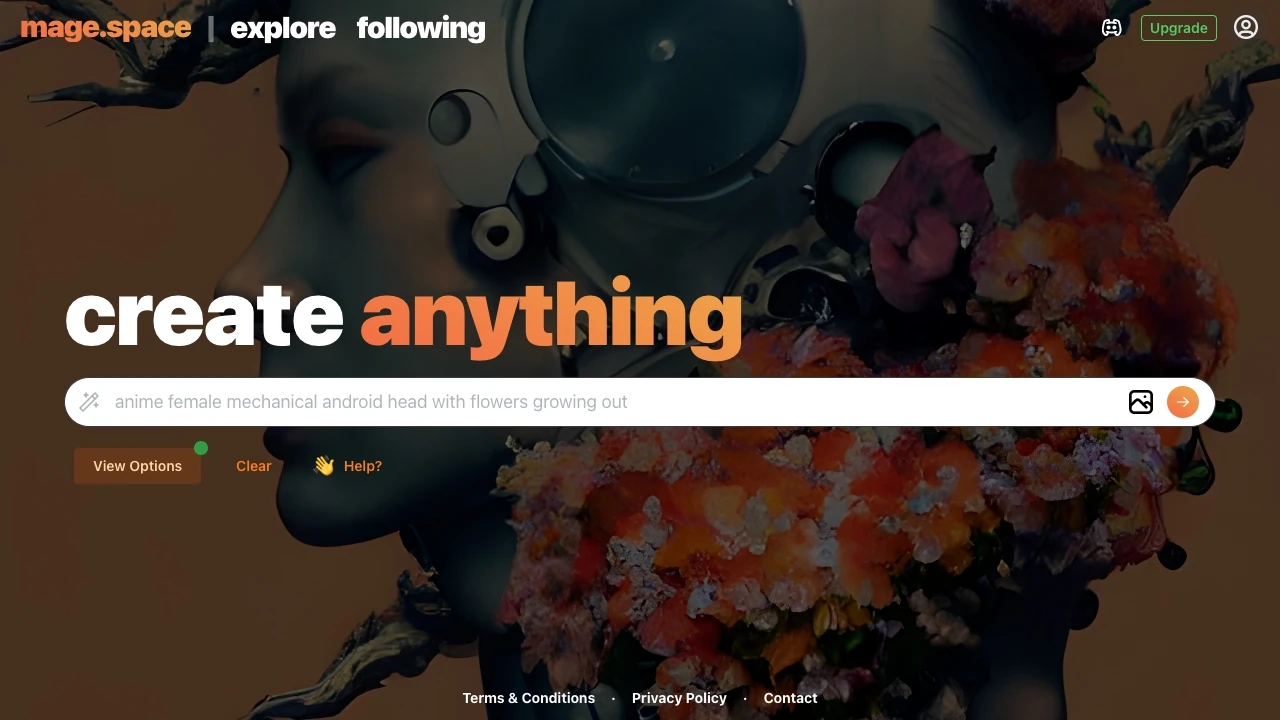
Compare Clickmajic with other Image tools such as ModelsLab, Simplified before you pick one.