Productivity · AI Productivity Tools
Chatbox
Chatbox's AI-powered desktop app boosts productivity.
Paid
- Website
- chatboxai.app
- Category
- Productivity › AI Productivity Tools
- Pricing
- Paid
- Platforms
- website
About Chatbox
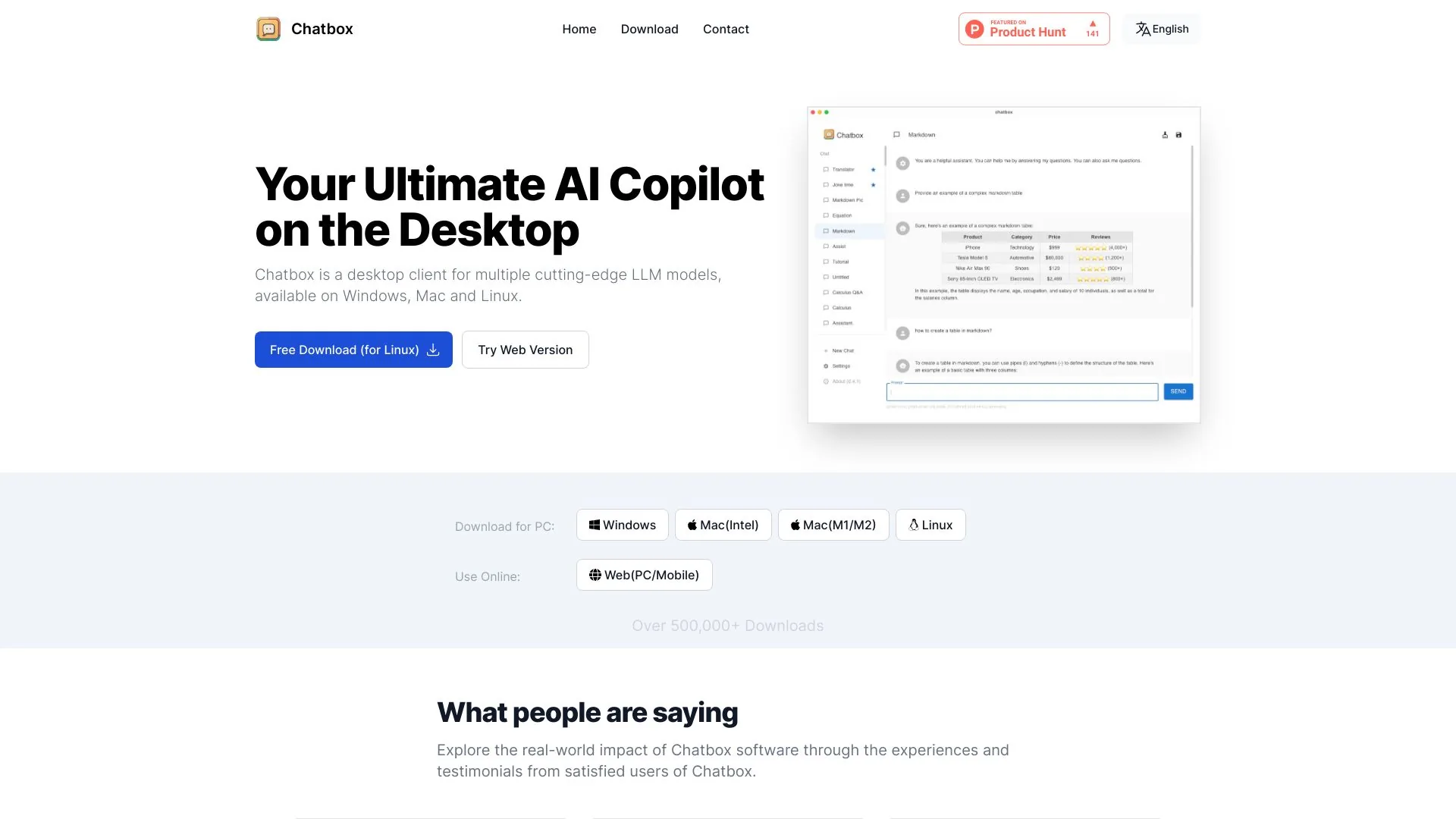
Chatbox AI is a privacy-focused app to chat and work with GPT, Claude, Gemini, Grok, DeepSeek, and more using your own API keys. Start for free. Chatbox AI: Chat and Work with Multiple AI Models. All in One Place. Access leading AI models including GPT, Claude, Gemini, Grok, DeepSeek, and more in one privacy-focused AI app with your own API keys. Use Work Mode for advanced agentic workflows. Start for free on desktop, mobile, and web. Access leading AI models including GPT, Claude, Gemini, Grok, DeepSeek, and more in one privacy-focused AI app with your own API keys. Use Work Mode for advanced agentic workflows. Start for free on desktop, mobile, and web.
Features
In the input box, click “Chat Mode” or “Work Mode”.
Find “Knowledge Base”.
Click “+ Create” on the right.
On the Settings page, click “Add” or “Create your first knowledge base”.
Choose “Create Knowledge Base” in the dialog and name your knowledge base.
Click “Add Files” below the knowledge base you created.
Drag files in, or click to upload them.
Click “ESC” in the upper-right corner to exit Knowledge Base settings.