ChatTTS
Speech generation model for conversational scenarios
Open source
- Website
- chattts.com
- Category
- Chatbot › AI Chatbot
- Pricing
- Open source
- Platforms
- website
the project team plans to open source a trained base model. This will enable academic researchers and developers in the community to further study and develop the technology | The team is committed to improving the controllability of the model, adding watermarks, and integrating it with LLMs. These efforts ensure the safety and reliability of the model | ChatTTS How to use ChatTTS? Let's get started with ChatTTS in just a few simple steps. | Let's get started with ChatTTS in just a few simple steps. | 01 Download from GitHub Download the code from GitHub. git clone…
About ChatTTS
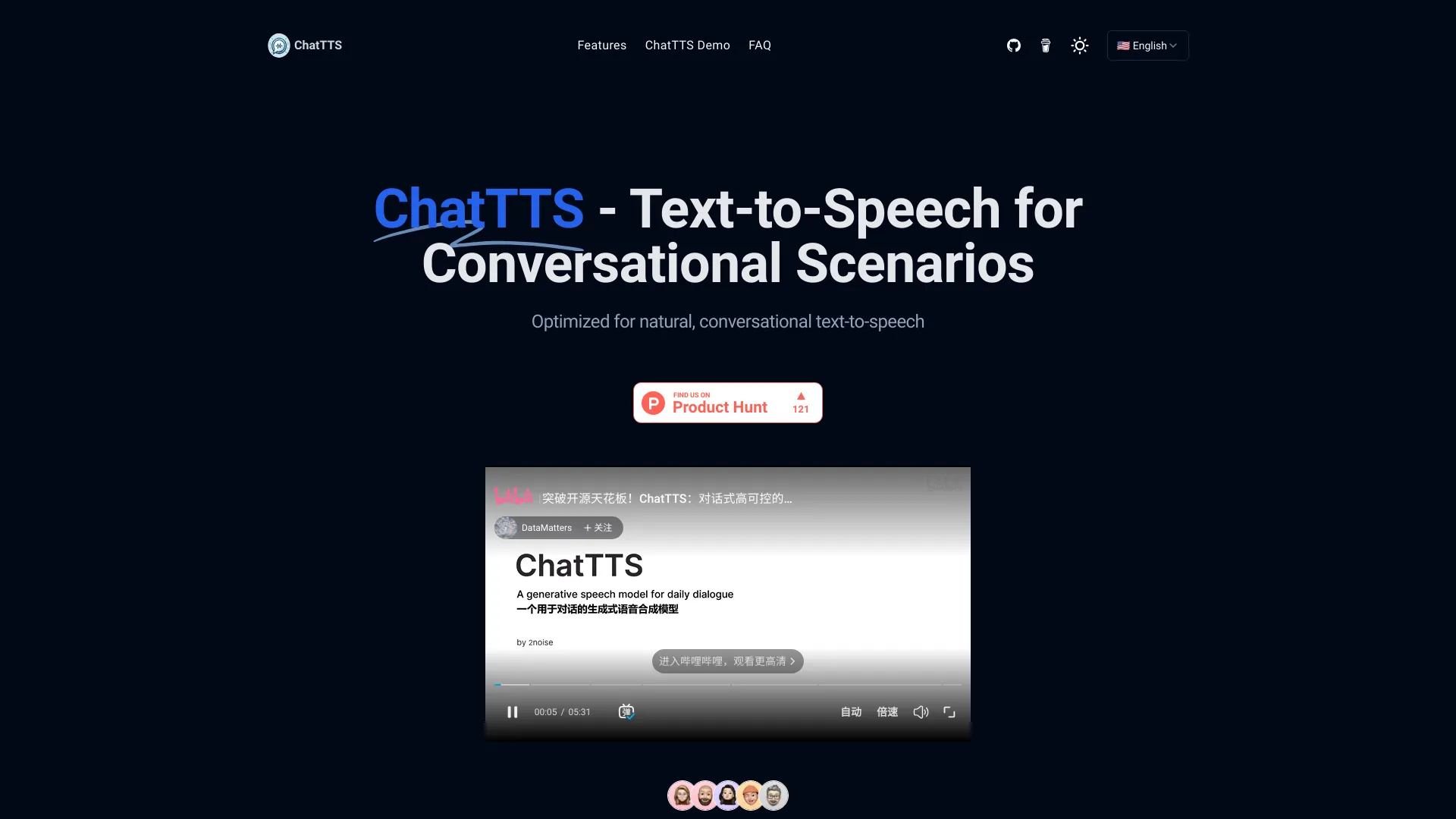
ChatTTS is a voice generation model on GitHub at 2noise/chattts,Chat TTS is specifically designed for conversational scenarios. It is ideal for applications such as dialogue tasks for large language model assistants, as well as conversational audio and video introductions. The model supports both Chinese and English, demonstrating high quality and naturalness in speech synthesis. This level of performance is achieved through training on approximately 100,000 hours of Chinese and English data. Additionally, the project team plans to open-source a basic model trained with 40,000 hours of data, which will aid the academic and developer communities in further research and development. ChatTTS - Text-to-Speech for Conversational Scenarios
Features
01 Download from GitHub Download the code from GitHub. git clone https://github.com/2noise/ChatTTS Download ChatTTS
04 Initialize ChatTTS Create an instance of the ChatTTS class and load the pre-trained models. chat = ChatTTS.Chat() chat.load_models()
05 Prepare Your Text Define the text you want to convert to speech. Replace <YOUR TEXT HERE> with your desired text. texts = ["Hello, welcome to ChatTTS!",]
06 Generate Speech Use the infer method to generate speech from the text. Set use_decoder=True to enable the decoder. wavs = chat.infer(texts, use_decoder=True)
Screenshots