BeFunky
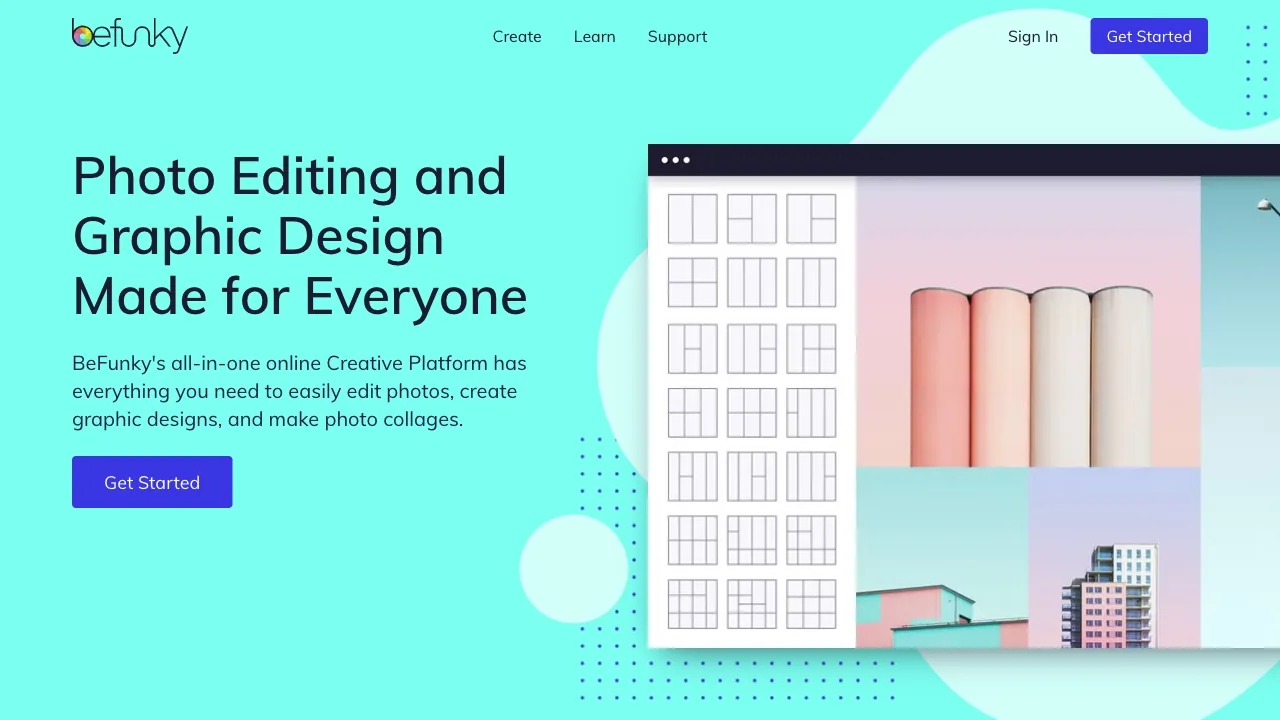
BeFunky is an online platform for editing photos, creating collages and designing graphics.
Freemium
- Website
- befunky.com
- Category
- Video › AI Video Editor
- Pricing
- Freemium
- Platforms
- website
BeFunky Plus is a great fit for everyday photo editing and design. Pro is best for more advanced workflows, including batch AI editing and background removal. | What's the difference between Plus and Pro? | What are credits and how do they work? | What happens if I run out of credits? | You can purchase additional credits at any time to continue using batch AI tools. | Do unused credits roll over each month? | Monthly Subscription credits included with your Pro plan do not roll over. Any unused Top-up credits will roll over as long as your Pro subscription remains active. | Can I use BeFunky…
About BeFunky
Explore BeFunky’s Plus and Pro plans for photo editing and graphic design. Get more tools, faster workflows, and powerful features to create with ease. Choose the Right Way to Create with BeFunky From simple edits to full creative control to batch workflows, there’s a plan for every stage of your workflow. Choose the plan that fits your workflow and start creating without limits. Do I need a subscription to use BeFunky? While many of BeFunky’s tools are free to use or preview for free, you will need a subscription to use our premium features. BeFunky Plus is a great fit for everyday photo editing and design. Pro is best for more advanced workflows, including batch AI editing and background removal.
Features
More Photo Frames Crop Photo Blur Image Resize Image Batch Image Resizer
Photo Frames Crop Photo Blur Image Resize Image Batch Image Resizer
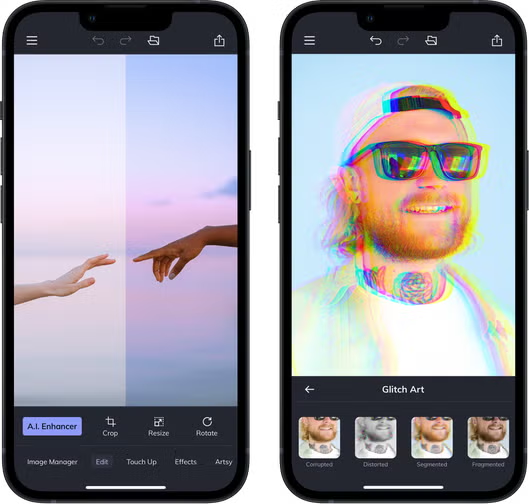
Basic Photo Editing Tools
Smart Editing Tools
Basic Batch Image Editing
AI Batch Image Editing
Use cases
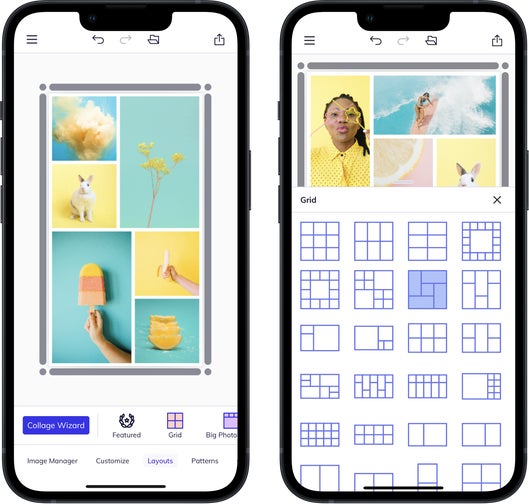
Personal photo editing and collage making
Graphic designers creating designs
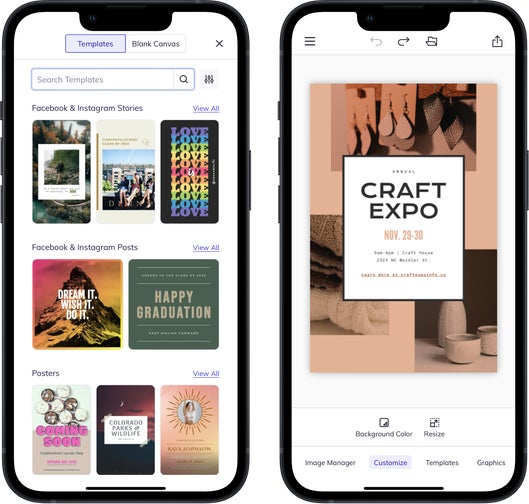
Quickly creating designs using templates
Batch processing photos
Screenshots