Writing · Captions or Subtitles
AutoCut
Automated video editing AI plugin for Premiere Pro.
Freemium
- Website
- autocut.com
- Category
- Writing › Captions or Subtitles
- Pricing
- Freemium
- Platforms
- website
Compare plans based on how much you edit—clear pricing, no hidden fees. | Explore Enterprise | FAQ Questions before you download? Get clear answers on compatibility, licenses, usage limits, and cancellation. Visit the Help Center | Get clear answers on compatibility, licenses, usage limits, and cancellation. | Visit the Help Center | How do I install AutoCut? AutoCut supports Premiere Pro 2023–2026 and DaVinci Resolve 18.6 or later. Both DaVinci Resolve Free and Studio are supported. Follow our step-by-step tutorial here. | AutoCut supports Premiere Pro 2023–2026 and DaVinci Resolve 18.6 or…
About AutoCut
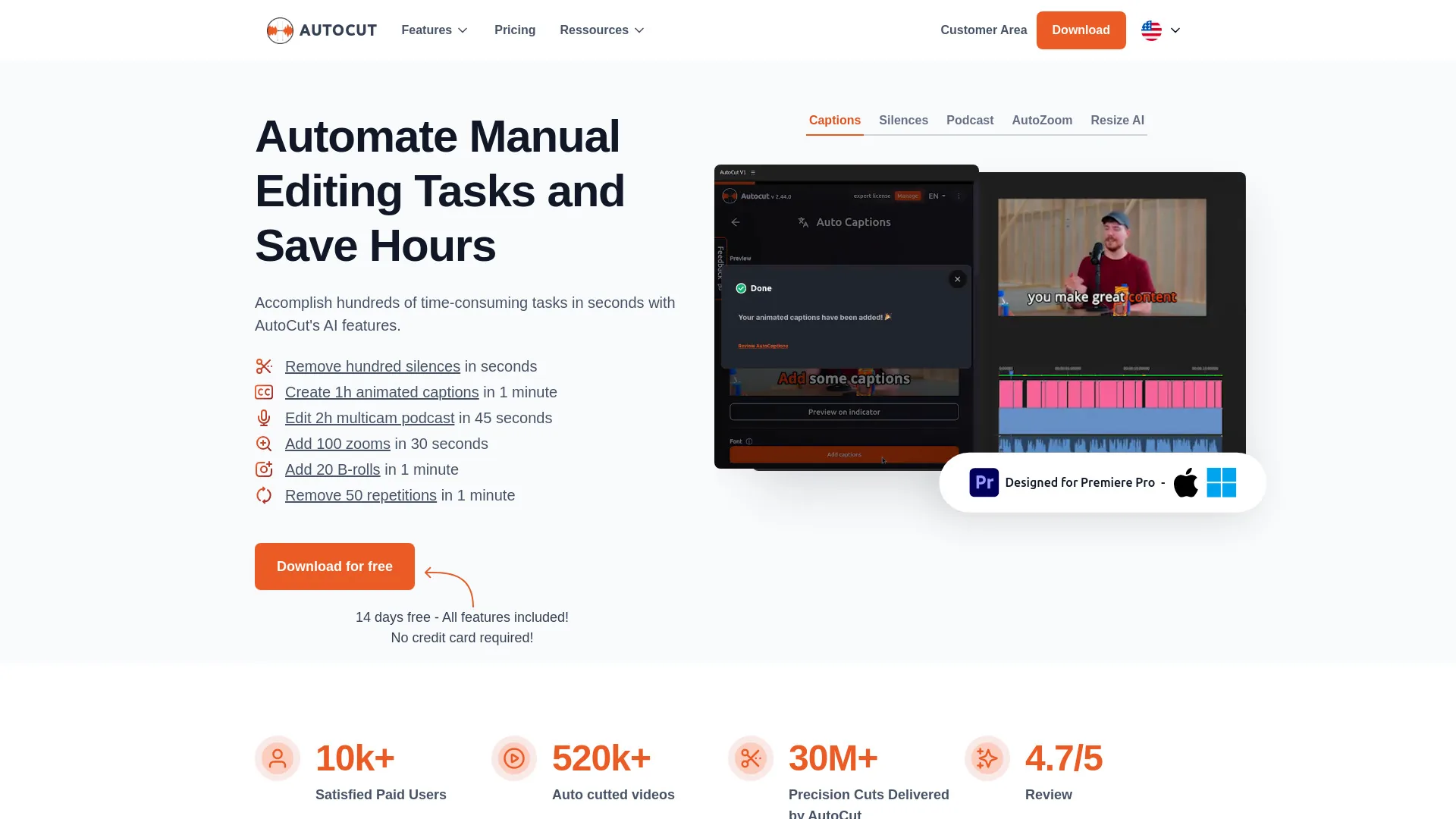
AutoCut is the AI video editing plugin for Premiere Pro and DaVinci Resolve. Remove silences, add captions, B-rolls, zooms, and more inside your timeline. The AI video editing plugin for Premiere Pro & DaVinci Resolve Automate repetitive editing tasks and save hundreds of hours. 14-day free trial • No credit card required • All features included 14-day free trial • No credit card required • All features included Trusted by editors from leading companies This tool is amazing for Premiere Pro! It makes editing so much faster and easier. I can't imagine working without it! What I like most about AutoCut is how intuitive and time-saving it is, it helps me focus on creativity instead of spending hours on repetitive tasks. It’s a real game-changer for both beginners and professionals!
Features
10 tools. One faster editing workflow.
From rough cuts and captions to podcast switching and social clips, AutoCut handles repeatable steps without pulling you out of the edit.
AutoCaptions
Publish-ready captions without the manual timing
Generate, style, and translate animated captions without leaving your edit.
Explore AutoCaptions
AutoCut Silences
Screenshots



Reviews
“★ ★ ★ ★ ★ 4.8/5 on Trustpilot from 293 reviews ★ ★ ★ ★ ★ 4.7/5 on Google from 262 reviews”
“★ ★ ★ ★ ★ 4.8/5 on Trustpilot from 293 reviews”
“★ ★ ★ ★ ★ 4.7/5 on Google from 262 reviews”