Anki Decks
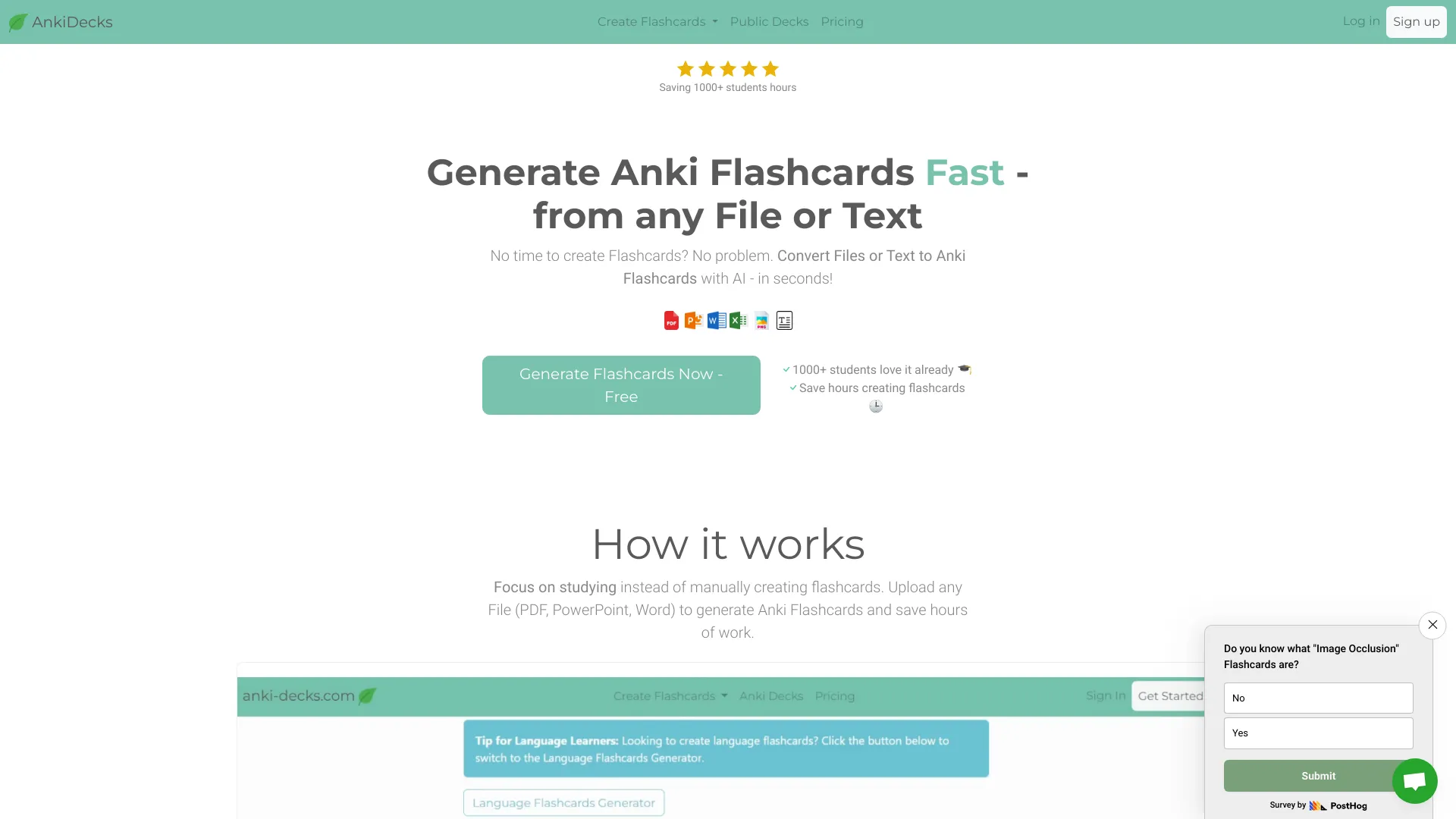
Create flashcards 10x faster
Paid
- Website
- anki-decks.com
- Category
- Other › Other
- Pricing
- Paid
- Platforms
- website
Can I export my decks to Anki? Every plan, including Free, exports .apkg files that open in Anki desktop and mobile. Nothing you make here is locked in. | Every plan, including Free, exports .apkg files that open in Anki desktop and mobile. Nothing you make here is locked in. | Which file types can I upload? PDF, PowerPoint, Word, Excel, images, audio, video files and YouTube links. Text, images and diagrams are all pulled out and turned into cards. | PDF, PowerPoint, Word, Excel, images, audio, video files and YouTube links. Text, images and diagrams are all pulled out and turned into cards…
About Anki Decks
Create Anki flashcards from PDFs, slides, videos or notes with AI — free. Study online with spaced repetition or download as .apkg for Anki. No install needed. Create flashcards fast, save hours of prep time. Every plan generates cards with AI, studies with spaced repetition, and exports to Anki. Enough headroom for one or two courses a semester. Most students pick this. For med and law students, or anyone running 3+ subjects at full power. Turn your first files into flashcards and see how the generation works. AnkiDecks is independent of and not affiliated with or endorsed by Anki Software LLC. Same features on every plan — the plans differ only in how much you can run through them.
Features
Open AnkiDecks in Chrome on your Android device.
Tap the menu (three dots) in the top-right corner.
Select "Add to Home screen" or "Install app".
Confirm the installation, and AnkiDecks will appear on your home screen like a regular app.
Screenshots

Reviews
“Aggregate rating 4.7 from 210 reviews (JSON-LD).”