

Image · AI Photo & Image Generator
AiShot
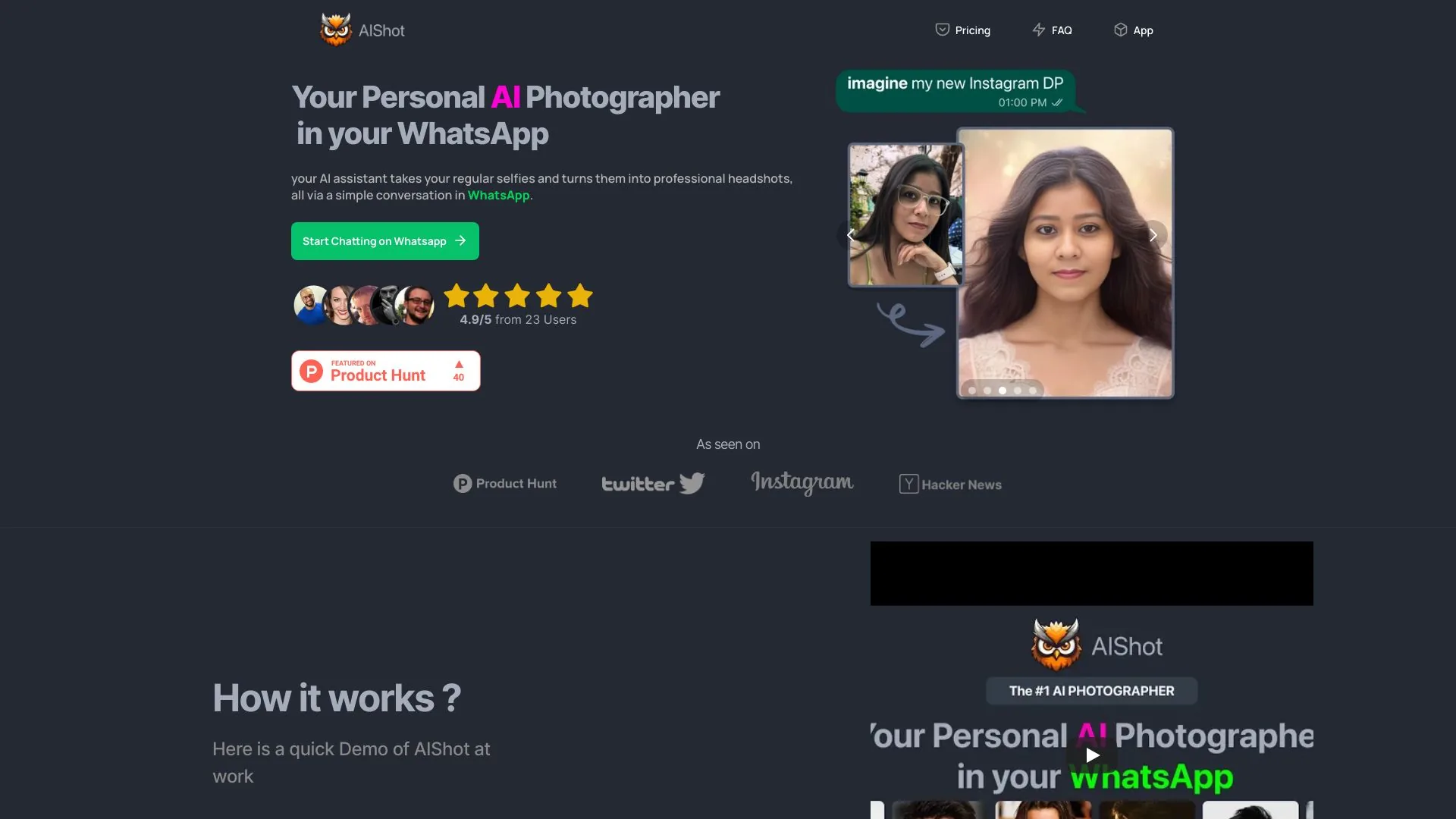
Turn ordinary selfies into professional headshot photos.
- Website
- aishot.in
- Category
- Image › AI Photo & Image Generator
- Platforms
- website
About Image tools
Image tools help you accomplish a range of AI-powered tasks. AiShot is one option in this category.
About AiShot
Create stunning AI headshots for professionals, couples, and resumes with AI-powered AIshot app. Generate, customize, and download personalized photos instantly. Create Professional AI Headshots in Seconds AIShot creates professional AI headshots in seconds. Make business headshots, profile photos, and professional headshots for LinkedIn-ready profiles, resumes, and company directories. One app for studio-quality portraits, background removal, and subtle retouch so you always look your best. Create stunning professional headshots with our AI-powered tools designed for modern professionals One-tap headshot AI with natural skin tone and studio lighting for perfect professional portraits.
Features
Professional AI Headshot Generator: One-tap headshot AI with natural skin tone and studio lighting for perfect professional portraits.
Business Headshots Styles: Suits, blazers, formal poses, neutral backgrounds for corporate profiles and LinkedIn.
Background Remover: Switch to white, gray, office, or gradient backgrounds in one tap for perfect professional shots.
Suit Up Maker: Add a jacket or tie for a polished professional headshot without a photoshoot.
Portrait Studio Editor: Crop, align, and retouch with gentle skin cleanup and teeth whitening for perfect results.
CV and Resume Photo: Instant crops for CV, resume, job boards, and passport-style sizes with perfect dimensions.
Use cases
Use case 1: Professional AI Headshot Generator: One-tap headshot AI with natural skin tone and studio lighting for perfect professional portraits.
Use this capability in a real workflow, not only as a demo.
Use case 2: Business Headshots Styles: Suits, blazers, formal poses, neutral backgrounds for corporate profiles and LinkedIn.
Use this capability in a real workflow, not only as a demo.
Use case 3: Background Remover: Switch to white, gray, office, or gradient backgrounds in one tap for perfect professional shots.
Use this capability in a real workflow, not only as a demo.
Getting started
- Visit AiShot's website to create an account or start using it
- Available on: website
- Check the pricing page for the plan that fits
Related tools
Compare AiShot with other Image tools such as ModelsLab, Simplified before you pick one.